Printers
Printer Offline in Windows: What to Check Before Reinstalling the Driver
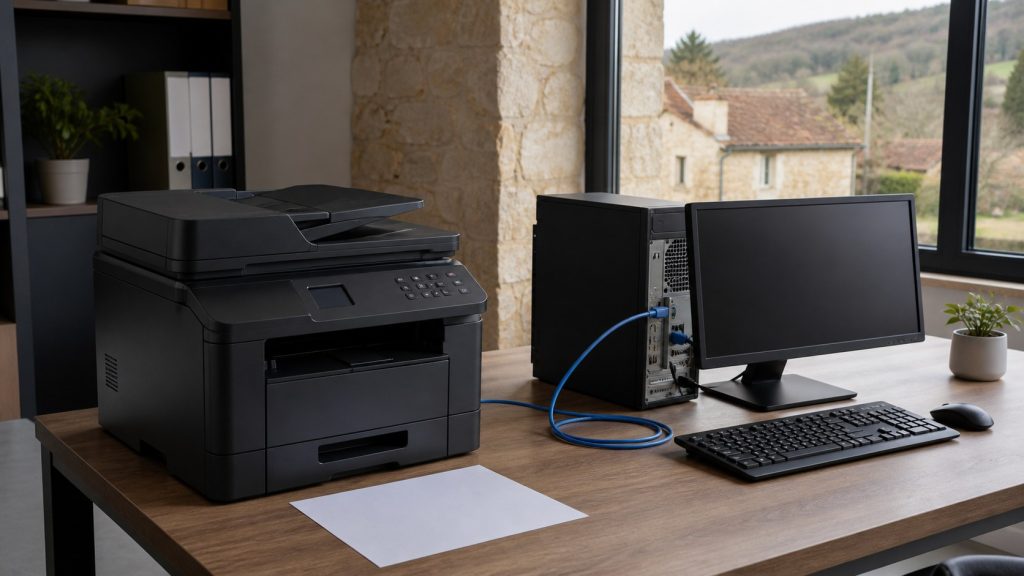
Printer offline in Windows: locate the fault across the device, network, queue and driver before reinstalling everything.

Printers / Practical guide
THE TERA24 JOURNALWhy Choose a Multifunction Printer Under €100?
Discover our selection of the best Canon multifunction printers under €100. Ideal for home use or remote working, these printers combine reliability, ease of use, and excellent value for money.
The Tera24 approach
What Are the Best Budget Printers in 2026?
Looking for a high-performance, affordable multifunction printer without spending more than €100? Canon offers several reliable models that are ideal for home use, students, or light office work. Here are our top three picks, combining excellent print quality, modern connectivity, and ease of use.
A low-cost printer can become inconvenient if cartridges run out quickly, duplex printing is manual or you regularly need to scan several sheets. I therefore start with the real use: a few occasional documents, homework and family printing, or multi-page paperwork.
All three models below are cartridge-based inkjet printers. They suit light or moderate use, but they are not necessarily the most economical option for intensive printing. If you are still unsure about the technology, first review the practical laser vs inkjet differences.
| Model | Suitable use | Threshold check | Black XL | Colour XL | Main limitation |
|---|---|---|---|---|---|
| Canon PIXMA TS3551i | Occasional printing | Linked offer above the threshold | 7.6 cents per page | 17.8 cents per page | No automatic duplex or document feeder |
| Canon PIXMA TS4150i | Home, study and regular documents | Below the threshold | 10.5 cents per page | 22.3 cents per page | No automatic document feeder |
| Canon PIXMA TS7550i | Multi-page paperwork and scanning | Below the threshold | 10.5 cents per page | 22.3 cents per page | Still relies on a two-cartridge ink system |
Calculation checked on 18 September 2026: estimate based on genuine Canon XL cartridges and their stated yields. Black is the black-cartridge cost divided by its yield; colour adds the black and colour components. Paper, electricity, cleaning cycles and starter cartridges are excluded, and actual yield depends on the documents printed.
Threshold check: on 18 September 2026, the TS4150i and TS7550i affiliate links led to offers below the advertised ceiling. The TS3551i link was above it. I am keeping that model as a reference, but it should only be considered if the offer you see falls back below the threshold.
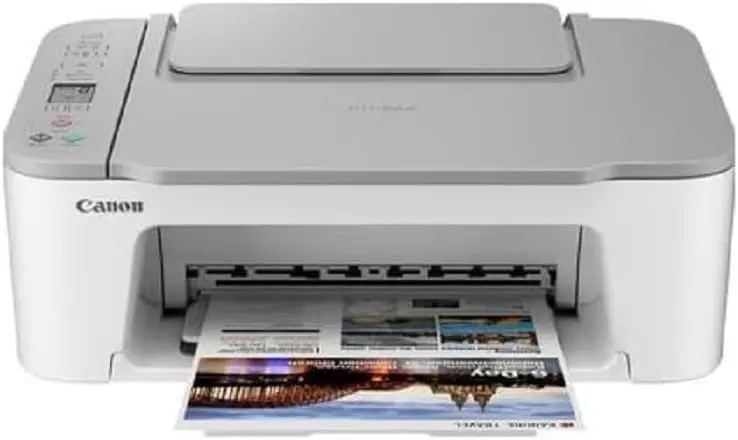
The Canon PIXMA TS3551i combines printing, copying and scanning in a compact format. Wi-Fi, the Canon PRINT app, AirPrint and Mopria provide straightforward printing from a computer or mobile device.
My advice: I have installed it for clients and reserve it mainly for people who print very little. I would not recommend it for long weekly documents or frequent multi-page scans. Its affiliate link was also above the advertised ceiling when checked on 18 September 2026, so verify the threshold before buying.
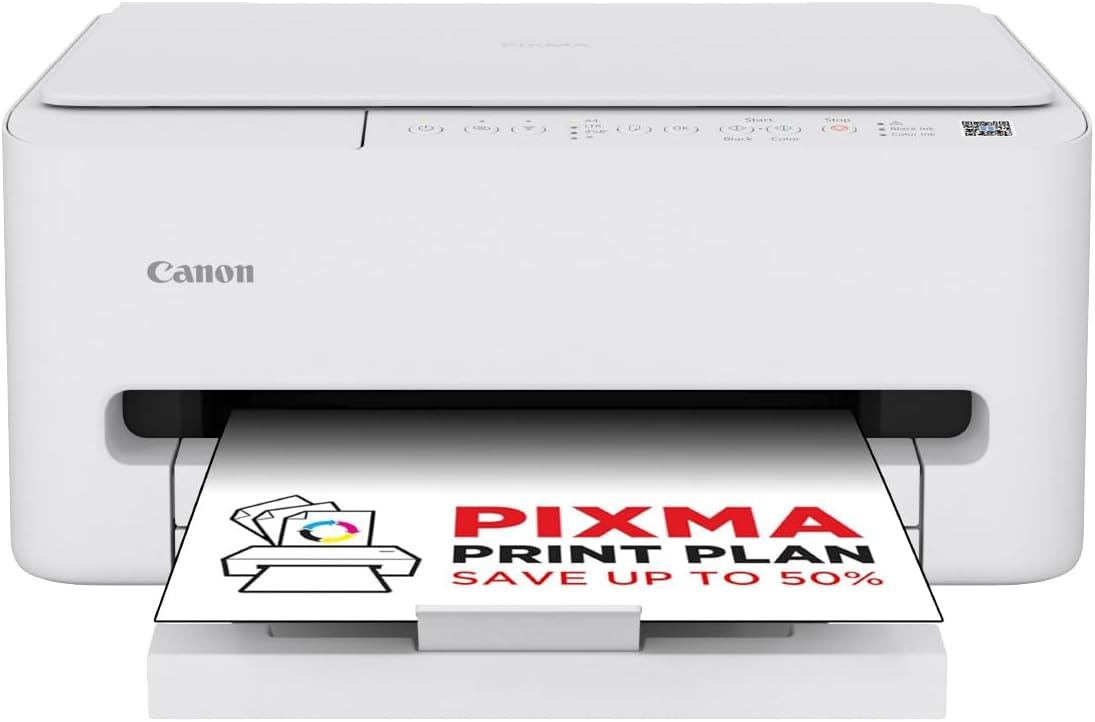
The Canon PIXMA TS4150i is a recent 3-in-1 designed for everyday documents. It adds automatic duplex printing, rated speeds of 14 ipm in black and 9 ipm in colour, and dual-band Wi-Fi.
My advice: I have installed it for clients, and it is the most balanced model here for a household that prints regularly without handling large document batches. The technical figures and cost per page still come from Canon’s data, not a measured field yield.
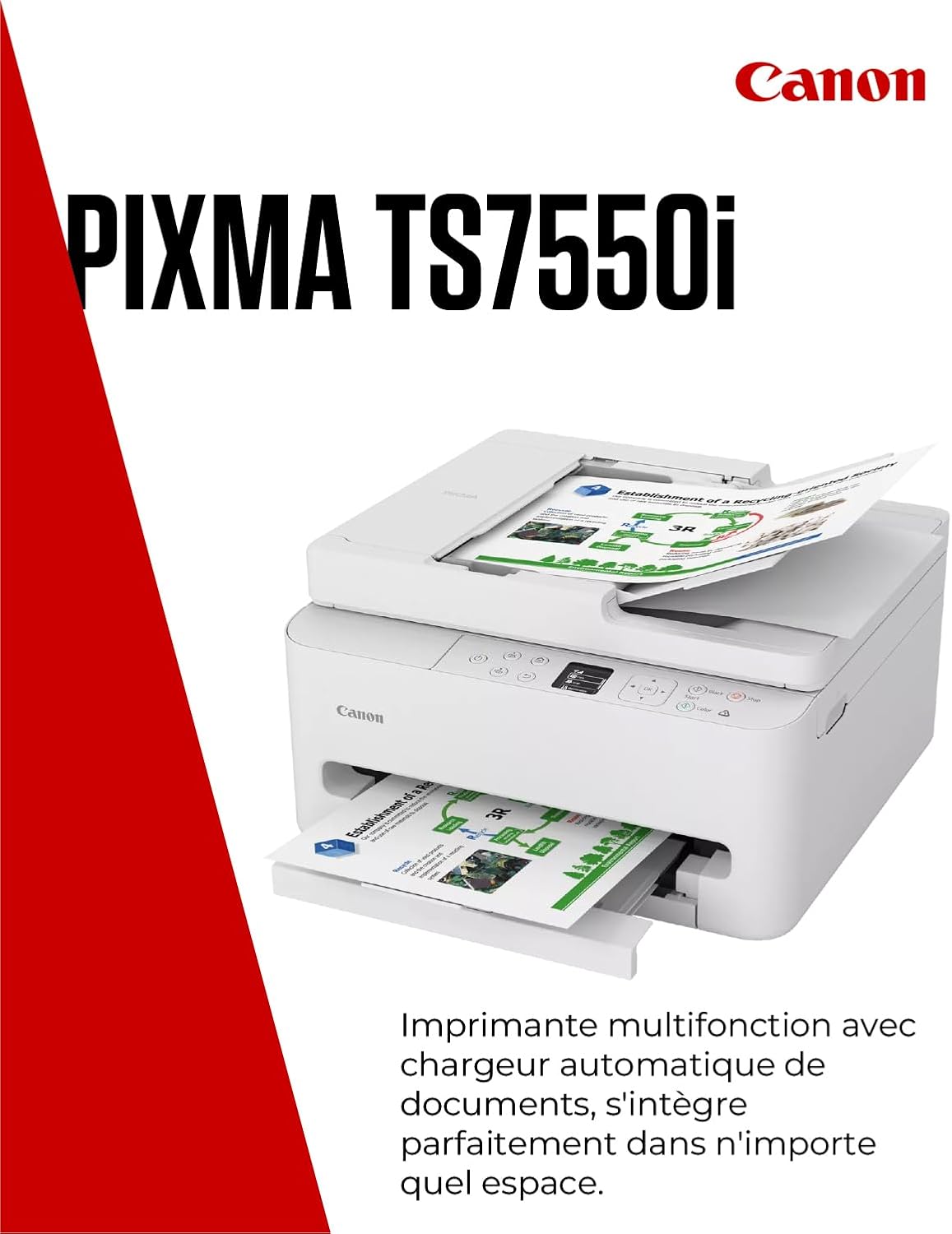
The Canon PIXMA TS7550i stands out for its 35-sheet automatic document feeder. Canon rates it at 14 ipm in black and 9 ipm in colour. It also supports dual-band Wi-Fi and provides a small OLED display for common settings.
My advice: I have installed it for clients; choose it when the document feeder will genuinely save you time. For isolated pages, the TS4150i is the more coherent option. The technical figures and cost per page come from Canon’s data.
For a handful of documents each month, the TS3551i covers the essentials. The TS4150i is more comfortable for regular family or student use because of automatic duplex and higher speed. The TS7550i becomes worthwhile when you frequently copy or scan multi-page documents.
Whichever model you consider, check cartridge availability and running costs against your expected volume. A cartridge printer is not automatically economical over several years simply because its initial purchase is accessible.
Some links in this article are Amazon affiliate links. If you purchase through these links, I may earn a commission at no additional cost to you. This helps support and fund the Tera24 website.
Written by
IT technician and founder of Tera24, I provide computer repair, troubleshooting, and optimization services throughout Dordogne, helping individuals and businesses keep their technology running smoothly.
About Tera24 ↗From guide to workshop
Tera24 provides printer repair and support throughout the Dordogne, including Wi-Fi connectivity issues, installation, cleaning, cartridge replacement, and setup on Windows PCs, Macs, and smartphones.
Further reading
Printers
Printer offline in Windows: locate the fault across the device, network, queue and driver before reinstalling everything.
Printers
Why Not All Printers Are Created Equal The price you see in the store tells you almost nothing. What really matters is the total cost of ownership: the purchase price, consumables, lifespan, maintenance, potential repairs, and the cost per page over several years. A printer sold for €49 can ultimately cost far more than a […]