Printers
Printer Offline in Windows: What to Check Before Reinstalling the Driver
Printer offline in Windows: locate the fault across the device, network, queue and driver before reinstalling everything.

Printers / Practical guide
THE TERA24 JOURNALWhy Do So Many People Choose the Wrong Printer?
After years of repairing and installing printers across Dordogne, I've noticed the same pattern time and time again: people buy a printer on impulse because it's on sale for €49, then call me six months later because it has already stopped working properly. Clogged nozzles, empty cartridges after only 30 pages, unreliable Wi-Fi, faded receipts... Most of the time, it isn't even a hardware failure. It's simply a printer that doesn't match the way it's actually being used.
The problem is that manufacturers often blur the lines. A printer that's very cheap to buy can become incredibly expensive once you start replacing cartridges. An "economical" laser printer may never pay for itself if you only print ten pages a month. And some machines spend more time cleaning themselves than actually printing.
The Tera24 approach
Three Technologies, Three Completely Different Uses
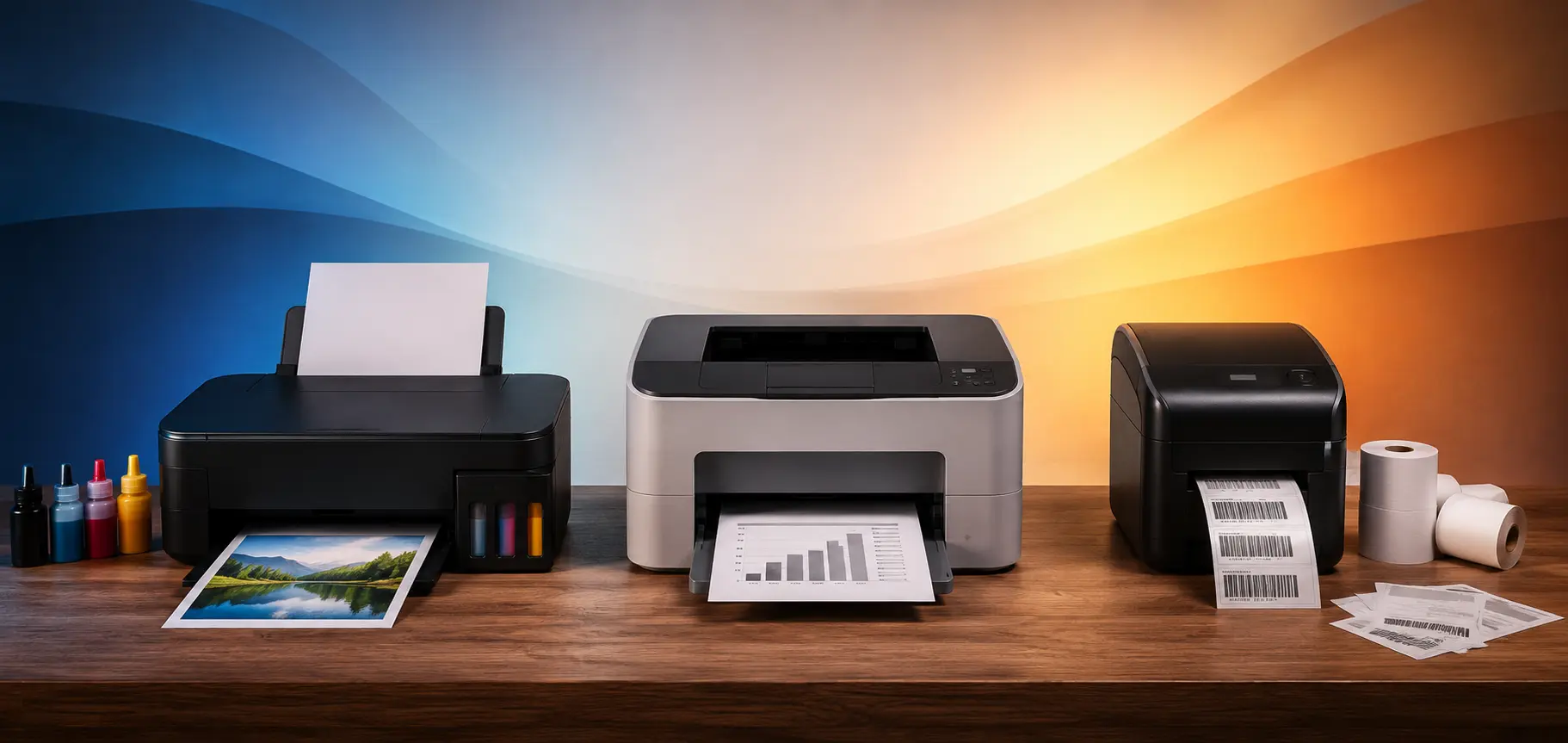
There are three main types of printers: inkjet, laser, and thermal. These are three very different technologies, with different running costs and, most importantly, different types of users in mind.
Some are ideal for printing a few documents from time to time, others only become cost-effective when you print large volumes, while some are designed almost exclusively for retail businesses, shipping, or label printing.
The goal of this guide is simple: to help you understand the real differences between these technologies, avoid the most common pitfalls, and choose a printer that truly matches your needs before spending money on a machine that will end up gathering dust in a cupboard just a few months later.
The price you see in the store tells you almost nothing.
What really matters is the total cost of ownership: the purchase price, consumables, lifespan, maintenance, potential repairs, and the cost per page over several years. A printer sold for €49 can ultimately cost far more than a €250 model. On the other hand, a large professional laser printer can be a poor investment if you only print five pages a month.
The real deciding factor is how you use it: how many pages you print, how often, whether you print in black and white or color, and whether you’re printing photos, administrative documents, or labels. This is where many people make the wrong choice.
In fact, most home users print far less than they think. Many people tell me they “print regularly,” but in reality they only produce around ten pages per month. That single detail completely changes the type of printer they should buy.
How they work
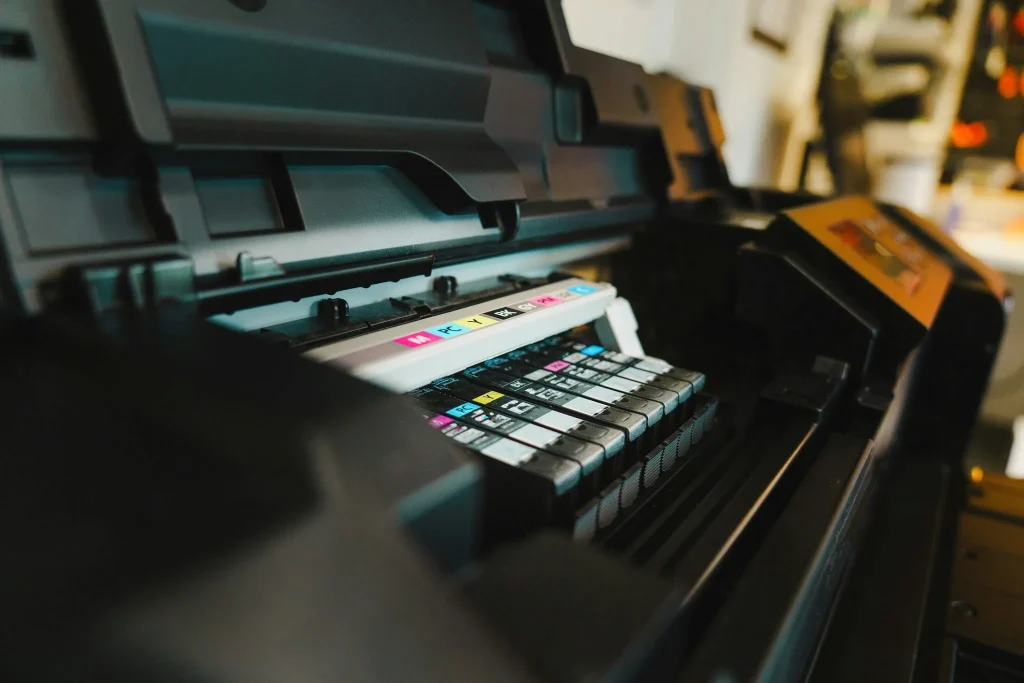
Inkjet printers spray microscopic droplets of liquid ink onto the paper through extremely fine nozzles. This is the most common printing technology found in homes—and also the one that generates the highest number of printer repair requests I receive.
Before going any further, it’s important to distinguish between two very different types of inkjet printers: traditional cartridge-based models and printers with built-in ink tanks, such as Epson EcoTank, Canon MegaTank, or HP Smart Tank models. Failing to make this distinction means comparing products that are fundamentally different. Cartridge printers are usually inexpensive to buy but expensive to operate. Ink tank printers cost more upfront, but their cost per page is extremely low—sometimes even lower than that of a color laser printer.
This is probably one of the most important factors for people who print only occasionally, yet almost no buying guide talks about it.
On some printers—typically entry-level Canon or HP models—the print head is built into the cartridge. When the nozzles become clogged, replacing the cartridge also replaces the print head. In many cases, the problem simply disappears. Ink cartridges are more expensive, but this design is much more forgiving for users who print irregularly.
On other printers—especially many Epson models—the print head is separate from the ink cartridges and permanently installed inside the printer. When it becomes clogged, it must be cleaned, sometimes partially disassembled, and in some cases replaced entirely. Repairs can quickly become complicated and expensive, and they are often not worth the cost compared to replacing the printer. I regularly encounter this problem during service calls after printers have been left unused for several months. It’s not a bad technology in itself, but it’s important to understand that inkjet printers don’t like sitting idle.
Inkjet printers offer genuine advantages: entry-level cartridge models are generally affordable, photo and color print quality is significantly better than laser printers, the machines are compact and quiet, and ink tank models provide an exceptionally low cost per page that can compete with virtually any other printing technology.
However, the drawbacks are just as real. Ink can dry out if the printer isn’t used regularly, sometimes in only a few weeks. Automatic cleaning cycles consume a surprising amount of ink, often unnecessarily. Clogged nozzles are probably the most common printer issue I deal with. Cheap third-party cartridges frequently cause nozzle or cartridge recognition problems. And the Wi-Fi connectivity on some entry-level models can be frustratingly unreliable.
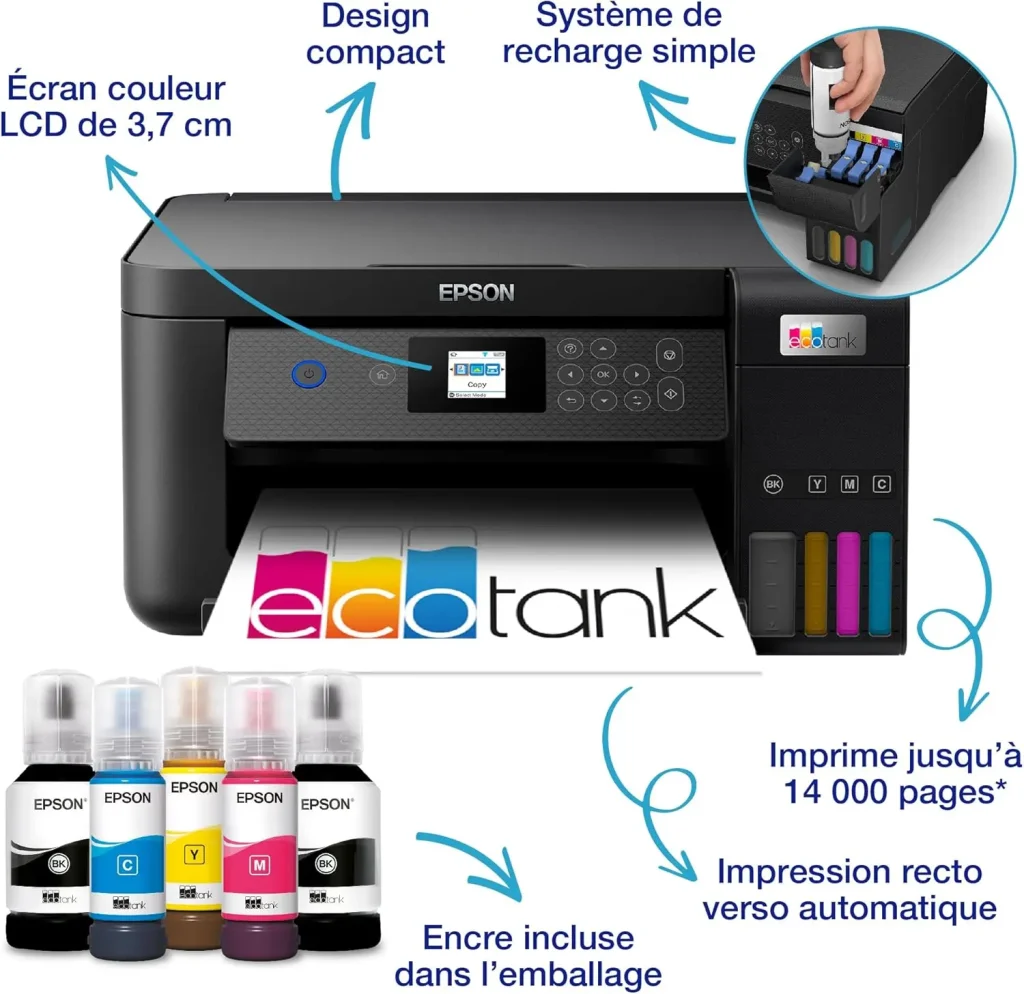
Type: Inkjet with refillable ink tanks — Functions: Print, Copy, Scan, Wi-Fi
This is probably the printer I recommend most often to families who are tired of buying new cartridges every couple of months. The idea behind the EcoTank range is simple: you pay more for the printer upfront, but you refill the tanks with bottles of ink that cost only a fraction of traditional cartridges. Over time, the savings are substantial and genuinely worthwhile.
This model handles printing, copying, and scanning with ease, and its Wi-Fi connectivity is perfectly suitable for everyday home use. Just keep in mind that, like any inkjet printer, an EcoTank performs best when used regularly. Printing a single page each week is usually enough to prevent the ink from drying out.
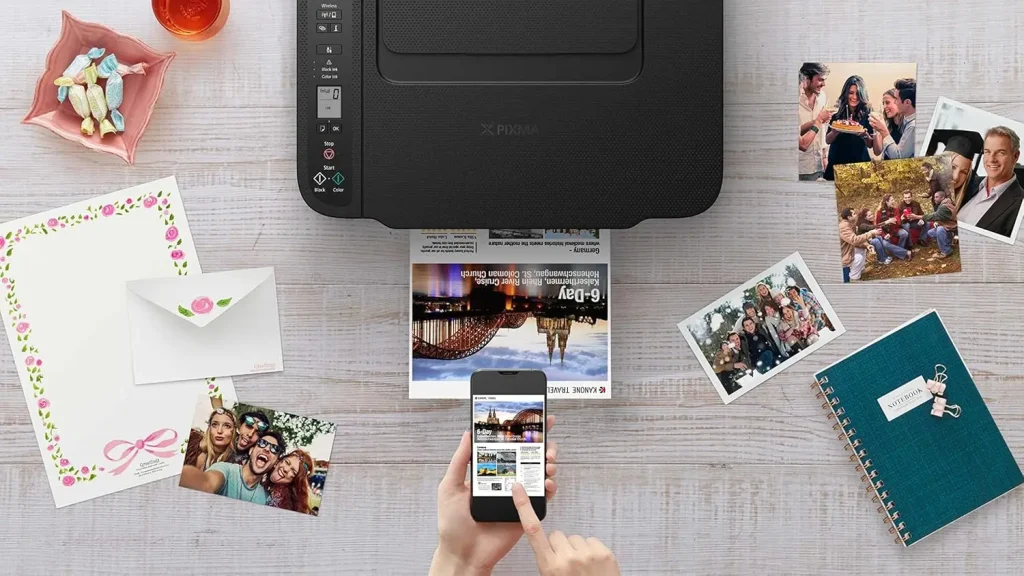
Type: Cartridge-based inkjet — Functions: Print, Copy, Scan, Wi-Fi
This is a straightforward printer that I recommend for essential needs. If you print only a few pages each month—train tickets, forms or school assignments—it handles that role very well without requiring a large upfront investment.
Its biggest advantage is that the print head is built into the cartridge. If the nozzles become clogged after several weeks without use, replacing the cartridge also replaces the print head, making the problem disappear. This is the model I usually recommend when someone tells me they print “once in a while” without really knowing how much. It helps avoid unpleasant surprises.
How they work
Laser printers use a laser beam to draw an image onto an electrostatically charged drum. A fine powder called toner is then applied to the drum before being transferred and permanently fused onto the paper using heat from the fuser unit. There is no liquid ink, no print nozzles, and therefore no risk of ink drying out. This is what makes laser technology particularly reliable for high print volumes and professional environments.
Laser printers offer several compelling advantages: a very low cost per page, fast printing speeds, toner that never dries out, and the ability to sit unused for weeks without any issues. For text documents such as quotes, invoices, letters, and reports, print quality is exceptionally sharp, while day-to-day maintenance is minimal.
However, the drawbacks are just as real. The initial purchase price is higher, genuine toner cartridges can be expensive, the machines are bulkier, and color laser printers quickly become costly to operate. There are also wear components to consider—such as the drum, transfer belt, and fuser unit—each with its own replacement cycle. Finally, the starter toner cartridges included with new printers often have a very limited capacity, giving a misleading impression of the long-term running costs.
Yes… but only once you reach a certain print volume. If you only print ten pages a month, a laser printer may never become more cost-effective than an EcoTank. Laser printers truly shine when you print regularly, produce large numbers of documents, need high printing speeds, or simply want a machine that remains reliable even after sitting unused for several weeks.
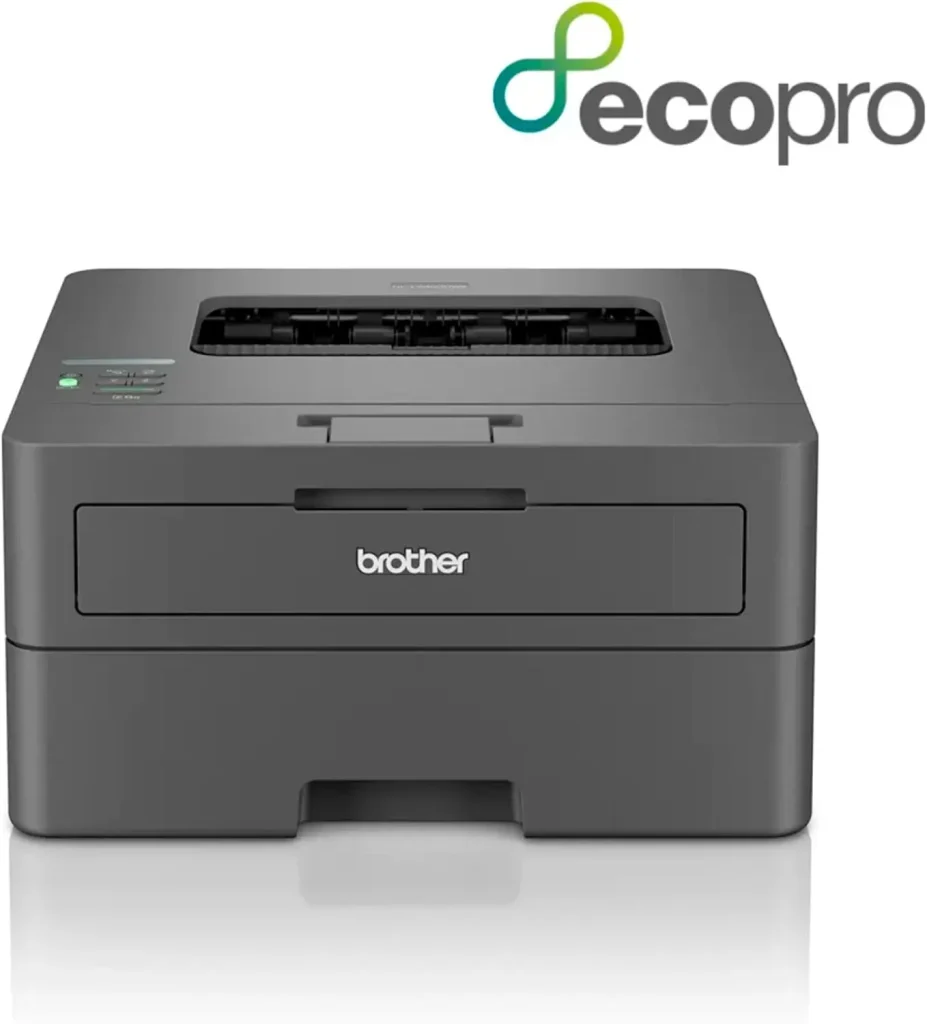
Type: Monochrome laser — Functions: Automatic duplex printing, Wi-Fi
This is one of the printers I install most frequently in home offices and small businesses. It’s simple, fast, and reliable. It doesn’t try to impress with unnecessary features—it simply does its job well. Automatic duplex printing is a real convenience for everyday use, and the high-yield toner cartridges available for this model further reduce the cost per page over time.
One feature I particularly appreciate is its ability to sit unused without issues. Unlike an inkjet printer, you can leave it switched off for two months and power it back on without any drama. For people who work in bursts—with busy periods followed by quieter ones—this is a genuine advantage.
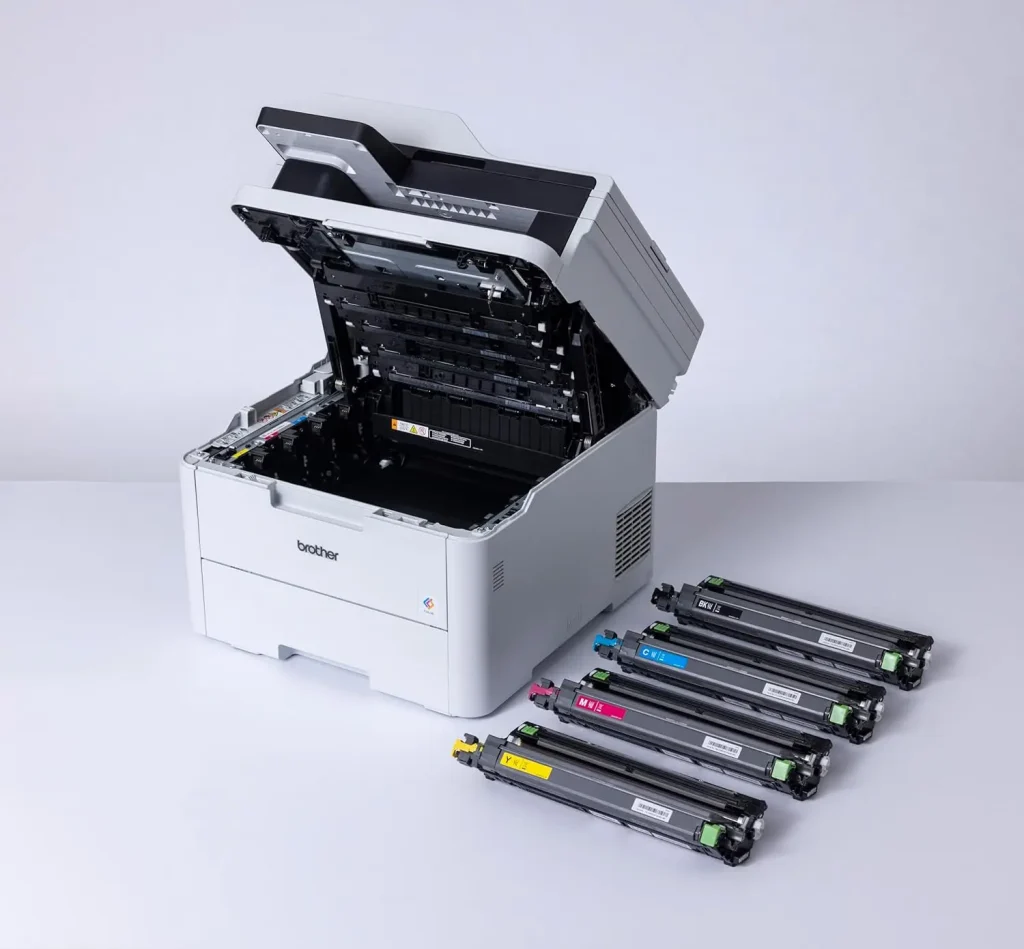
Type: Color laser multifunction printer — Functions: Print, Copy, Scan, Fax, Automatic duplex printing, Wi-Fi
This is a more significant investment, and I won’t claim otherwise. But for an office that prints color documents regularly—presentations, customer materials, or technical documents—it’s a printer built to last. Its separate toner cartridges for each color are a major advantage, as you only replace the color that is actually empty instead of wasting the others.
One thing I often notice with clients who own this type of printer is that it eventually becomes almost invisible in the office. It’s simply there, doing its job, and nobody thinks about it. That’s the hallmark of a good professional printer—you forget it’s there because it never causes problems.
Two technologies you shouldn’t confuse
When people think about thermal printing, many imagine a regular office printer. That’s not how it works.
Direct thermal printing uses heat to chemically react with special thermal paper, which turns black wherever heat is applied. No ink and no ribbon are required. This is the technology used in cash registers, payment terminals, restaurant receipt printers, and shipping labels.
Thermal transfer printing works differently. Heat transfers ink from a ribbon onto the printing surface. The result is much more durable over time, making it the preferred technology for professional labels, industrial labeling, and long-lasting product identification.
Although both rely on heat, they serve very different purposes and target different users. Confusing the two can easily lead to buying the wrong printer.
Direct thermal printing offers several clear advantages: it’s extremely fast, mechanically reliable, compact, and requires very little maintenance. There are no cartridges to replace and no print heads or nozzles to clean.
On the downside, thermal paper is more expensive than standard paper. More importantly, thermal prints are not permanent—they gradually fade when exposed to heat, sunlight, or friction. That’s perfectly acceptable for receipts that are only meant to be read once, but far less suitable for documents intended to be archived.
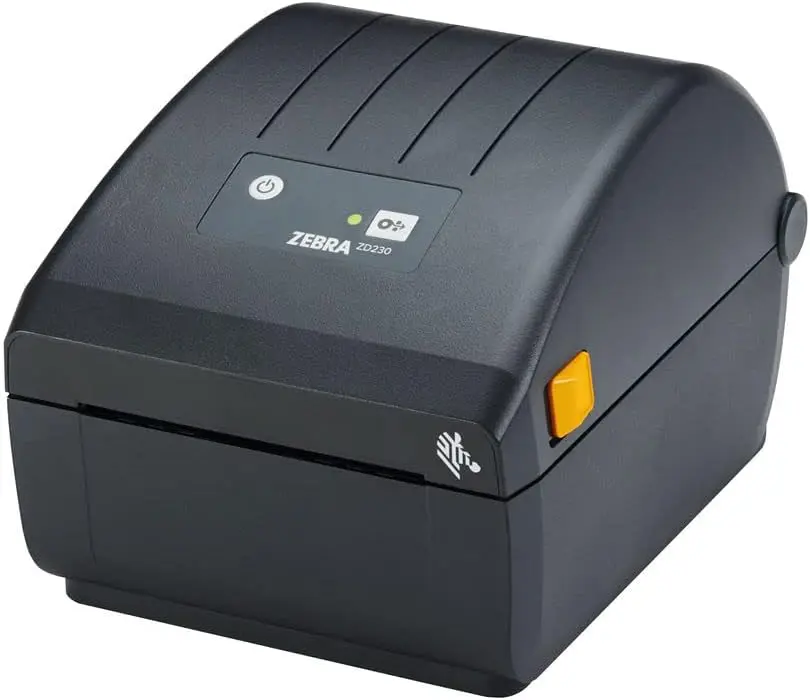
Type: Direct thermal — Functions: Label printing, USB, Ethernet
When a client manages inventory or prints large numbers of product labels, this is exactly the kind of printer I recommend. Zebra has been a benchmark in the professional printing industry for decades. It’s robust, fast, and designed to run for hours without missing a beat. This isn’t a multifunction printer—it’s built for one specific job, and it performs that job exceptionally well for many years.
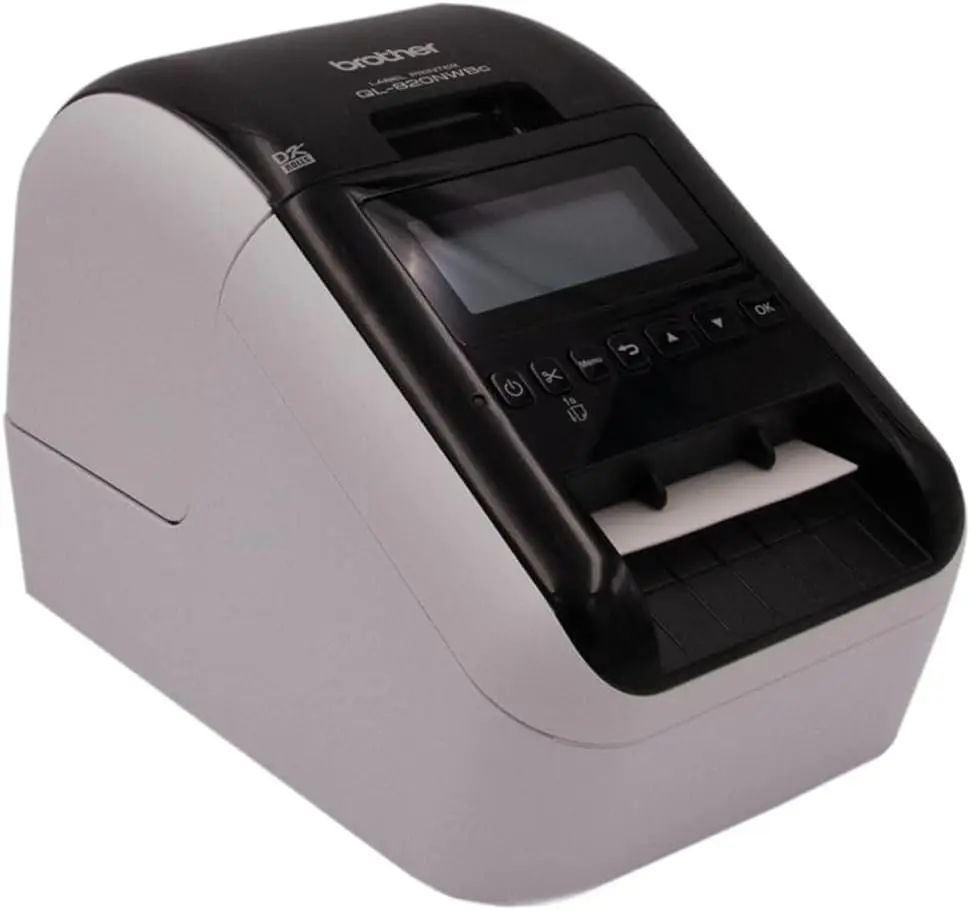
Type: Direct thermal — Functions: Wi-Fi, Bluetooth, multiple label formats
More affordable than industrial solutions, this printer is an excellent choice for small businesses, tradespeople, freelancers, or retail stores that need to print labels without unnecessary complexity. Its Wi-Fi and Bluetooth connectivity work reliably, which isn’t always the case with this type of equipment. Brother’s software is also well designed, making it easy to create and manage custom label templates.
Some very inexpensive printers are sold almost at a loss. The goal isn’t to make money from the printer itself, but from the ink cartridges, year after year. This is a deliberate business model used by some manufacturers, and it’s important to understand it before making a purchase.
That’s why you sometimes find tiny “starter” cartridges in the box, printing subscriptions presented as money-saving solutions, software restrictions on third-party cartridges, mandatory apps required to print, or absurd limitations that can only be removed through a subscription. Most users discover all of this after buying the printer, when it’s already too late.
Tera24 provides printer repair and support throughout the Dordogne, including Wi-Fi connectivity issues, installation, cleaning, cartridge replacement, and setup on Windows PCs, Macs, and smartphones.
Cost per page is probably the most important factor to consider when buying a printer.
| Technology | Purchase Price | Cost per Page | Ideal For | Points to Consider |
|---|---|---|---|---|
| Cartridge-based inkjet | Low | High | Light occasional use | Ink can dry out |
| Ink tank printer | Medium | Very low | Families / regular color printing | Print head maintenance |
| Monochrome laser | Medium to high | Very low | High-volume text printing | Initial purchase price |
| Color laser | High | Low to medium | Color office printing | Cost of consumables |
| Thermal | Variable | Variable | Receipts / labels | Very specific use |
Prices vary depending on the brand and consumables used, but the principle is always the same: the more you print, the more important your choice of technology becomes.
The Student
Students generally need to print course materials, assignments, and occasionally a few photos or visuals for projects. Print volumes are moderate, budgets are limited, and the printer may sit unused for weeks between exam periods and holidays.
In this situation, a cartridge-based inkjet printer with an integrated print head is often the best choice. It isn’t the cheapest option per page, but it’s affordable to buy and handles long periods of inactivity better because the print head is replaced with each new cartridge. If the budget allows and the student knows they’ll be printing regularly, an ink tank model such as an EcoTank is a very worthwhile option over several years of study.
Families print all kinds of things, often without warning: coloring pages, school forms, plane tickets, recipes, and sometimes photos. Print volume is irregular but significant, and color is often required.
This is the type of user for whom I almost always recommend an ink tank printer. The initial investment is higher, but it quickly pays for itself. You no longer run out of ink at the worst possible moment, and you don’t have to buy overpriced cartridges every six weeks. A properly maintained EcoTank—meaning one that is used at least once a week—can last for years without any major problems.
Remote workers mainly print text documents: contracts, quotes, invoices, letters, and reports. Print volumes can be significant, color is often optional, and reliability is essential. Nobody wants to deal with a printer problem between two Teams meetings.
For this type of user, a monochrome laser printer is generally the best investment. It’s fast, reliable, and the toner won’t dry out if the printer isn’t used for a few days. Automatic duplex printing is also a genuine everyday convenience. If color is essential, a multifunction color laser printer is usually better suited than an inkjet printer for this level of use.
Tradespeople often have two different sets of requirements: administrative documents on one hand, and sometimes labels, delivery notes, or receipts on the other.
For quotes, invoices, and letters, a monochrome laser printer is the obvious solution. It’s fast, reliable, and economical per page. For labels or delivery notes, a direct thermal printer makes perfect sense. Trying to do everything with a single multipurpose inkjet printer is often the best way to end up with a machine that performs poorly for both uses.
For a shop or restaurant, a direct thermal printer is almost essential for printing receipts and tickets. It’s fast, reliable, compact, and requires virtually no day-to-day maintenance. The only real recurring cost is the thermal paper.
For internal documents—schedules, purchase orders, and quotes—a separate monochrome laser printer is perfectly suitable. These are two different tools designed for two different purposes.
This is the only type of user for whom the answer is simple and unambiguous: inkjet, and only inkjet. Laser printers don’t produce satisfactory photo results, regardless of the quality of the machine or its advertised resolution. To achieve good photo quality, you also need suitable paper—matte or glossy photo paper rather than standard office paper.
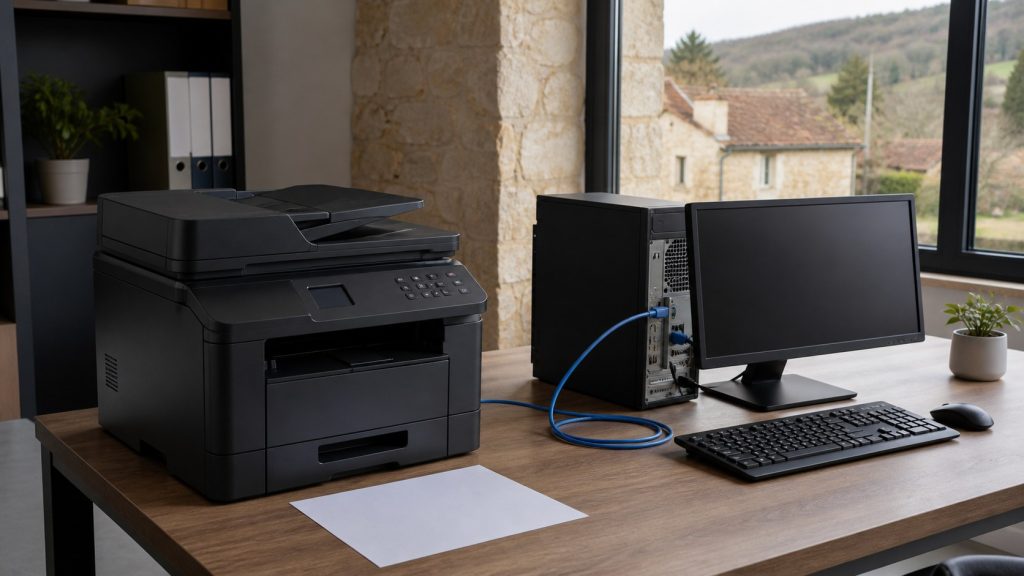
Honestly, many so-called “printer problems” today are actually network issues. Printer offline, unstable Wi-Fi, a new internet router, an IP address that changes every time the device restarts, or a Windows driver that disappears after an update… I deal with these problems constantly, both for home users and small businesses.
Entry-level models are often the worst in this respect. Some printers work perfectly over USB but become a nightmare as soon as they are connected via Wi-Fi. If your home network is even slightly complex—with multiple routers, a Wi-Fi extender, or a guest network—this is something you should consider before buying.
Choosing the right printer is already important. But it also needs to be installed correctly and suited to your environment. Between unstable Wi-Fi networks, internet service provider routers, multiple computers, network sharing, and Windows updates that break printer drivers, a printer can quickly become a real headache even when the machine itself works perfectly.
I regularly assist customers across Dordogne with printers that worked perfectly well… until a router was replaced, a system update was installed, or a problematic third-party cartridge was fitted. And sometimes, the best form of troubleshooting is simply avoiding the wrong printer model in the first place.
There is no single “best printer” for everyone. What matters is choosing the right technology for the way you actually print.
The easiest way to be disappointed by a printer isn’t necessarily to buy a bad brand. It’s often to choose the wrong technology. Take two minutes to think about how many pages you really print, how often you print, and what type of documents you need. In most cases, those three answers are enough to avoid a poor purchase.
And if you’re unsure, ask for advice before buying. It will always cost less than a printer that ends up sitting unused in a cupboard six months later.
Some links in this article are Amazon affiliate links. If you purchase through these links, I may earn a commission at no additional cost to you. This helps support and fund the Tera24 website.
Written by
IT technician and founder of Tera24, I provide computer repair, troubleshooting, and optimization services throughout Dordogne, helping individuals and businesses keep their technology running smoothly.
About Tera24 ↗From guide to workshop
Further reading
Printers
Printer offline in Windows: locate the fault across the device, network, queue and driver before reinstalling everything.
Printers
Three Canon multifunction printers compared by use case: occasional printing, home and student work, and multi-page files.