Software & Apps
Business Email on Your Own Domain: Migrate Without Interrupting Mail
Prepare mailboxes, DNS, MX, SPF, DKIM and DMARC to move business email on your domain without missing senders or disrupting the website.

Resources / The Tera24 journal
Understand what is wrong.
Repair what can be repaired.
Make an informed choice.
Featured From the workshop
Software & Apps
Prepare mailboxes, DNS, MX, SPF, DKIM and DMARC to move business email on your domain without missing senders or disrupting the website.
Networking & Wi-Fi
Choose remote NAS access without exposing SMB: compare a VPN, vendor service and HTTPS sharing, then limit permissions and test revocation.
Cybersecurity
Inventory accounts, protect the vault and migrate in batches to adopt a password manager without losing access.
Tech Buying Guides
Video, power, cables and graphics limits: verify the whole chain before buying a USB-C dock for two monitors.
PCs & Computers
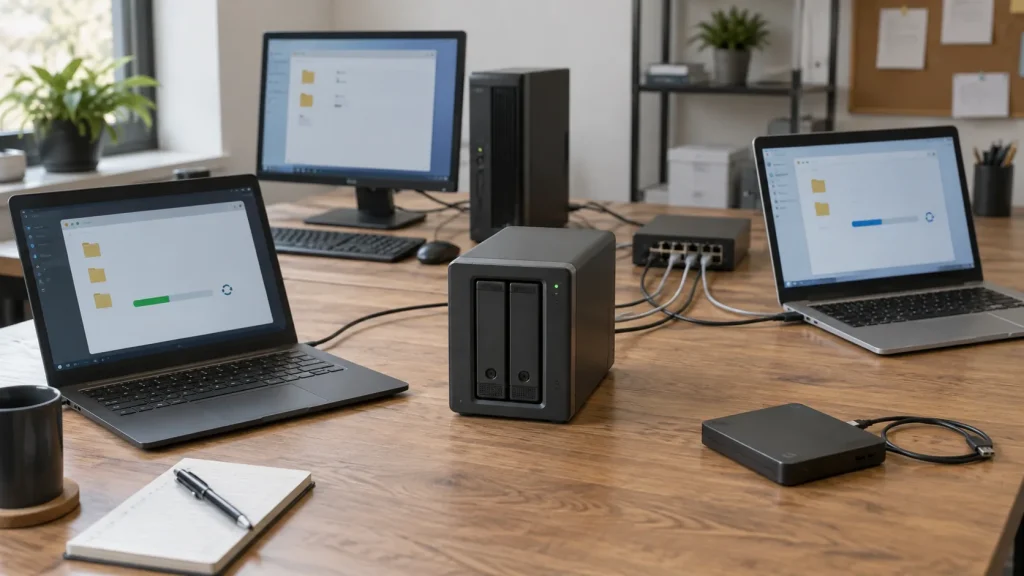
Inventory, scheduling, retention, a separate copy and restore tests: organise usable NAS backups for several small-business computers.
Tech Buying Guides
Watts, VA, runtime, outlets and controlled shutdown: choose a UPS for genuinely essential devices without oversizing it.
PCs & Computers
RAM, SSD or another cause? Observe the real workload, check compatibility and identify the bottleneck before buying an upgrade.
Windows
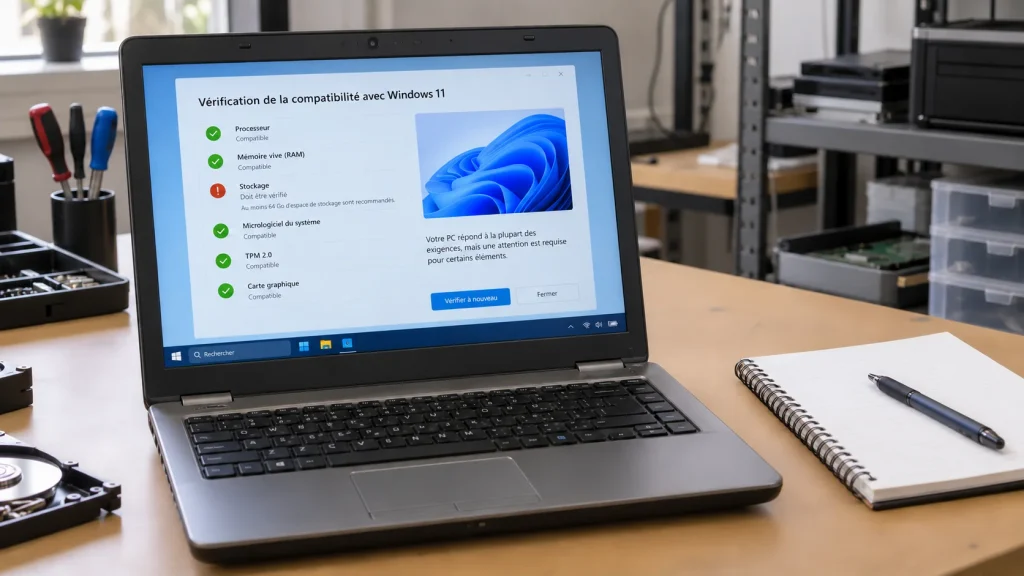
Support dates, processor, TPM, temporary holds and backup: checks to make before replacing an ineligible Windows 10 PC.
Tech Buying Guides
Workload, condition, battery, warranties and repairability: practical checks before buying a refurbished computer.
Cybersecurity
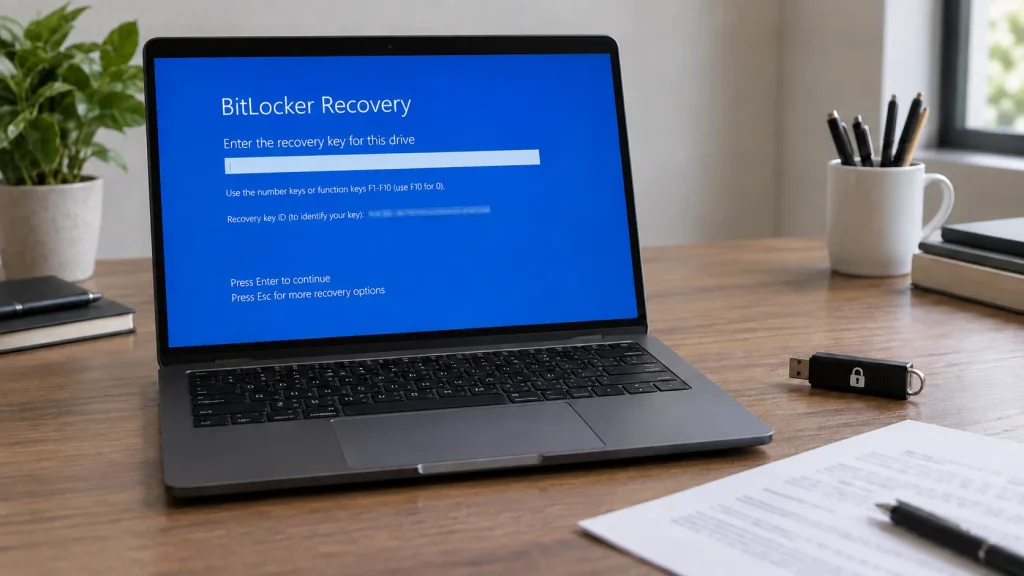
Find your BitLocker key through official routes, protect the data and understand the consequences before resetting the PC.