Cybersecurity
SMS, Authenticator App or Passkey: Which Sign-In Method Should You Choose?
SMS, authenticator app, passkey or physical key: compare phishing resistance, compatibility, recovery and lifecycle before rollout.

Cybersecurity / Practical guide
THE TERA24 JOURNALCentralising passwords should not lock you out
I prepare critical accounts, recovery routes and vault access before moving a single credential.
The Tera24 approach
A gradual migration, verified account by account
The aim is to end password reuse without creating one new point of failure or exposing secrets during support.
Before installing a password manager, I map the existing access routes. This does not mean writing passwords in a spreadsheet. I list the accounts in use, what each one controls and how you currently sign in. Primary email, accounts that can reset other credentials, administrative services, business tools and storage containing sensitive documents come first. Secondary accounts can wait; a safe migration does not require moving everything in one day.
I also record which devices and browsers already remember credentials. The same password may exist in several browsers, on a phone and inside an application. That creates duplicates and makes it difficult to distinguish a useful copy from an outdated one. If remote control or a suspicious warning started this work, I address the risk in my guide to a fake tech support remote-access incident before entering a new secret on the device.
Finally, I inventory the recovery methods that each service already offers: another address, a trusted device, a multifactor method or a provider-specific recovery code. I do not assume that an old telephone number or email address still works. The purpose is to identify accounts that could become inaccessible during migration and repair that weakness through their official interfaces before changing credentials.
Precaution: this inventory contains service names, not passwords, keys, vault exports or recovery codes.
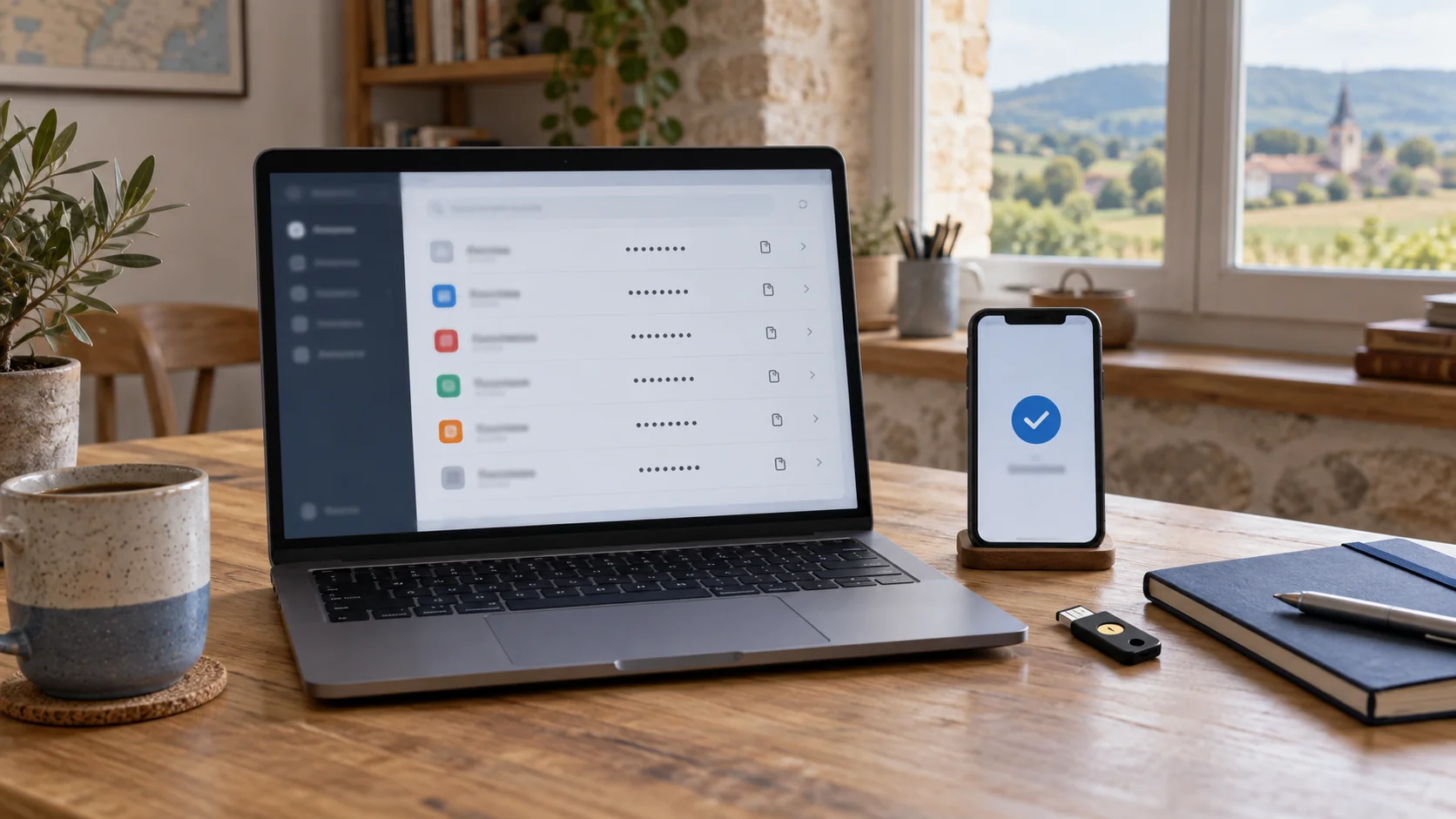
NIST recommends using a password manager for accounts that still depend on passwords. The practical benefit is the ability to generate and store long, complex and unique credentials without memorising every one. Centralisation makes daily use easier, but it also makes primary access especially important. I therefore do not choose a service merely because its import looks quick. I first check that it fits your devices, working habits, sharing needs and recovery requirements.
The account that opens the vault needs a unique master passphrase that is not reused anywhere else. NIST emphasises length and recommends at least fifteen characters for a manually created password. A sequence of memorable words can be more realistic than a short, predictable string. That passphrase remains private: a technician can guide the method without seeing, entering or retaining it.
I then confirm that vault access can be strengthened with suitable multifactor authentication. NIST advises choosing a password manager that supports MFA. CISA notes that a strong password alone is no longer enough to protect a business account. The final decision therefore concerns not only the vault, but also recovery, supported devices and the ability to revoke a lost device promptly.
I strengthen the accounts whose loss would have the greatest consequences first. CISA specifically identifies email, file storage and remote access, and recommends starting with administrator accounts and users who handle sensitive data. This order avoids spending time on a minor service while the address capable of resetting every other account remains less well protected.
Multifactor methods do not all offer the same resistance to phishing. CISA says that any MFA is better than none while recommending phishing-resistant methods where possible. I therefore explain the options that each service actually offers without presenting them as equivalent or claiming that every method is available everywhere. The aim is to use the strongest option that the service, your devices and your organisation can genuinely manage.
Recovery codes require a separate rule. They are not the same as a vault backup and should not remain on the device whose loss they are intended to address. For a Microsoft account, an official recovery code can help if the password is forgotten or the account is compromised. Microsoft says a new code invalidates the previous one and recommends printing it and storing it away from the sign-in device. That process is specific to Microsoft; I use each other provider’s official guidance for its services.
Keep them separate: the master passphrase, a possible vault export and each service’s recovery codes have different purposes and storage rules.
An import is not yet a successful migration. It may reveal several entries for one site, outdated credentials or addresses that are no longer used. I begin with a small set of non-critical accounts so that I can observe how the vault behaves on both computer and phone. After import, I check the domain, username and known use without opening unexpected links or assuming that the first suggested entry is correct.
I retain the old source temporarily until the new sign-ins have been verified. Deleting every browser password immediately could turn a simple import error into a lockout. For each batch, I sign in through the official website or application, then confirm that autofill selects the correct identity. I change one element at a time so that I can tell whether a problem concerns the password, the username or the way the service recognises the page.
Duplicates are cleaned after those checks, not before. Two entries may represent genuinely separate personal and business accounts. I label useful records clearly, archive or remove only entries confirmed as obsolete, and mark the batch complete. This gradual approach leaves a recovery route if one application, browser or device behaves differently.
The goal is not to change one hundred passwords in an evening. I begin with primary email, the password-manager account, services that can reset other access and administrative or financial accounts that are genuinely used. A manager can generate long, unique passwords, which is one of the benefits highlighted by NIST. Each new credential is created through the official service, saved in the vault and tested before the existing session is closed.
When an old password was reused, I do not simply add a character. I replace it separately on every account so that a future leak cannot unlock other services. If an account already shows signs of unauthorised access, moving the password into a vault is not enough. It needs an account-recovery process, such as the one described for a compromised Microsoft account, followed by checks for altered settings.
I leave low-impact accounts for a later phase and track progress in a list containing no secrets. This reduces fatigue and typing mistakes. It also reveals services with special procedures, new-device checks or dependence on an old recovery address. A unique password is useful only when the legitimate owner can still recover the account.
Simple rule: change one account, test one sign-in, confirm one recovery route, then move to the next account.
After several batches have moved, I test real operation on every device that matters. The vault should open with the intended method, fill the correct identity and avoid exposing a business account inside a personal profile by mistake. Where the function exists, I also test how to remove a session or device. Knowing that process matters when a telephone is lost or a computer leaves the family or business.
Sharing features require their own review. Sharing one login should not mean handing over the whole vault or the master passphrase. I define who needs access to what, then verify the behaviour documented by the provider. Product plans, capabilities and limitations vary, so I do not promise a universal feature. Temporary, family and business access should remain proportionate to the need and removable without rebuilding the entire system.
Finally, I review the documented export or backup method, its scope and its precautions. An export is not automatically a file that can remain in Downloads or be sent by email. I also prepare emergency access suited to the situation without giving secrets to another person by default. Provider-specific recovery codes remain separate; a copy of the vault does not replace them.
A password manager reduces reuse and makes unique credentials practical, but it does not by itself repair a compromised device, a fake sign-in page or an account whose settings were already altered. Multifactor authentication adds important protection without making every error impossible. I explain these limits before migration so that the vault becomes part of a wider security method rather than being treated as an absolute guarantee.
I also prepare for a future provider change. That means understanding what can be exported, which items require fresh configuration and how old copies will be checked and removed. I delete nothing until the new vault, devices, sharing and recovery methods have been tested. An exit plan is a continuity measure: it prevents a convenient choice today from becoming a lock-in tomorrow.
For an English-speaking family or small organisation in Dordogne, support can cover inventory, configuration and the migration method without Tera24 learning any secrets. I can help organise the stages and check devices, but entering the master passphrase, passwords, keys and recovery codes must remain under your control. Success is measured by tested, recoverable access, not by the number of imported entries.
Essential limit: never send a vault export, password, key or recovery code to obtain help. Legitimate assistance can guide you without retaining those secrets.
Written by
IT technician and founder of Tera24, I provide computer repair, troubleshooting, and optimization services throughout Dordogne, helping individuals and businesses keep their technology running smoothly.
About Tera24 ↗From guide to workshop
Further reading
Cybersecurity
SMS, authenticator app, passkey or physical key: compare phishing resistance, compatibility, recovery and lifecycle before rollout.
Cybersecurity
Find your BitLocker key through official routes, protect the data and understand the consequences before resetting the PC.
Cybersecurity
Isolate the PC, protect clean backups and preserve evidence before reinstalling Windows or attempting recovery.