PCs & Computers
Back Up Multiple PCs to a NAS: A Practical Method for a Small Business
Inventory, scheduling, retention, a separate copy and restore tests: organise usable NAS backups for several small-business computers.

PCs & Computers / Practical guide
THE TERA24 JOURNALWhen a Drive Fails, You Don't Just Lose Files
A failing hard drive is never just "an IT problem." Behind it are often years of family photos, important documents, irreplaceable memories, or even an entire business brought to a standstill.
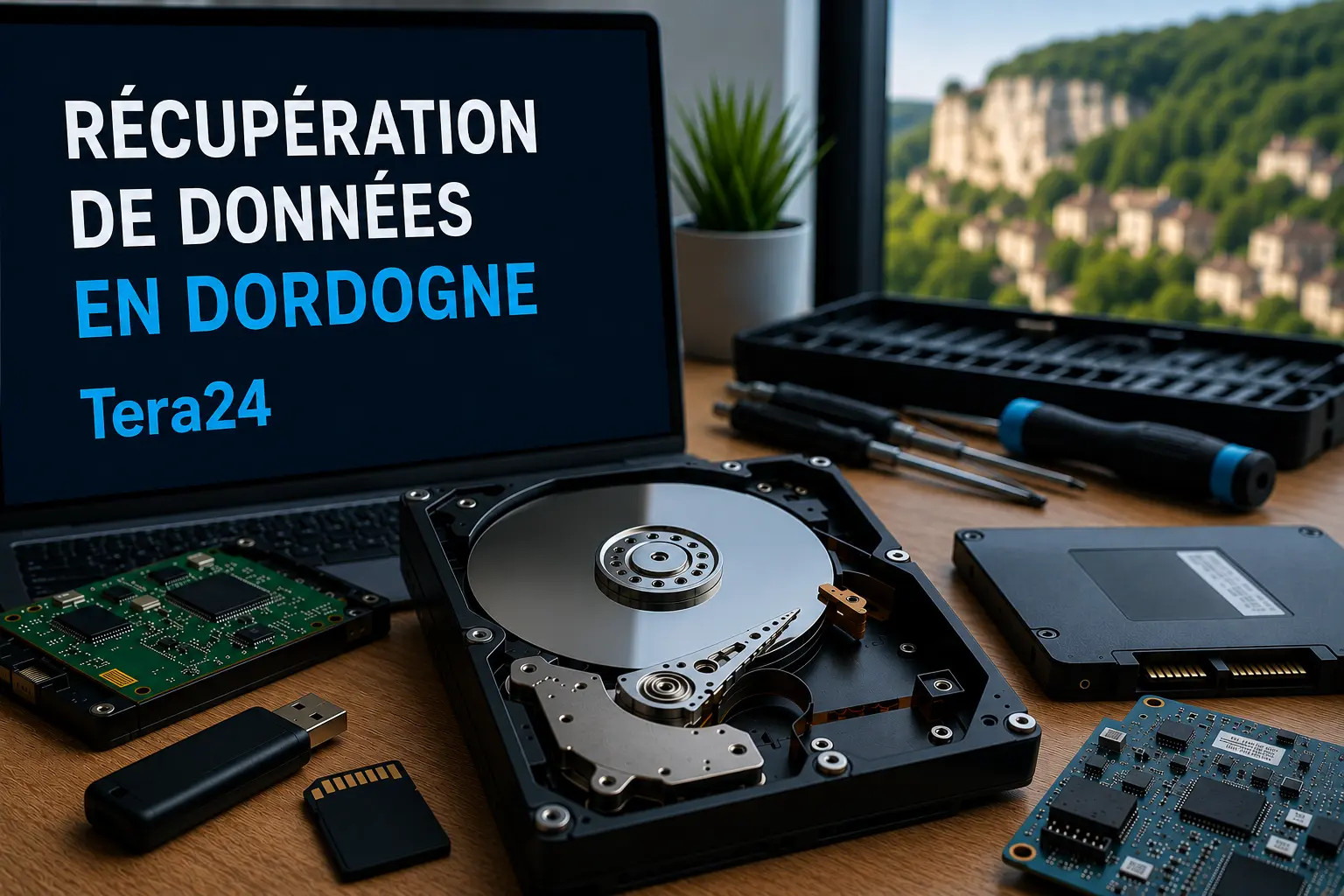
At Tera24, I regularly help people across Dordogne facing situations like these: an external hard drive that is no longer detected, an unresponsive SSD, accidentally deleted files, unintended formatting, or a computer that suddenly refuses to boot.
And despite what you may read online, not every data loss situation can be solved with a "miracle" recovery tool downloaded in five minutes.
The Tera24 approach
Not All Data Loss Can Be Recovered the Same Way
Some data can be recovered using specialized software, the right tools, and a great deal of patience. Other cases require far more advanced procedures, including cleanroom intervention in a professional data recovery laboratory.
The most important thing is to avoid making the situation worse when a drive first fails. A device that could have been successfully recovered can quickly become unrecoverable after a few well-intentioned but incorrect recovery attempts.
In this article, I'll explain what types of data can realistically be recovered, when local recovery is sufficient, when a specialist laboratory becomes necessary, and—most importantly—what you should never do when a storage device starts to fail.
Data recovery is probably the most emotionally charged service I provide through Tera24.
People don’t come to me saying, « My hard drive has failed. » They arrive with years of family photos, birthday videos, irreplaceable business documents—sometimes an entire digital life stored on a single device. And more often than not, the failure happened without warning.
The first thing to understand is that data loss can range from minor logical issues to severe physical damage. Choosing the right recovery method depends entirely on the type of failure.
| Type of Failure | What Happens | Can the Data Be Recovered? |
|---|---|---|
| Accidental formatting | The files are logically deleted but often still present on the drive | Yes, using specialized recovery software |
| File system corruption | The drive is detected, but the file system has become corrupted | Often yes, although recovery can take time |
| Electronic failure (PCB) | The drive’s circuit board has failed and the device is no longer detected | Sometimes, after replacing the faulty component |
| Mechanical failure (platters or read/write heads) | The drive clicks, grinds, or no longer spins | A cleanroom laboratory is required |
| SSD firmware corruption | The SSD disappears or reports incorrect capacity | Depends on the model and controller |
In many cases, data can still be recovered without sending the drive to a specialized laboratory.
For example, I successfully recovered every photo belonging to a client whose external hard drive had been accidentally formatted after being connected to a smartphone. She had already tried a few recovery tools herself—which is rarely a good idea, as every unsuccessful attempt can overwrite recoverable data. Fortunately, she entrusted the drive to me before any permanent damage was done.
Before doing anything else, I created a complete clone of the drive. This is standard practice whenever a storage device shows signs of instability. Recovery work should never be performed directly on the original drive. The recovery process then took several hours, including extensive sorting and reconstruction of the folder structure. The result: every single photo was recovered.
Here’s what I can do for you:
All of this is available at a much lower cost than a specialized data recovery lab, because logical failures simply don’t require cleanroom intervention.
Sometimes, the condition of a drive leaves no other option.
If a hard drive is clicking, no longer spinning, or its platters have been damaged, no software or on-site recovery attempt can help. Opening a hard drive outside of a controlled environment will almost certainly destroy any remaining chance of recovery. Even a tiny speck of dust on the platters can make the data permanently inaccessible.
In these situations, I refer my clients to Clinique de Données, a specialized data recovery laboratory I work with for cases requiring cleanroom intervention. A cleanroom is a dust-free, highly controlled environment where technicians can safely open the drive, replace damaged mechanical components, and read the platters directly—something that would be impossible under normal conditions.
I’ve already referred several cases to their team when there was nothing more I could do myself. In one recent case, they successfully recovered around 95% of a client’s data from a drive that I couldn’t read at all. When those files contain family memories or critical business documents, recovering even part of them can make an enormous difference.
The evaluation is free, and you only pay if your data is successfully recovered. 👉 Request a Free Evaluation from Clinique de Données
It’s important to be honest about that too.
I’ve had cases where recovery was unsuccessful, even after the drive was sent to a specialist laboratory. The damage was simply too severe. The client wasn’t charged anything—but unfortunately, the data was lost forever.
It’s a harsh reality, but that’s the nature of digital storage.
Every hard drive has a limited lifespan. It can fail without warning—even if it’s relatively new.
Many people only discover the cost of professional data recovery after they’ve already lost their files. The price often comes as a shock.
But behind every cleanroom recovery is highly specialized equipment, replacement parts that can’t simply be bought online, technicians trained to perform incredibly precise work, and many hours of painstaking effort. It’s nothing like running a piece of recovery software on your computer.
The real question everyone should ask themselves is:
How much is this data worth to me?
If the answer is « a lot, » then requesting a free evaluation from Clinique de Données is well worth considering—and it could make all the difference.
Even today, many of the people I help throughout Dordogne keep absolutely everything on a single storage device—with no backup whatsoever. One external hard drive. One computer. Sometimes even just one smartphone.
It’s one of the easiest risks to avoid.
A reliable backup strategy follows what’s known as the 3-2-1 backup rule:
A theft, fire, power surge, or even a simple mistake can wipe out years of memories in just a few seconds.
If a drive starts making unusual noises, disappears, or becomes inaccessible:
Every unsuccessful attempt can permanently reduce the chances of recovering your data—even for a professional cleanroom data recovery laboratory.
If you’re in Dordogne or the Périgord and one of your drives has failed, here’s how I handle the recovery process.
Step one: diagnosis. We’ll assess the situation together, determine whether recovery is possible on my end, and I’ll give you an honest opinion about your chances of success.
If I believe recovery is possible, I’ll carry out the work at a price well below that of a specialist laboratory. If I’m successful, you get your data back. If the recovery ultimately fails despite every reasonable effort, I simply charge a modest fee for the time invested—nothing excessive, but a thorough recovery attempt still requires expertise and many hours of work.
If you then decide to use Clinique de Données, I’ll take care of everything: preparing the case, shipping the drive, and following up throughout the recovery process. You won’t have to deal with the laboratory or decipher technical jargon. And you’ll pay exactly the same price as if you had contacted them directly—I receive a referral commission that has no impact on your quote.
If, on the other hand, my recovery attempt is unsuccessful and you decide not to pursue laboratory recovery, that’s entirely your choice, and I fully respect it. We’ll review everything that was attempted together, and I’ll simply charge a fair fee for the work carried out.
Whatever the outcome, you’ll always know exactly where things stand. No hidden costs. No unpleasant surprises.
Written by
IT technician and founder of Tera24, I provide computer repair, troubleshooting, and optimization services throughout Dordogne, helping individuals and businesses keep their technology running smoothly.
About Tera24 ↗From guide to workshop
Further reading
PCs & Computers
Inventory, scheduling, retention, a separate copy and restore tests: organise usable NAS backups for several small-business computers.
PCs & Computers
RAM, SSD or another cause? Observe the real workload, check compatibility and identify the bottleneck before buying an upgrade.
PCs & Computers
Distinguish File Explorer, Disk Management and Device Manager, decline format and initialization prompts, and stop testing when signs of failure appear.