PCs & Computers
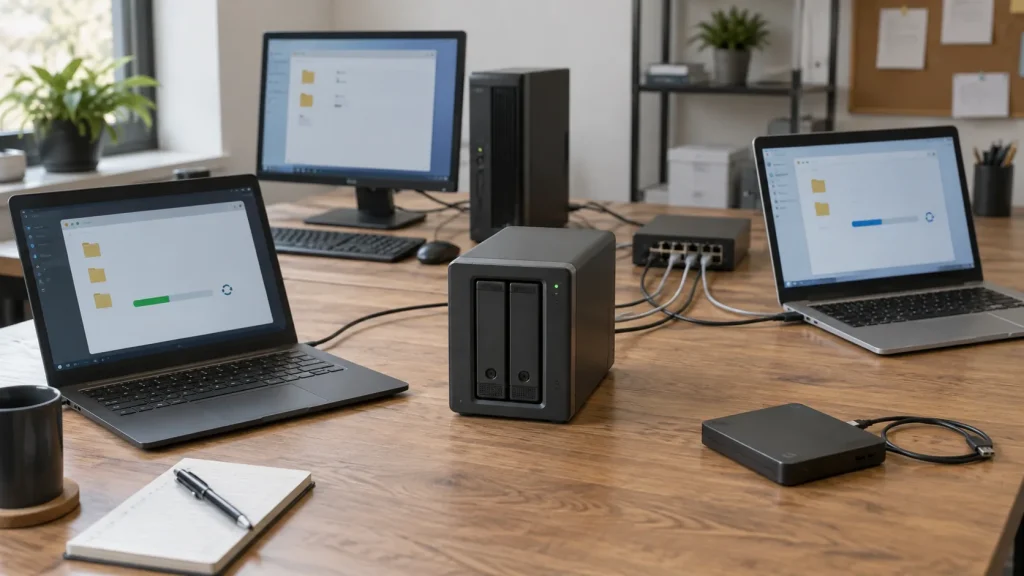
Back Up Multiple PCs to a NAS: A Practical Method for a Small Business
Inventory, scheduling, retention, a separate copy and restore tests: organise usable NAS backups for several small-business computers.

Resources / The Tera24 journal
Understand what is wrong.
Repair what can be repaired.
Make an informed choice.
Featured From the workshop
PCs & Computers
Inventory, scheduling, retention, a separate copy and restore tests: organise usable NAS backups for several small-business computers.
PCs & Computers
RAM, SSD or another cause? Observe the real workload, check compatibility and identify the bottleneck before buying an upgrade.
PCs & Computers
Distinguish File Explorer, Disk Management and Device Manager, decline format and initialization prompts, and stop testing when signs of failure appear.
PCs & Computers
Turn the laptop off and disconnect it without retesting, avoid heat, compressed air and rice, then arrange inspection before power is applied again.
PCs & Computers
Raised chassis or touchpad? Stop using and charging the laptop, never force the battery, and choose the appropriate recycling option.
Windows Diagnostics and Troubleshooting
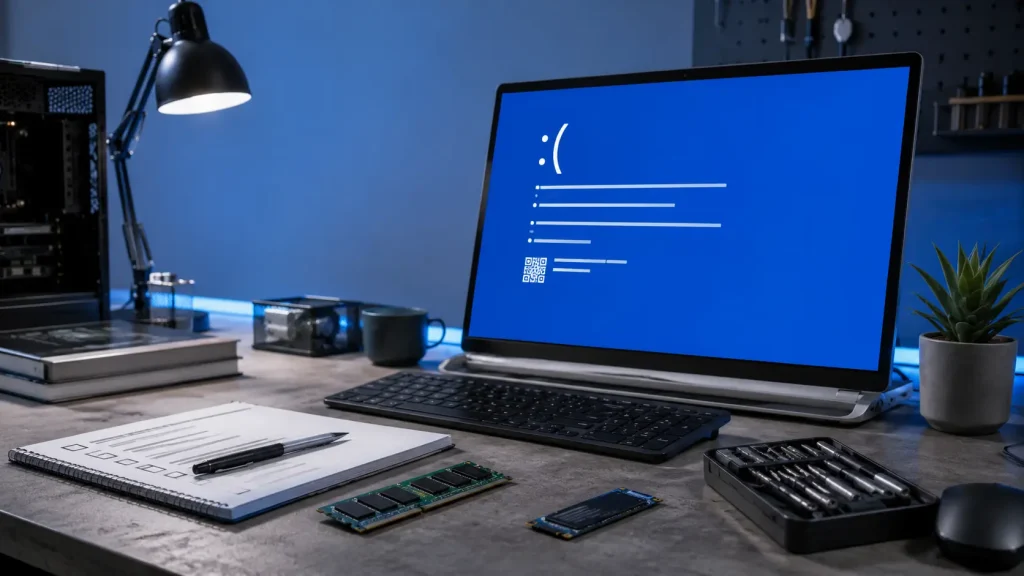
Before reinstalling Windows after a blue screen, record the stop code, check recent changes, test the RAM, SSD and temperatures, and review the Minidump files. A reinstall will not fix a hardware fault.
PCs & Computers
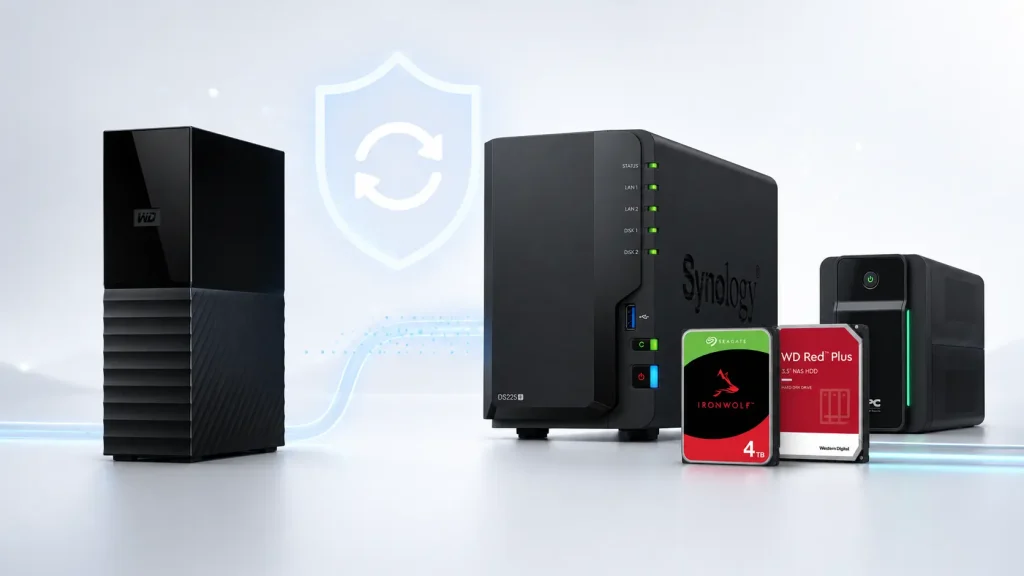
For 300 to 500 GB, a NAS is not automatically necessary A collection of 300 to 500 GB can contain years of photographs, administrative documents, professional files or records that are essential to a small organisation. Capacity alone, however, is not enough to determine the most suitable backup solution. An external hard drive may be […]
PCs & Computers
A PC that keeps restarting by itself may be suffering from overheating, unstable power, faulty RAM, an incompatible driver, a Windows error or a failing component. The exact moment when the restart occurs is often the most useful clue.
PCs & Computers
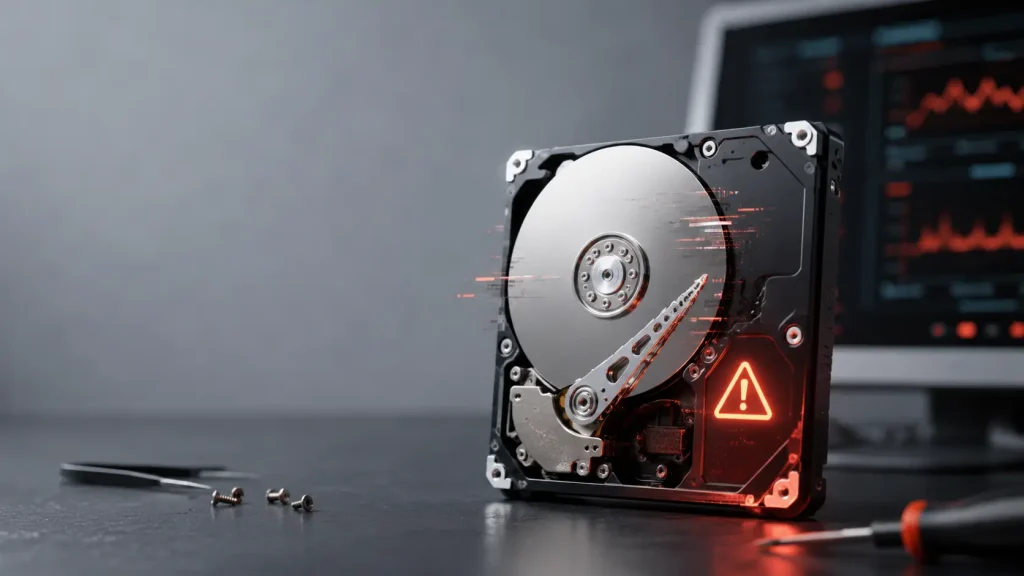
The most common signs of a failing hard drive A mechanical hard drive, also known as an HDD, contains spinning platters and read heads that move extremely close to their surface. These mechanical components can wear out, suffer damage after a shock or begin struggling to read certain areas of the drive. Failure is not […]
PCs & Computers
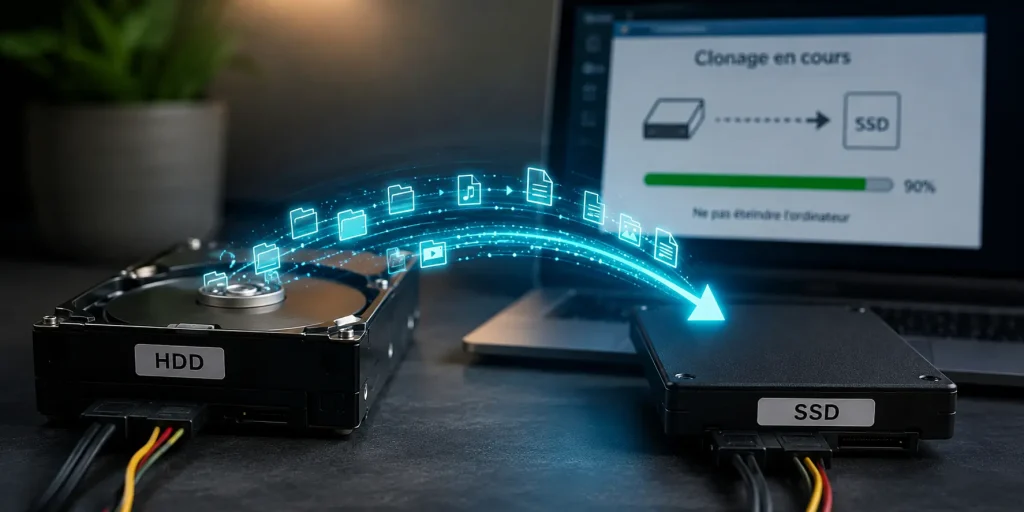
What I See at My Clients’ Homes Across Dordogne I see the same situation time and time again. A client calls because their PC has been running slowly for months, or because they’ve just bought an SSD to replace their old hard drive. And the first question they ask is: “Can’t we just copy everything […]