Cybersecurity
Password Manager: Move Your Accounts Without Losing Access
Inventory accounts, protect the vault and migrate in batches to adopt a password manager without losing access.

Cybersecurity / Practical guide
THE TERA24 JOURNALStronger authentication starts with an inventory
I compare methods, devices and recovery before removing an existing route.
The Tera24 approach
The strongest method must remain genuinely usable
A pilot rollout, practical tests and documented revocation prevent avoidable lockouts.
Choosing authentication is not a matter of mechanically replacing one sign-in button with another. I first separate four elements: a password that the service may still require, an additional factor added to sign-in, a passkey stored in a compatible location and a physical security key. They may coexist during a transition; availability depends on the account and service.
Microsoft says that SMS, one-time codes and authenticator apps improve security compared with a password alone, but remain exposed to some remote phishing attacks. An additional check is therefore useful without making every method equivalent. I do not describe any option as infallible: the account, device, recovery process and daily workflow also matter.
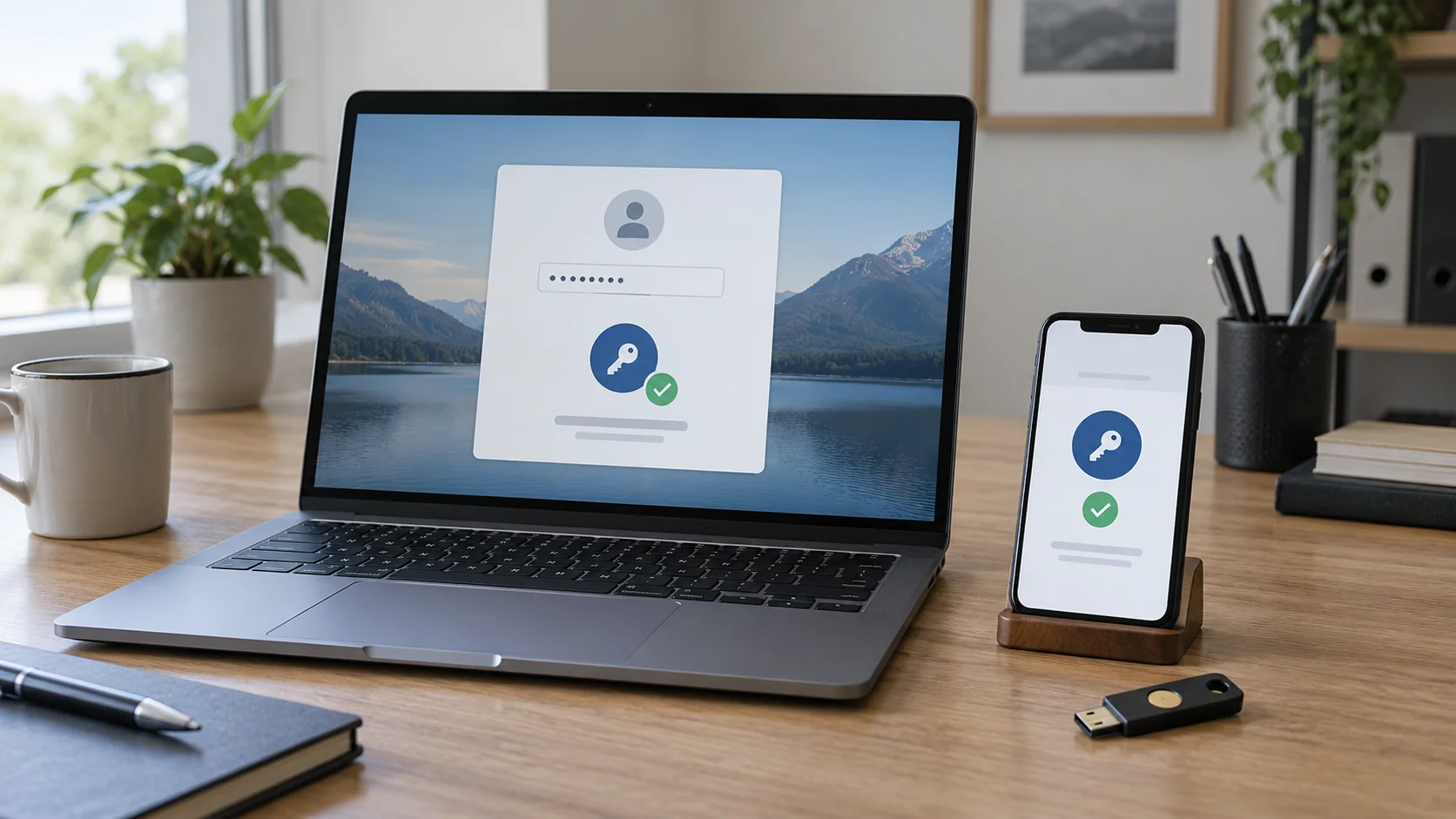
A passkey can be saved in a compatible manager, on a phone or tablet, on a physical security key, or on a Windows device with Windows Hello. Local use may ask for a face, fingerprint or PIN to unlock the device. That local action should not be confused with a common password passed between colleagues.
First diagnostic: record what the service actually supports before buying a key or removing an existing method.
I compare each option across several criteria instead of producing a universal ranking. SMS may remain available on many phones, but Microsoft lists it among methods that are still exposed to some remote phishing attacks. An authenticator app also improves the situation compared with a password alone without automatically becoming resistant to every phishing attempt.
Microsoft recommends phishing-resistant methods such as Windows Hello for Business, FIDO2 passkeys, FIDO2 security keys or certificate-based authentication. That recommendation does not remove the need for compatibility checks. A service that does not support passkeys will not offer to create or register one, so a controlled alternative may still be required.
I also examine dependencies: possession of the phone, access to a compatible manager, availability of a suitable port for a key, the browser actually used, shared devices and the ability to intervene when someone is absent. A work or school account can create a passkey only if the organisation supports the method, and the organisation may restrict the available options. A process for a personal account must not be copied without checking.
If an account is already compromised, I start by regaining control of the Microsoft account before organising its future method. Adding authentication to an access that has already been taken over does not replace checking sessions, recovery details and suspicious changes.
Before making a change, I build a simple inventory. For each account, I record its type—personal, work or school—its role, authorised people, devices, required browsers and currently registered methods. I identify administrator accounts separately because losing access or mishandling a method there would have greater consequences.
This inventory prevents a common mistake: removing an old method before proving that the new one works on every required path. It also reveals a device that will soon be replaced, an older browser or an administrator account used too frequently. I do not turn those observations into certainty until a real test has been completed.
For secrets that remain necessary, the guide to using a password manager while moving accounts helps prepare access without sharing or losing it during the transition.
Microsoft Entra ID supports synced passkeys, FIDO2 security keys and passkeys in Microsoft Authenticator. The suitable choice still depends on the account and available device estate. A small organisation gains nothing from imposing a theoretically strong method if several users are left without a compatible device or replacement process.
For Microsoft Entra, Microsoft recommends device-bound passkeys for administrators and highly privileged users, and synced passkeys for many non-administrator users. I treat this as a starting point rather than a rule for every service. Organisational policy, approved devices and actual support must confirm the choice.
A physical key may suit a requirement for a separate token, provided its assignment, storage and replacement are organised. A synced passkey may simplify use across compatible devices; a device-bound passkey creates a stronger dependency on that device. I therefore record where the method lives and who can initiate its revocation.
My advice: choose by risk profile and real compatibility, not fashion or one identical solution for the whole team.
I start with a small group: a standard user, a manager and, separately, a privileged account if the scope permits. I retain a controlled recovery method throughout testing. The objective is to test the usual sign-in, but also a new device, a private session, a secondary browser and temporary loss of the phone when those situations are part of the real workflow.
I do not claim that one successful test on one computer validates the whole organisation. Work or school accounts may be subject to different policies, while a service without passkey support will not offer registration. Each expansion of the group must therefore repeat compatibility and recovery checks.
The rollout becomes repeatable when the required paths are known, users understand the action they will be asked to perform and an identified person can intervene without improvising. I prefer a slower, reversible transition to a rapid switch that creates new workarounds.
An authentication method is usable only when its loss has been planned. I describe what happens when a phone breaks, a computer is replaced, a physical key disappears or an employee leaves. The document identifies who confirms identity, who revokes the old method, how a new method is registered and which evidence must be retained.
Recovery should not depend on the same object as the primary method without a controlled alternative. I retain recovery access until the rollout is validated, then remove only methods that have become unnecessary and whose removal has been verified. This caution does not mean keeping weaker methods indefinitely; it prevents an avoidable lockout during migration.
Because Microsoft Entra passkeys do not expire automatically, lifecycle tracking remains necessary. A role change, transferred device or departure therefore requires explicit action. I also test replacement with a non-critical account before applying the procedure to administrators.
Write this before a failure: owner, verification method, recovery access, revocation and return-to-service test.
The work continues after activation. Microsoft Entra administrators can track passkey creation and use in audit and sign-in logs. I use those records to confirm that the planned methods are genuinely being adopted, without treating the absence of one isolated event as complete proof of security.
I maintain a minimal register: account, method, storage location, registration date, latest verified use, recovery method and review date. Because Microsoft Entra passkeys do not expire automatically, the register is used to trigger revocation when a device or user should no longer retain access.
Old methods are retired account by account after both a sign-in test and a recovery test. I begin with the pilot group, observe errors and then expand the rule. If an unrecorded dependency appears, I correct the inventory before continuing instead of forcing removal.
For a small organisation, the best result is not displaying the greatest number of technologies. It is knowing who can access what, which genuinely compatible method they use, how access can be recovered and when it must be removed. That visibility strengthens accounts progressively without blocking users.
Written by
IT technician and founder of Tera24, I provide computer repair, troubleshooting, and optimization services throughout Dordogne, helping individuals and businesses keep their technology running smoothly.
About Tera24 ↗From guide to workshop
Further reading
Cybersecurity
Inventory accounts, protect the vault and migrate in batches to adopt a password manager without losing access.
Cybersecurity
Find your BitLocker key through official routes, protect the data and understand the consequences before resetting the PC.
Cybersecurity
Isolate the PC, protect clean backups and preserve evidence before reinstalling Windows or attempting recovery.