Networking & Wi-Fi
Access Your NAS Remotely Without Exposing File Sharing to the Internet
Choose remote NAS access without exposing SMB: compare a VPN, vendor service and HTTPS sharing, then limit permissions and test revocation.

Networking & Wi-Fi / Practical guide
THE TERA24 JOURNALA separate password does not prove that the network is isolated
In a gîte, Wi-Fi should stay simple for visitors while protecting private equipment and the local services that still need to work.
The Tera24 approach
Measure the property, distinguish two kinds of isolation and verify the equipment
I offer a step-by-step method to map the gîte, separate guest access from private devices, understand client isolation, choose equipment after measuring, and maintain documented access without promising universal coverage.
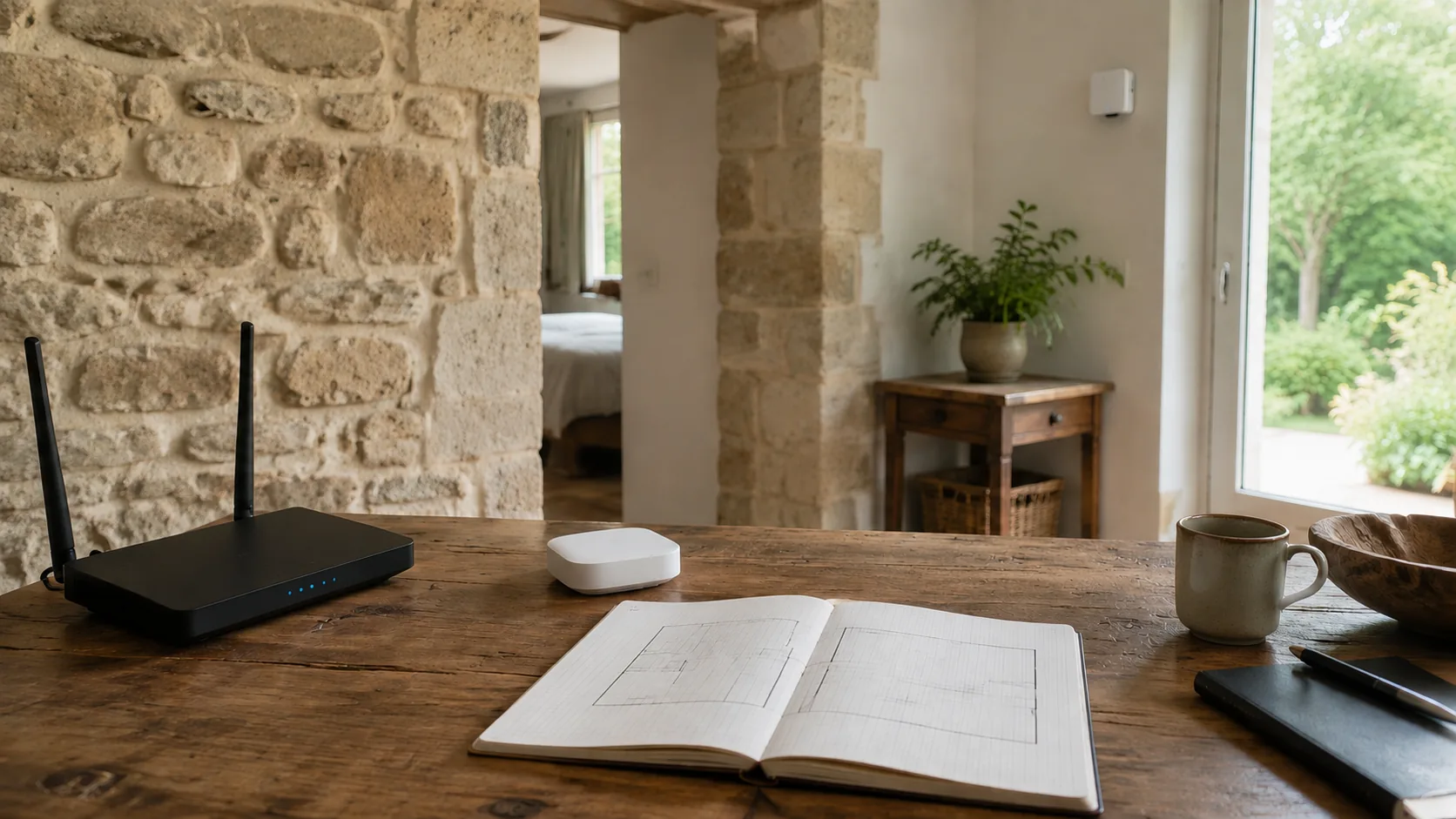
For a gîte, I do not begin by buying an extender or a mesh kit. I begin with a simple map: the router, bedrooms, shared areas, terrace, outbuildings and thick walls. This map organizes coverage and throughput measurements before any equipment recommendation.
The plan does not need to be technical. It only needs to identify the places where guests actually use Wi-Fi. In each area, note whether the guest network is visible and measure the available throughput under comparable conditions. The aim is to locate weak areas, not promise the same result everywhere.
I keep this stage separate from security. A usable signal does not prove that the network is separated, while a properly isolated network can still be weak in a bedroom. Both checks therefore need to be carried out independently.
If the measurements reveal a coverage or stability problem, my guide to slow or unstable Wi-Fi provides a diagnostic structure without automatically blaming the router.
No one can promise complete coverage through thick walls without measurements on site. Map and measure before choosing equipment.
Network segmentation divides a network into separate groups. CISA gives guests, smart devices and personal or work devices as examples. In a gîte, that separation avoids placing visitors’ phones in the same group as the owner’s computer or private equipment.
Properly configured segmentation can prevent direct communication between groups and limit an incident from spreading. I deliberately keep the word ‘can’: the result depends on the actual equipment configuration, not merely the Wi-Fi name.
The guest-network feature available on many routers can provide simple separation. TP-Link describes a guest network that offers Internet access without exposing resources on the main private network. The feature still needs to be checked for the actual model, operating mode and software version.
I never infer this separation from a different network name. I check the documented behavior, then verify in practice that a guest device cannot reach the resources you intend to keep on the private network.
An SSID containing the word ‘guest’ is not proof of isolation. Check the model documentation and whether the equipment is operating in router or access-point mode.
Two mechanisms are often confused. A guest network can separate visitors from the main private network. Client isolation prevents devices on the same Wi-Fi network from communicating directly with one another while retaining Internet access. They are separate mechanisms and can be combined.
The second form of isolation is useful when you do not want two guests on the same Wi-Fi network to communicate directly. It also has consequences: local printing, file sharing, media streaming or discovery of certain smart devices may stop working.
I therefore check the requirements before enabling it. A printer offered to guests, a display used for streaming or a local device that must be discovered may no longer work as expected when direct communication is blocked. That limit matters before deciding that the strictest isolation is always best.
The setting’s name, location and availability vary with the manufacturer, model and software version. I do not give a universal menu path. The documentation for the exact equipment remains the reference.
On the Deco systems documented by TP-Link, router mode automatically isolates the guest network from the main network. In access-point mode, behavior depends in particular on the local-access option and whether that option is available on the model and software version. This example shows why the operating mode must be checked.
Test two separate questions: can a guest reach the private network, and can two guest devices communicate with each other? Those are not the same setting.
The choice between an access point and a mesh system comes after mapping. I start with the areas that have measured coverage problems, the measured throughput and the layout of rooms or outbuildings. There is no universal way to choose the right equipment remotely; the decision has to be based on the property and its measurements.
An access point or mesh system does not fix poorly configured separation by itself. After adding equipment, the guest network, access to the private network and, where required, client isolation must all be checked again. Behavior may change between router and access-point modes.
I therefore make a recommendation only for an observed need: one area or several spaces require coverage, and the proposed equipment must support the expected separation. The property map and measurements shape the comparison; I never assume that a product will reach through every wall.
To compare an extender, powerline, access point and mesh system for thick walls, see what works through thick walls. The final choice still needs to be checked in the gîte and against the model documentation.
If the selected equipment allows its guest network to use separate radio bands or bandwidth settings, those options remain model-specific. Do not assume they are available before reading the documentation.
Measure first, choose second, then repeat the coverage and isolation checks after installation.
Maintainable access is something the owner can identify, verify and give to guests without touching the private network. Depending on the equipment, a guest network can have its own name, password, security level, radio bands and bandwidth settings.
I begin by recording the model, software version, operating mode and options that are actually available. This note prevents a tutorial for another interface from being copied blindly. It should also state whether separation from the main network and isolation between guests were verified.
Access for visitors remains simple: they receive only the connection intended for them. The password and security level can be separate for the guest network when the equipment supports that arrangement. I do not promise these options on every router.
After an update, a router replacement or a switch between router and access-point mode, revisit the documentation and repeat the checks. Exact behavior depends on the model and software version; the network name alone is still not enough.
Maintainability comes from documented, tested settings, not from a remembered menu or a supposedly universal diagram.
The final check has three separate parts. First, verify coverage and throughput in the bedrooms, shared spaces and outbuildings on the map. Next, check that a guest device cannot reach private resources. Finally, if client isolation is enabled, verify its effect on the local communication you expect.
For the private network, properly configured segmentation can prevent direct communication between groups and limit the spread of an incident. Between guests, client isolation addresses direct communication on the same Wi-Fi network. These two results must be observed separately.
Check functional limits as well. Client isolation can block local printing, file sharing, media streaming and discovery of smart devices. If guests need one of those services, test that it still works before visitors arrive.
I finish by comparing the observations with the router, access point or mesh documentation. Option names and locations vary, and guest-network behavior can depend on the operating mode.
A guest network is ready only after coverage, throughput and both levels of separation have been checked on the equipment actually installed.
Written by
IT technician and founder of Tera24, I provide computer repair, troubleshooting, and optimization services throughout Dordogne, helping individuals and businesses keep their technology running smoothly.
About Tera24 ↗From guide to workshop
Tera24 provides on-site support across Dordogne to diagnose Wi-Fi coverage, router, extender, mesh-network and wireless-adapter problems before recommending replacement equipment.
Further reading
Networking & Wi-Fi
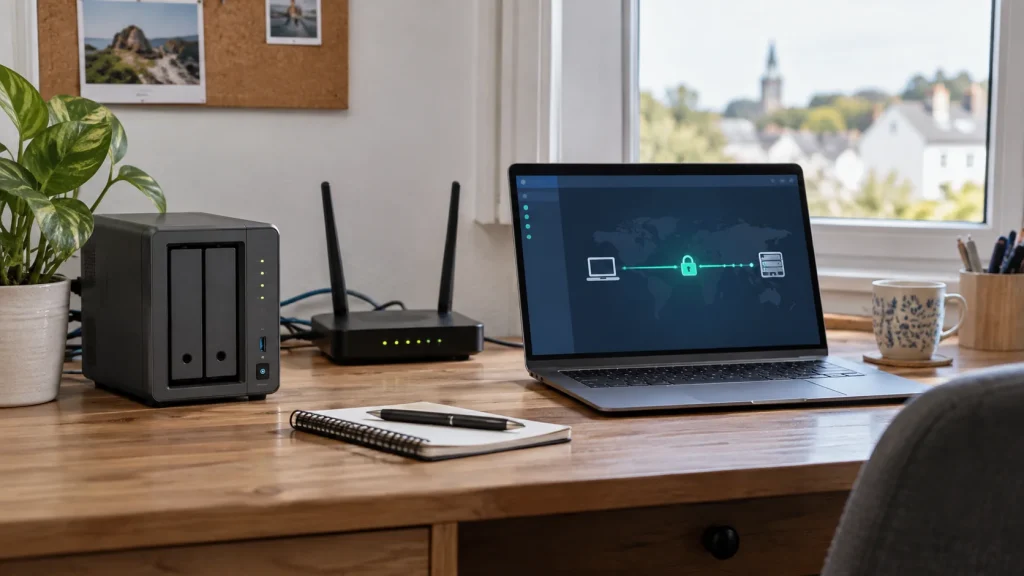
Choose remote NAS access without exposing SMB: compare a VPN, vendor service and HTTPS sharing, then limit permissions and test revocation.
Networking & Wi-Fi
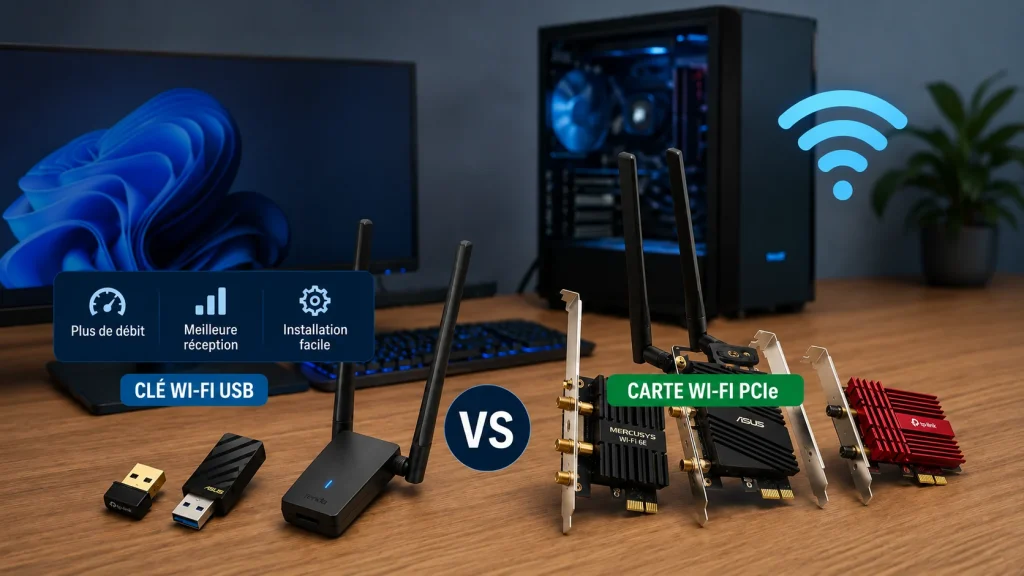
Six USB and PCIe Wi-Fi adapters compared by compatibility, installation, antennas and real use.
Networking & Wi-Fi
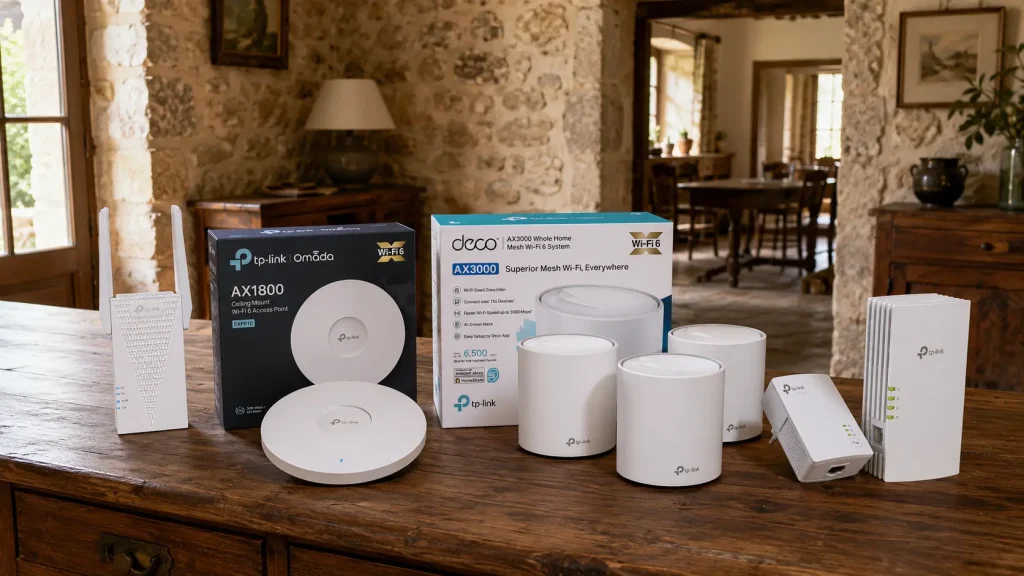
A practical comparison of four Wi-Fi solutions for thick-walled homes, including suitable uses, limitations and installation requirements.