Networking & Wi-Fi
Access Your NAS Remotely Without Exposing File Sharing to the Internet
Choose remote NAS access without exposing SMB: compare a VPN, vendor service and HTTPS sharing, then limit permissions and test revocation.

Networking & Wi-Fi / Practical guide
THE TERA24 JOURNALA new Wi-Fi adapter does not always fix a poor connection
Before choosing USB or PCIe, determine whether the problem comes from the PC, its driver or home coverage.
The Tera24 approach
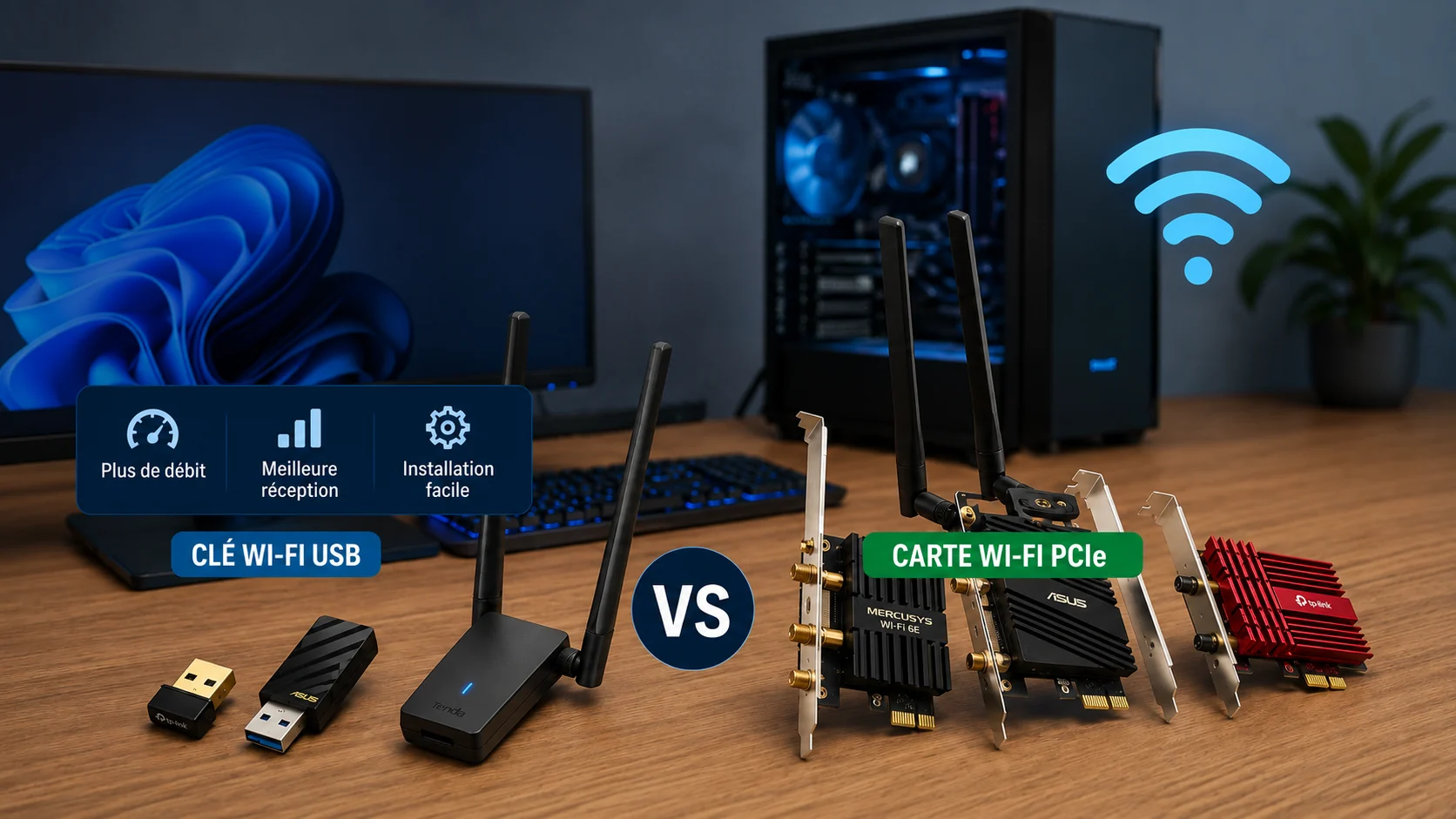
Six adapters compared beyond advertised link rates
I have installed all six products for clients. I explain suitable uses, limitations and compatibility checks before buying.
A slow connection on one PC does not automatically mean its Wi-Fi adapter needs replacing. I first compare performance beside the router, over Ethernet where possible and on another device. The guide to slow or unstable Wi-Fi explains this diagnosis.
Remember: a recent adapter cannot magically cross thick walls. If several devices fail in the same area, address home coverage first.
A USB adapter avoids opening the PC and is easy to move. Nano models are discreet, but small internal antennas and a position behind a desktop case can weaken reception. A PCIe card needs a free slot, an open case and often an internal USB header for Bluetooth; external antennas are usually easier to position.
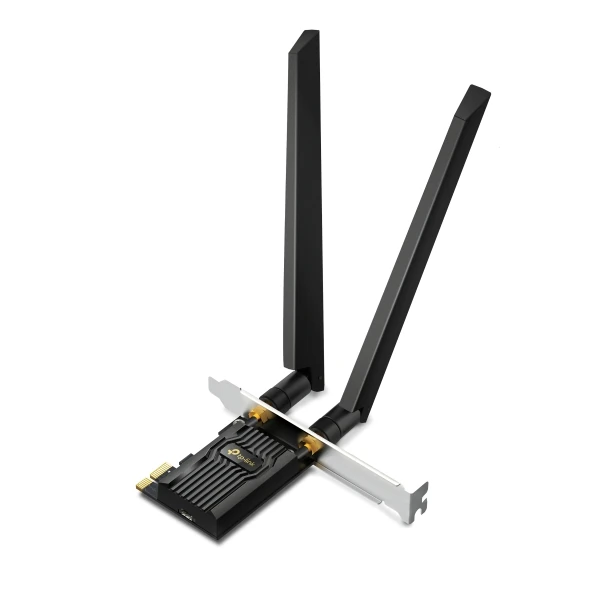
I have installed this card for clients. It suits a compatible desktop, especially with Windows 11 and a Wi-Fi 6E router or access point. The 6GHz band requires compatible equipment and has shorter reach; AXE5400 alone is not a reason to buy.
Important features :
Suitable uses :
Advantages and limitations :
Limitations: No PCIe slot or no willingness to open the PC Expectation of fixing poor whole-home coverage
My verdict: the most balanced long-term PCIe choice here after checking the slot, internal header and hardware version.
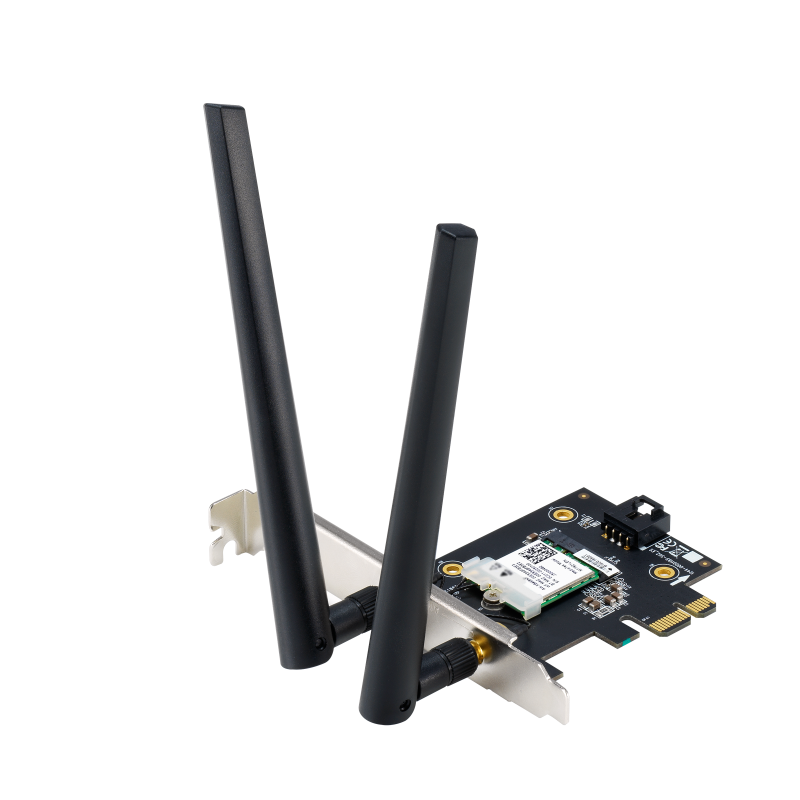
I have installed it for clients. It combines Wi-Fi 6E, Bluetooth and two external antennas. ASUS states that 6GHz needs 64-bit Windows 11; its Windows 10 support is limited to 2.4 and 5GHz.
Important features :
Suitable uses :
Advantages and limitations :
Limitations: No internal USB header for Bluetooth Use where 6GHz cannot be used
My verdict: a complete alternative when compatibility and antenna placement justify the specification.
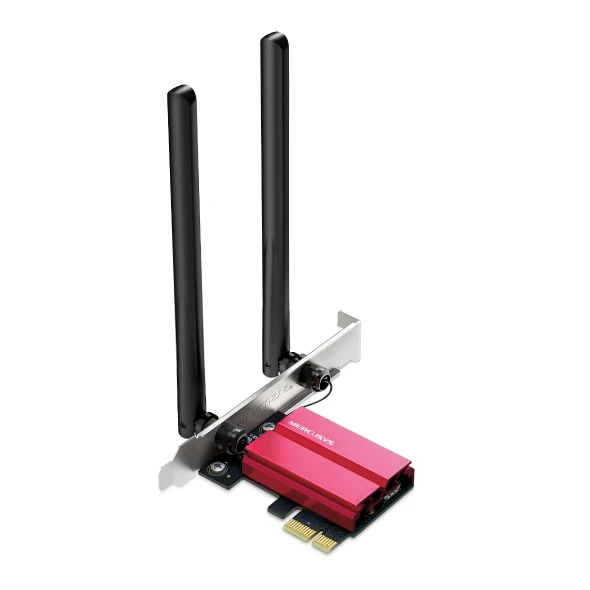
I have installed it for clients. The V1 page specifies an Intel chipset, Bluetooth 5.2 and three bands. As with other 6E cards, 6GHz depends on Windows 11 and a compatible network.
Important features :
Suitable uses :
Advantages and limitations :
Limitations: Laptop or case with no room 6GHz expected on Windows 10
My verdict: a credible PCIe alternative, but check the exact revision, drivers and case space first.
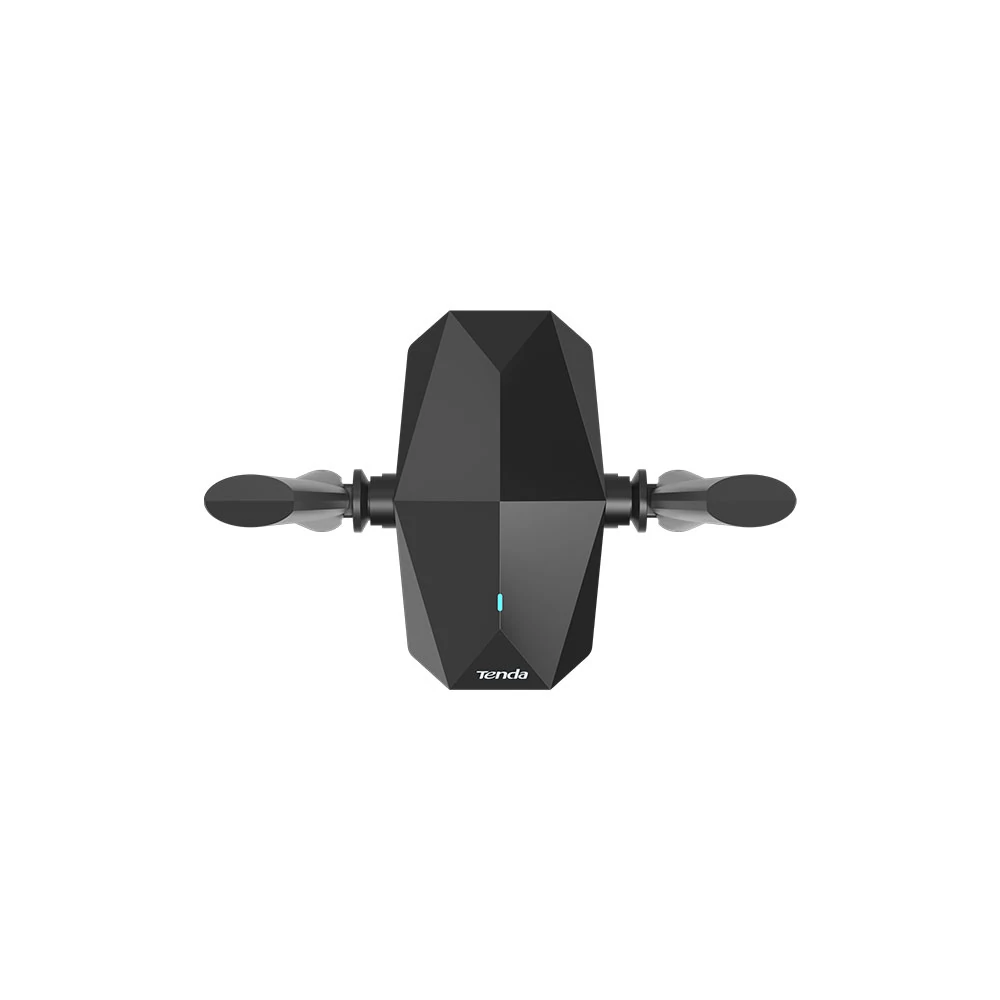
I have installed it for clients. It avoids opening the PC and can suit a machine with no free slot. Tenda now marks it EOL; a January 2026 Windows 10/11 driver remains available, but future support needs checking.
Important features :
Suitable uses :
Advantages and limitations :
Limitations: Purchase requiring long product support System not covered by the driver
My verdict: I recommend it for quickly adding Wi-Fi 6 over USB when the correct driver is available and opening the PC is undesirable. For my clients, this format works well for a specific need or a machine with no free slot; for a long-term installation, I first check ongoing driver support.
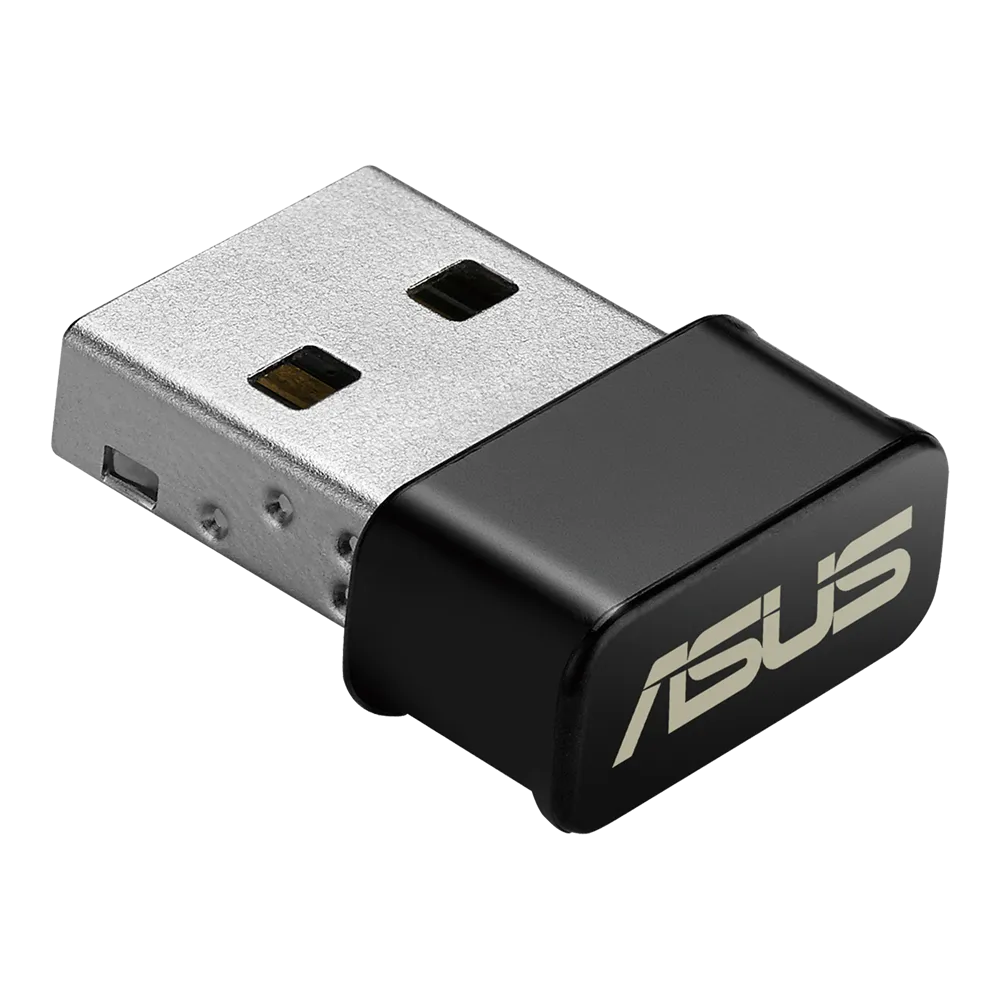
I have installed it for clients. Its AC1200 2×2 Wi-Fi 5 specification is above a basic AC600 nano adapter on paper, but it still uses USB 2.0 and internal antennas.
Important features :
Suitable uses :
Advantages and limitations :
Limitations: PC far from the router Need for remote antennas
My verdict: sensible for everyday use in good coverage, less suitable behind a desktop far from the router.
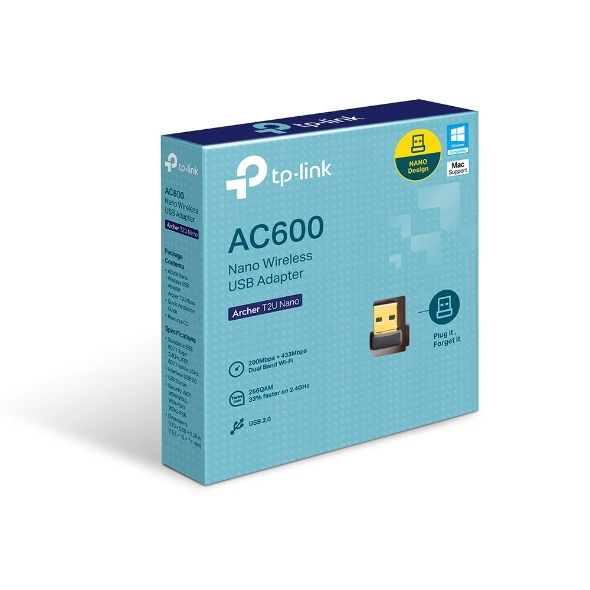
I have installed it for clients. Its strength is discretion. This USB 2.0 Wi-Fi 5 AC600 adapter can reconnect a PC for browsing, but it is not intended to exploit a modern connection in a difficult location.
Important features :
Suitable uses :
Advantages and limitations :
Limitations: Long distance or thick walls High throughput or sustained use
My verdict: the budget option here, provided its speed, antenna and range limits are acceptable.
For a desktop used long term, I prefer a PCIe card with external antennas when compatible. USB is practical when you want no dismantling or a temporary fix. If the house is the problem, compare an extender, powerline, mesh and wired access point instead.
Before installation: shut down and unplug the PC, check warranty terms and never force a card into a connector. Ask a technician if you are uncomfortable opening the case.
Some links in this article are Amazon affiliate links. If you purchase through these links, I may earn a commission at no additional cost to you. This helps support and fund the Tera24 website.
Written by
IT technician and founder of Tera24, I provide computer repair, troubleshooting, and optimization services throughout Dordogne, helping individuals and businesses keep their technology running smoothly.
About Tera24 ↗From guide to workshop
Tera24 provides on-site support across Dordogne to diagnose Wi-Fi coverage, router, extender, mesh-network and wireless-adapter problems before recommending replacement equipment.
Further reading
Networking & Wi-Fi
Choose remote NAS access without exposing SMB: compare a VPN, vendor service and HTTPS sharing, then limit permissions and test revocation.
Networking & Wi-Fi
Map the property, separate guests from private equipment, check client isolation, then measure coverage and throughput before choosing hardware.
Networking & Wi-Fi
A practical comparison of four Wi-Fi solutions for thick-walled homes, including suitable uses, limitations and installation requirements.