Networking & Wi-Fi
Guest Wi-Fi for a Gîte: Isolate Visitors Without Overcomplicating the Network
Map the property, separate guests from private equipment, check client isolation, then measure coverage and throughput before choosing hardware.

Networking & Wi-Fi / Practical guide
THE TERA24 JOURNALReach your files away from home without opening your whole network
I first identify the people, devices and folders involved before changing settings on the router or NAS.
The Tera24 approach
Choose limited access and verify that it really works
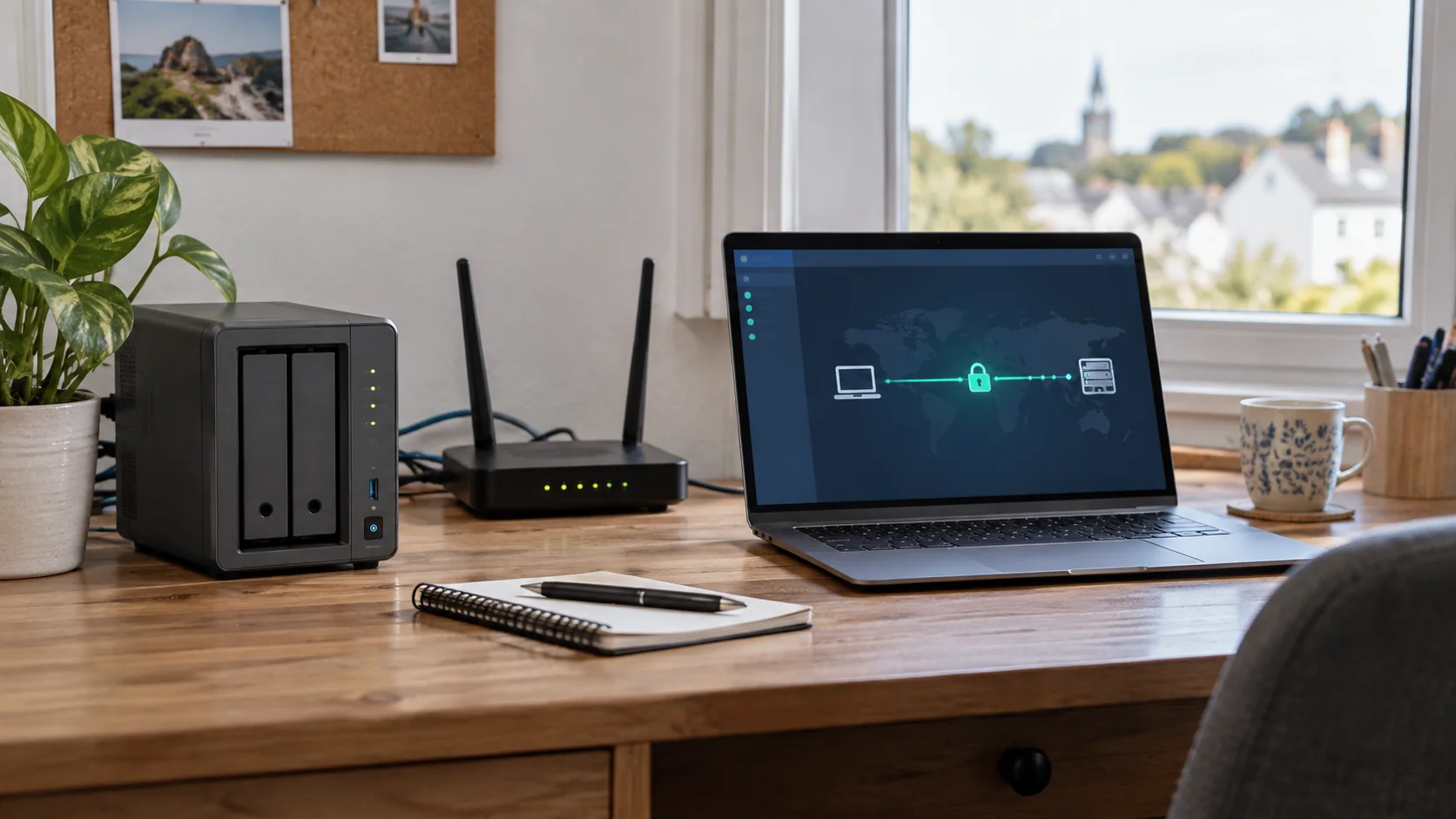
I compare VPN, vendor remote access and HTTPS sharing, explain why SMB/445 must stay closed to the Internet, and cover the controls and limitations of each method.
“Access the NAS from anywhere” is too broad a brief for a safe configuration. I start by identifying who needs which files, from which device and how often. Reading a few documents while travelling is different from working in shared folders every day. A family member, an employee and a temporary contractor should not automatically receive the same access just because the technology makes it possible.
I list the devices used outside the home or office: a personal computer, phone, business laptop or borrowed device. I also separate reading a document from uploading files and administering the NAS. Administration deserves much tighter control. If someone only needs to view one folder, allowing that person into the entire home network adds exposure without helping them do the task.
This inventory becomes a test for every proposed solution. It should support the required work without exposing unnecessary accounts, applications or folders. For a small organisation in Dordogne, I also identify who can remove access when a colleague leaves or a telephone goes missing. If that responsibility is unclear, an easy initial connection can become a long-term maintenance problem.
SMB file sharing is useful on a local network. Microsoft says it directly uses TCP port 445. That does not mean opening the same port on the router is an appropriate way to reach the folders over the Internet. Microsoft recommends blocking inbound port 445 from the Internet at the firewall, and CISA recommends blocking external SMB access at the network perimeter.
I therefore review router port-forwarding and firewall rules before setting up a different remote-access method. An old forwarding rule may remain active long after its original purpose has been forgotten. The important change is to remove direct SMB exposure, not merely change a port number or rename the NAS. A less obvious label is no substitute for a real boundary.
Microsoft also recommends blocking outbound SMB traffic to the Internet unless a specific public-cloud need has been identified. It explains that segmentation and isolation can limit lateral communication between devices. At home or in a small business, this points to a practical distinction: reaching the files a person needs is not the same as granting access to the whole network. Remote access needs a controlled entry method, not a local share made public.
Do not do this: do not publish SMB or port 445 directly to the Internet. If forwarding already exists, identify its purpose and current users before removing it so that an undocumented service is not cut off unexpectedly.
I compare three broad approaches against the inventory instead of declaring one universally best. A VPN can give an authorised device a route to private-network resources. It is worth considering when a user needs several internal services, but its devices, credentials and permissions still require careful configuration and maintenance. Having a VPN does not justify giving everybody access to every folder.
A vendor remote-access service can simplify some tasks. Synology says QuickConnect can link mobile or PC clients to a Synology NAS without manual port forwarding, and an administrator can limit which Synology applications are accessible. That does not make the same claim true for every NAS brand or third-party application. Synology notes that relayed connections can be slower and that some services needing a direct address or port are incompatible with QuickConnect.
Sharing through an HTTPS interface may be sufficient for sending or receiving a few files without putting a device on the wider private network. I check authentication, link lifetime, permissions and the way to withdraw a share. “HTTPS” describes transport; it does not prove that folder permissions are sound. For QuickConnect specifically, Synology says end-to-end encryption depends on SSL being enabled, so I would verify the actual setting rather than assume it.
Once the connection method is chosen, I prepare separate accounts for the people who will use it. A shared administrator account makes actions harder to attribute and prevents one person’s access from being withdrawn cleanly. CISA recommends limiting remote-access privileges rather than giving every account identical rights. I apply that first to folders: read-only where editing is unnecessary, and no access to areas unrelated to the user’s work.
I also limit the applications available remotely. The ability to read files does not imply a need to open the administration console, backups or every other service installed on the NAS. On a Synology device, QuickConnect lets an administrator select the accessible applications. With another product, I look for the equivalent in that model’s documentation rather than assuming the same controls exist.
For a contractor or temporary colleague, I define the end of access and the person responsible for closing it when the account is created. A short list of authorised users, roles and folders makes a later review possible; it must not contain passwords. If a proposed method forces rights wider than the real task requires, I revisit the choice of method rather than accept unnecessary exposure for convenience.
Least privilege: one user, one real need, and only the useful folders and applications. The administrator account is not a daily file-sharing account.
I verify the path the data actually takes and the encryption options of the chosen service. A padlock in a browser alone does not explain who can open a folder or how a connection is relayed. Settings on the NAS, router and client application must work together. Where the model’s documentation does not confirm a protection, I do not promise it to the reader.
CISA recommends phishing-resistant multifactor authentication for remote services and accounts that reach critical systems. I enable suitable MFA where the chosen service offers it, especially for accounts that administer the NAS. I also keep a controlled recovery method, because protection that the owner can no longer manage may lock them out. Each product supports different options, so I check the available method rather than claiming that one setup works everywhere.
Updates for the NAS, router and client applications, plus connection logs where available, belong in the maintenance plan. I identify who will read alerts and how an expected sign-in will be distinguished from unusual activity; a log alone does not prevent an intrusion. If files are already encrypted or inaccessible, I do not treat that as a mere remote-access setting. My guide to the first steps after ransomware encryption addresses the precautions to take before reinstalling Windows.
A connection that works over the office Wi-Fi does not prove that remote access is configured properly. I test from another network, such as a mobile connection, using an ordinary account rather than an administrator. I confirm that only the intended folders open, that a restricted folder stays inaccessible, and that signing out ends the session. I record the result without placing credentials in the report.
I repeat the test on the devices people will actually use. A phone may rely on a different app from the computer, and some paths or third-party programs may not work with the selected vendor service. Synology expressly notes this limitation for QuickConnect. If a connection is relayed, I also assess whether speed and latency are acceptable for the intended files, without promising the same performance on every Internet connection.
The final test is to plan for a lost device before one disappears: where is its session, authorisation or account removed, and who can do it? I document how legitimate access will be restored afterwards. A method that works on the first day but that nobody knows how to disable is unfinished. For a holiday property or small organisation, this procedure matters as much as convenient daily sign-in.
Remote access lets you reach a file from elsewhere. Synchronization aims to keep copies aligned across devices. A backup should allow data to be restored after a problem. A NAS may participate in all three, but they are not interchangeable. Reaching files remotely does not demonstrate that an earlier version exists or that a restore has ever been tested.
I therefore ask what problem the person actually needs to solve. If it is reading a document during a trip, a limited remote-access method may be enough. If the concern is losing family photos or business documents, the copy and restoration strategy needs its own review. My article comparing a NAS and an external drive for backup helps frame that decision without assuming that buying a NAS covers every failure scenario.
I finish with three questions: who can reach the files, who can change them, and how will they be restored if the main device fails or an unwanted change spreads? The remote-access plan and the backup plan must each answer a different question. Before buying a new router or extra service, I would check the documented capabilities of the existing equipment and the limits of its Internet connection.
The decisive test: grant only the access genuinely needed, then test revocation and restoration separately. Remote access does not replace a verified backup.
Written by
IT technician and founder of Tera24, I provide computer repair, troubleshooting, and optimization services throughout Dordogne, helping individuals and businesses keep their technology running smoothly.
About Tera24 ↗From guide to workshop
Further reading
Networking & Wi-Fi
Map the property, separate guests from private equipment, check client isolation, then measure coverage and throughput before choosing hardware.
Networking & Wi-Fi
Six USB and PCIe Wi-Fi adapters compared by compatibility, installation, antennas and real use.
Networking & Wi-Fi
A practical comparison of four Wi-Fi solutions for thick-walled homes, including suitable uses, limitations and installation requirements.