Networking & Wi-Fi
Access Your NAS Remotely Without Exposing File Sharing to the Internet
Choose remote NAS access without exposing SMB: compare a VPN, vendor service and HTTPS sharing, then limit permissions and test revocation.

Networking & Wi-Fi / Practical guide
THE TERA24 JOURNALThick walls: Wi-Fi cannot be fixed by choosing a device at random
Extenders, powerline adapters, mesh systems and access points do not avoid obstacles in the same way. The right choice depends on the number of weak areas, electrical wiring and whether Ethernet can be installed.
The Tera24 approach
Four solutions compared for real house layouts
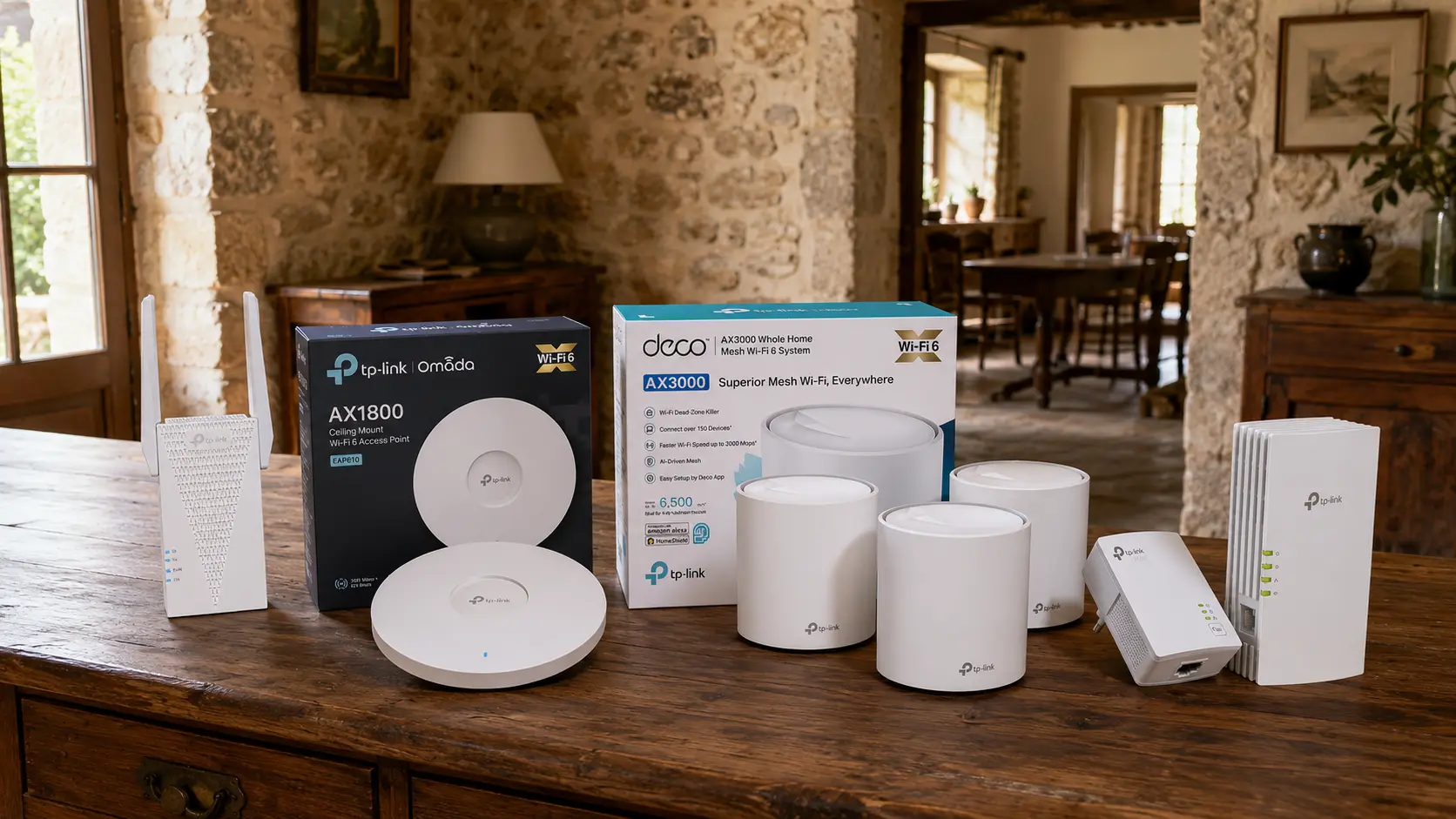
I compare the four products supplied in the brief, state my real experience with each and explain both suitable uses and limitations.
Stone walls, floors and room layout can weaken wireless coverage severely. Buying the most powerful-looking device is not enough: first separate a coverage problem from interference, a weak client adapter or a slow Internet connection. My guide to slow or unstable Wi-Fi covers that diagnosis.
Diagnose before buying: test beside the router and then in the difficult rooms. If the connection is already slow beside the router, an extender, powerline kit or mesh system will not repair the Internet line.
An extender repeats an existing wireless link. Powerline carries data over electrical wiring. Mesh coordinates several nodes under one network. A wired access point receives the network through Ethernet before broadcasting Wi-Fi, making it the most predictable foundation when cabling is possible.
| Solution | Main strength | Thick-wall limitation |
|---|---|---|
| Extender | Simple for one area | Still needs a usable incoming signal |
| Powerline Wi-Fi | Avoids the radio path | Depends on electrical wiring |
| Mesh | Unified coverage and network | Nodes must communicate properly |
| Access point | Stable wired uplink | Requires cabling |
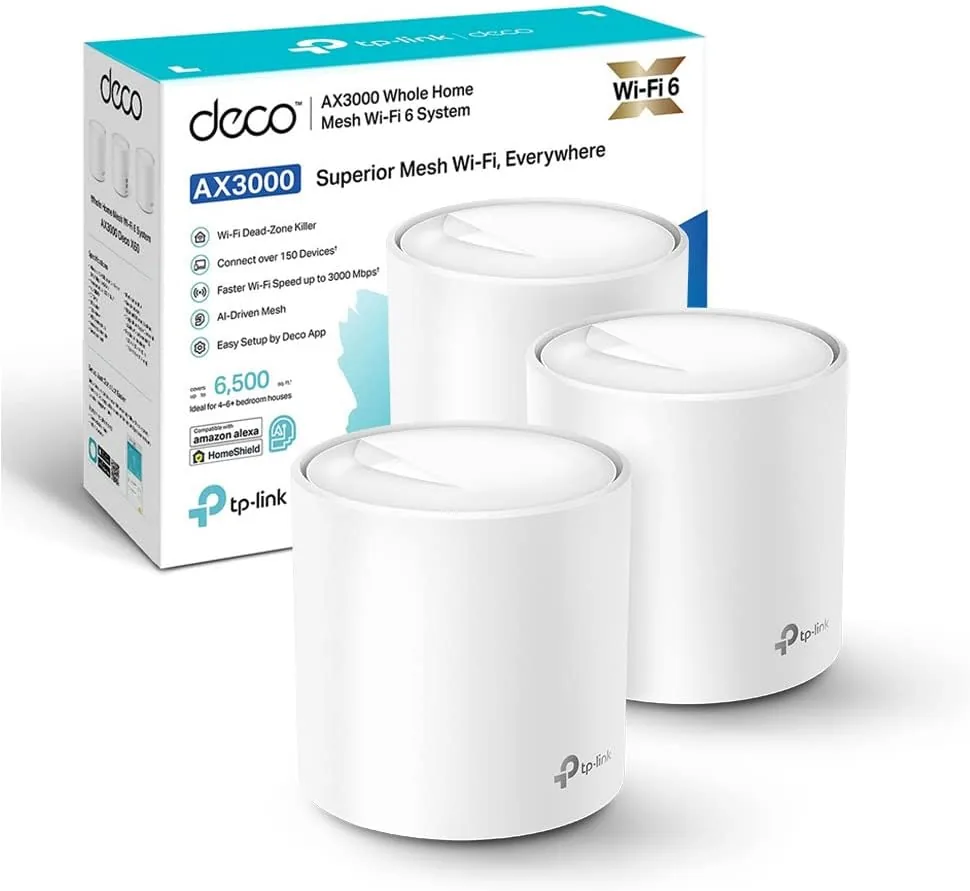
I use the Deco X50 personally. It does not magically penetrate stone; it lets you place several radio points while keeping one network. In a difficult house, intermediate node placement matters, and Ethernet backhaul is preferable where practical.
Important features :
Recommended uses :
Advantages :
Limitations and unsuitable uses : Thick walls also weaken the link between nodes Placement remains critical; Ethernet backhaul helps in difficult layouts Home where only one room needs a small improvement Nodes placed with no usable wireless or Ethernet path between them
My verdict: the best overall fit here for several rooms, provided that node placement is planned carefully.

I have installed the EAP610 for a client. A wired access point does not rely on an already degraded Wi-Fi signal for its network uplink. It suits a long-term structured installation, but requires cabling, suitable power and more configuration.
Important features :
Recommended uses :
Advantages :
Limitations and unsuitable uses : Requires network cabling and suitable power More technical setup than a consumer mesh kit Installation expected to be completely wireless User unwilling to add cabling or handle a more structured network setup
My verdict: the most robust architecture when Ethernet can reach the right place, though not the easiest installation.
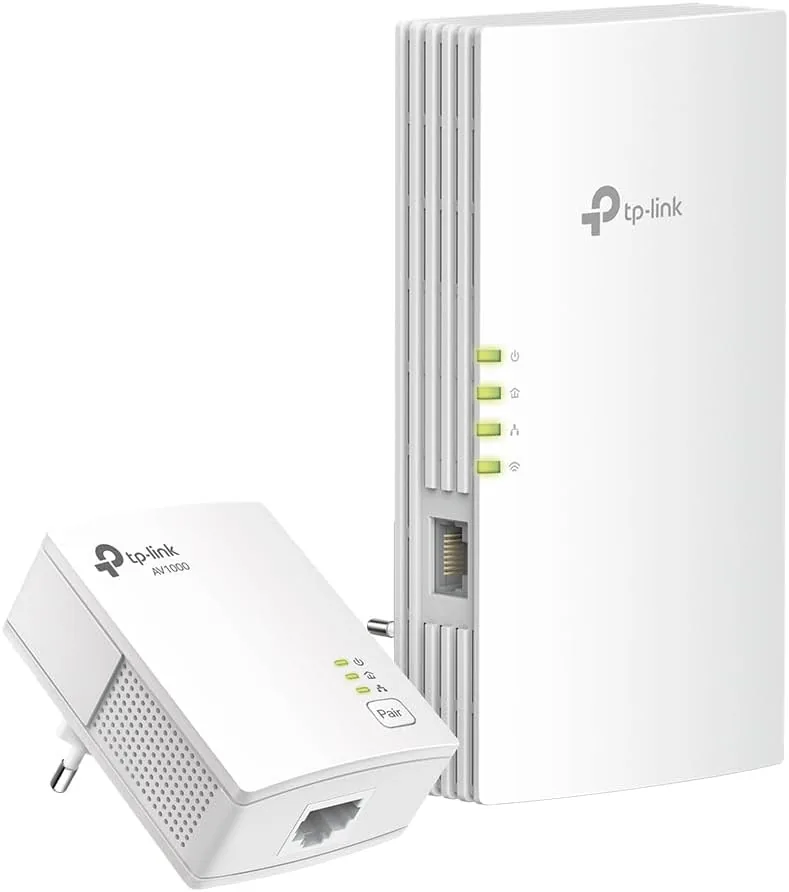
I have installed this kit for a client. It can avoid a difficult radio path by using electrical wiring and then create Wi-Fi in the destination room. The result cannot be predicted from the AV1000 label: only a test on the actual sockets is meaningful.
Important features :
Recommended uses :
Advantages :
Limitations and unsuitable uses : Performance varies with the consumer unit, circuits and electrical noise Theoretical AV1000 figures do not predict usable throughput Unknown, highly segmented or noisy electrical wiring A use case requiring guaranteed throughput before on-site testing
My verdict: I recommend it when running Ethernet is difficult and the electrical wiring is suitable. In client installations, I always validate the result on the intended sockets because real-world performance depends on the property.
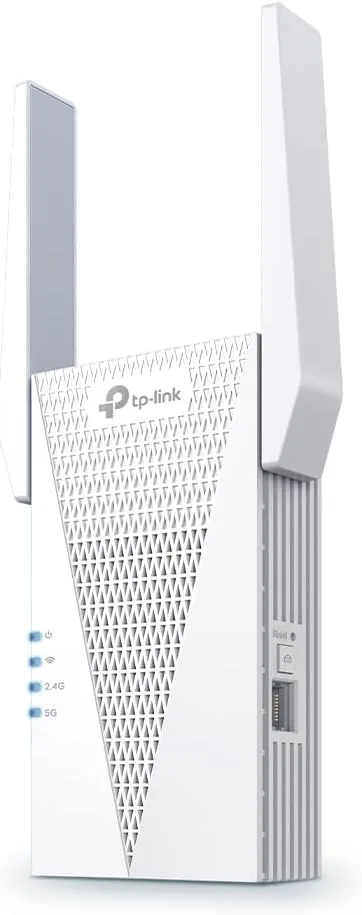
I have installed this extender for a client. It makes sense when a socket before the dead zone still receives a usable signal. Placing it inside the dead zone can merely repeat an already weak link.
Important features :
Recommended uses :
Advantages :
Limitations and unsuitable uses : Can only repeat a signal it receives properly Speed and stability depend heavily on placement Crossing several thick walls or covering a whole large house A location where the received signal is already very weak
My verdict: suitable for one local correction. However, EU hardware version 1.0 appears on TP-Link’s June 2026 end-of-marketing list, so check the exact version, availability and support before buying.
For several weak areas, I would start with the Deco X50 and use Ethernet between nodes where stone blocks the wireless backhaul. If Ethernet can reach the correct position, the EAP610 provides a stronger foundation. Powerline deserves an on-site test. The RE715X is a local correction, not a whole-house cure.
Check the router, channels and client adapter before replacing equipment. A coherent design is better than stacking devices.
Some links in this article are Amazon affiliate links. If you purchase through these links, I may earn a commission at no additional cost to you. This helps support and fund the Tera24 website.
Written by
IT technician and founder of Tera24, I provide computer repair, troubleshooting, and optimization services throughout Dordogne, helping individuals and businesses keep their technology running smoothly.
About Tera24 ↗From guide to workshop
Tera24 provides on-site support across Dordogne to diagnose Wi-Fi coverage, router, extender, mesh-network and wireless-adapter problems before recommending replacement equipment.
Further reading
Networking & Wi-Fi
Choose remote NAS access without exposing SMB: compare a VPN, vendor service and HTTPS sharing, then limit permissions and test revocation.
Networking & Wi-Fi
Map the property, separate guests from private equipment, check client isolation, then measure coverage and throughput before choosing hardware.
Networking & Wi-Fi
Six USB and PCIe Wi-Fi adapters compared by compatibility, installation, antennas and real use.