PCs & Computers
Moving to a New Windows PC: A Checklist for Files, Apps and Access
Files, software, licences, email and peripherals: a checklist for verifying a new Windows PC before erasing the old one.

PCs & Computers / Practical guide
THE TERA24 JOURNALA completed job does not prove recovery
I start with one priority need and restore a small sample to a separate location.
The Tera24 approach
A precise result is worth more than a green indicator
Opened files, recorded dependencies, an isolated copy and a scheduled retest make the check genuinely useful.
A backup is useful only if it lets you recover the data you need when you need it. Before running a test, I therefore define the recovery requirement. For a self-employed professional, association or small business, not every file has the same urgency: billing records, a schedule or current working documents may come first, while older archives can wait.
I record the essential data, where it is backed up and how much disruption is acceptable. This is not about promising a universal recovery time. The practical questions are: which data must return first, how recent must it be and what is required to open it? This short list prevents a test from restoring a random file that has no connection with real operations.
The right starting point: choose a concrete recovery need. A green indicator or “job completed” email does not yet show that your priority document is recoverable.
I always separate four checks. The first confirms that the job finished without a reported error. The second concerns the accessibility and integrity of the copy. The third restores and opens a file. The fourth is broader recovery: an application, a complete computer or a business service. Passing one level does not automatically validate the next.
A backup creates copies of data to protect it against loss or corruption. A restore recovers that data to its original location or to a new one. This simple difference changes the control process: the test must reach the recovered file rather than stop at the software log.
For a first exercise, I deliberately limit the scope to file restoration. Application recovery may depend on configuration, dependencies, licences or a consistent database. Rebuilding a full computer adds the operating system, drivers, accounts and startup process. Those scenarios need their own procedures; a sample of documents is not enough to declare them successful.
I prepare a small, known sample before the exercise: several file types that are genuinely used, different sizes and at least two dates when version history is available. For example, the set might include a PDF, an office document, an image and one larger file. The objective is not to collect hundreds of items but to verify several representative paths.
I record the name, expected date, approximate size and, where useful, a visible element of the content. I select non-sensitive material or work with the appropriate authorisation. I do not alter the source file to make the test easier, and I never delete production data to manufacture an emergency.
On Windows, File History can periodically save copies of personal files to an external drive or network location. It lets you browse multiple versions and restore files that were lost, damaged or changed accidentally. This provides one possible test path when the feature is actually configured; it does not prove that all your folders are already protected.
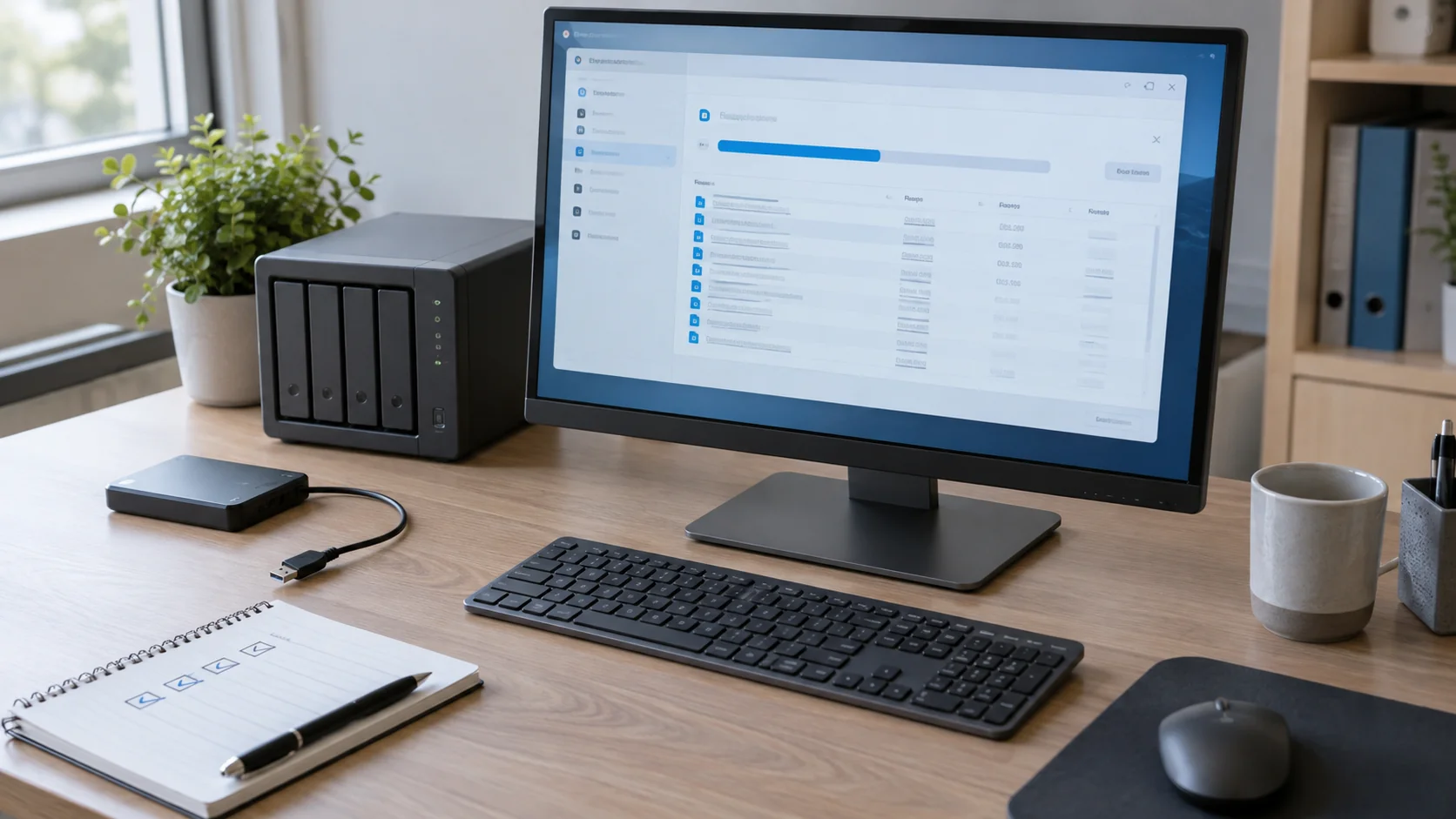
For a non-destructive test, I restore the sample into a clearly named separate folder with enough free space. I reject any option that immediately replaces production files until its exact behaviour has been verified. This separation lets me compare the restored copy with the original without overwriting a newer version.
I time the operation without turning the result into a guarantee. Duration depends on volume, media, network, software and the checks performed. Once the files have returned, I actually open them. I verify the expected version, the content and whether the intended application can use them. A file appearing in a directory does not prove that it is usable.
If the exercise fails, I keep the error message and avoid blind repetition. I check the account, permissions, available space, destination access and requested version. Depending on the case, the problem may affect the copy, media, software or simply the procedure. Diagnosis comes before any conclusion about the entire backup set.
Precaution: keep the original data untouched during the test. A recovery exercise should produce a copy that can be checked, not silently replace current work.
The restore test must also examine the architecture. CISA recommends keeping offline, encrypted backups of critical data and regularly testing their availability and integrity in a recovery scenario. Many ransomware variants look for accessible backups so that they can delete or encrypt them.
I therefore check that one copy is not permanently connected with the same access as the protected computer. “Isolated” can take different forms depending on the installation, but the objective is concrete: an incident affecting the working environment must not reach every copy at once. The 3-2-1 backup rule helps organise that separation without replacing a restore test.
When several computers are centralised, my guide to backing up multiple PCs to a NAS covers inventory, frequency and a separate copy. Here, I add the proof that a file from the selected layer can genuinely return to a test location.
A useful test leaves a short, understandable record. I note the date, backup source, test destination, selected files, requested version, observed duration and result of opening each item. I add the required dependencies: authorised account, application, key, media, connection or known procedure. I never put a plaintext password in this record.
The verdict remains precise. “Recent PDF restored and opened” is better than “backup validated”. If a document returns but cannot be read, the test failed. If an older version is missing, I record that separately. When the sample passes, I state exactly what it covers and what it does not: it proves neither recovery of all data nor complete reconstruction of a computer.
A problem is not a minor note to file away: it is evidence that the arrangement needs attention before a real incident. I first correct the observed cause, whether it is an excluded folder, insufficient retention, missing permission, unavailable medium or incomplete procedure. I then repeat a limited test with the same expected result to confirm the fix.
CISA recommends prioritising critical services during restoration and relying on backups whose integrity has been verified. I therefore align future exercises with the priority needs defined at the start. I schedule a new test after a significant change to the backup system and according to the risk level, without inventing one frequency for every organisation.
Recovery after ransomware requires additional precautions. The article covering the first steps after files are encrypted explains why useful diagnostic evidence should be preserved before reinstalling Windows. A planned exercise, by contrast, should remain isolated, documented and harmless to production data.
My advice: do not try to validate everything at once. First prove one priority restore path, fix whatever blocks it, then expand the scenario gradually. That is more honest and useful than a simple “backup completed” status.
Written by
IT technician and founder of Tera24, I provide computer repair, troubleshooting, and optimization services throughout Dordogne, helping individuals and businesses keep their technology running smoothly.
About Tera24 ↗From guide to workshop
Further reading
PCs & Computers
Files, software, licences, email and peripherals: a checklist for verifying a new Windows PC before erasing the old one.
PCs & Computers
Inventory, scheduling, retention, a separate copy and restore tests: organise usable NAS backups for several small-business computers.
PCs & Computers
RAM, SSD or another cause? Observe the real workload, check compatibility and identify the bottleneck before buying an upgrade.