Tech Buying Guides
USB-C Dock and Dual Monitors: Check Compatibility Before You Buy
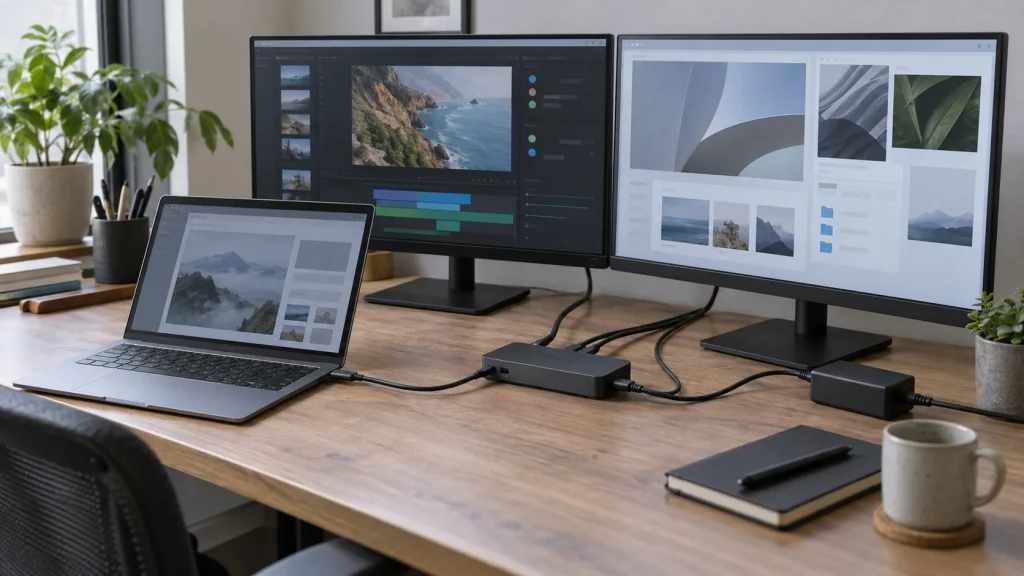
Video, power, cables and graphics limits: verify the whole chain before buying a USB-C dock for two monitors.

Tech Buying Guides / Practical guide
THE TERA24 JOURNALA clean case cannot tell you whether the PC will suit you
I suggest checking the actual machine, its limitations and its protections before trusting a cosmetic grade.
The Tera24 approach
Choose a refurbished computer using verifiable information
Workload, configuration, component condition, repairability and sale terms matter more than a flattering label.
A refurbished PC is not automatically a good choice because its case looks clean or its listing gives it a flattering grade. I start with the actual workload: web browsing, office work, video calls, photo editing, professional software and games do not require the same computer. This first step prevents you from comparing attractive models that cannot run the applications you genuinely need.
Write down the essential software, peripherals and practical constraints: an external display, printer, photo library, regular travel or long periods on battery power. Then check the publisher’s official requirements. A configuration suitable for light work today may still be a poor match for one specific business application, even when the listing uses reassuring marketing labels.
If the goal is mainly to replace a computer that has become slow, I recommend identifying the real causes of poor PC performance first. A sensible repair or upgrade may avoid another purchase; equally, an underpowered refurbished machine will not solve the problem for long.
Ask for the processor’s exact reference rather than a broad product family. Two computers carrying a similar label may belong to different generations. Match the amount of memory to your software and find out whether it is soldered, replaceable or expandable. Without that information, an upgrade described as straightforward may be impossible on the machine actually being sold.
For storage, check the technology, usable capacity and replacement options. An SSD improves responsiveness compared with a mechanical hard drive, but it cannot compensate for an unsuitable processor or insufficient memory. If this component is unclear, my guide to understanding an HDD-to-SSD upgrade explains what the change can improve and what it cannot fix.
The display needs a real inspection: resolution, even brightness, defective pixels, pressure marks, hinge movement and image stability. A polished listing photograph is not enough. The technical and cosmetic information supplied should describe the refurbished unit being sold rather than merely repeating the original new product’s specification.
Useful check: Microsoft’s PC Health Check app can assess Windows 11 eligibility and explain why a computer does or does not meet the requirements. It also provides information about storage, startup and certain PC specifications. Run the check on the exact unit rather than assuming that a similar model behaves identically.
A laptop’s condition cannot be judged simply by confirming that it starts. Check that the battery is recognised, charges correctly and behaves consistently during a trial. On supported devices, PC Health Check can show battery capacity compared with its original capacity. This is more useful than a vague battery-life promise, but it does not guarantee the same running time for every workload.
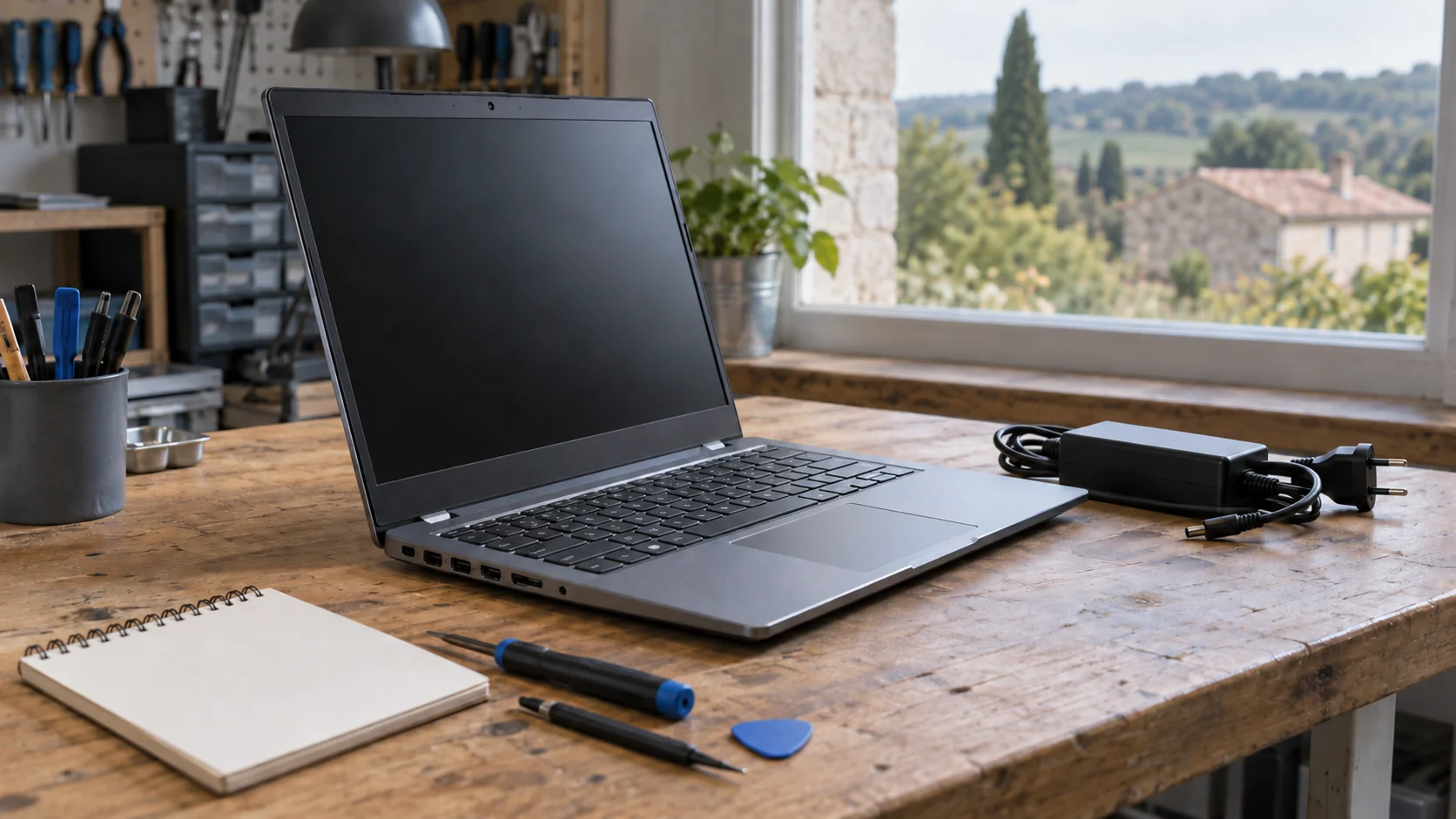
The charger should be appropriate for the computer and work without an intermittent connection. Inspect its cable, plug and the socket on the laptop. Open and close the display gently to detect play, uneven resistance or a case beginning to separate. A worn hinge can turn a discreet defect into structural damage; a superficial cosmetic mark does not have the same consequence.
Test every key, the touchpad, webcam, microphone, speakers, Wi-Fi and all ports needed for your work. If possible, connect a suitable device to each socket. A product described as refurbished must have undergone tests of all its functions to establish that it works before sale; it is still reasonable to ask what was checked and how the seller will handle a fault you discover.
A cosmetic grade mainly describes appearance according to the seller’s own scale. It does not prove battery endurance, future reliability or the quality of the testing. Conversely, a few signs of use do not prevent a computer from being technically sound. I therefore prefer a precise description of the unit, completed checks and known defects to a letter grade or a marketing phrase on its own.
In France, the expression “refurbished in France” is reserved for products whose refurbishment operations were carried out entirely in France. It tells you where the work took place, but it does not replace checks of the model, its condition and the sale terms. The advertised specifications must still match the PC you receive.
When a private individual or an association buys from a professional seller, the statutory conformity guarantee applies to a refurbished product for two years. For a second-hand or refurbished item, a defect is presumed to have existed at the time of sale for one year; after that period, the buyer must prove it. A commercial warranty may be added, but it is optional and does not replace the statutory protections.
Before paying: retain the listing, invoice, condition description, exact configuration and warranty terms. Check the seller’s identity and the procedure for reporting non-conformity. A written statement tied to the unit is easier to rely on than a verbal promise that cannot later be retrieved.
A refurbished computer becomes a genuinely durable option when wear components and spare parts remain accessible. Find the exact model reference, then check its service documentation, battery type, memory, storage, keyboard, charger and case parts. A component that is technically replaceable but unavailable or disproportionately difficult to install reduces the practical value of the machine.
Laptop computers are among the product categories covered by the French repairability index. The calculation considers documentation, dismantling, tools and fasteners, parts availability and parts pricing. When the information exists for the model concerned, examine the scoring details: they provide more useful information than the overall score alone.
Repairability does not mean that every intervention is simple or sensible at home. A bonded battery, soldered memory or fragile case can complicate an upgrade. Ask whether components were replaced, whether they are new or reused and whether their coverage differs. The aim is to understand the limitations before a failure rather than assume that everything will remain repairable indefinitely.
The real cost is not limited to the number shown in the listing. Include everything required for your use: a suitable charger, a battery that may need replacing, memory or storage, a dock, data transfer and software installation. Without quoting prices that change with the market, this complete view lets you compare two machines on a useful basis rather than by their marketing labels alone.
Before transferring files, prepare a verified copy of the old computer. A 3-2-1 backup for personal photographs and documents prevents the move from becoming a single point of failure. When the refurbished PC arrives, apply official updates, verify system activation and make sure accounts belonging to its former owner are no longer present.
I recommend completing the essential checks as soon as the computer arrives, while your records and any return options are straightforward to use. Retest the ports, battery, display and peripherals, then install only the software you need. If the delivered configuration differs from the listing or an essential feature fails, document the issue before making extensive changes to the machine.
The right purchase is therefore not necessarily the PC with the most flattering grade. It is the one whose configuration fits your work, whose condition is described and testable, whose protections are identifiable and whose parts remain reasonably accessible. For English-speaking residents around Saint-Chamassy and elsewhere in Dordogne, I would rather verify these points before purchase than try to correct a machine chosen only for its appearance.
Written by
IT technician and founder of Tera24, I provide computer repair, troubleshooting, and optimization services throughout Dordogne, helping individuals and businesses keep their technology running smoothly.
About Tera24 ↗From guide to workshop
Further reading
Tech Buying Guides
Video, power, cables and graphics limits: verify the whole chain before buying a USB-C dock for two monitors.
Tech Buying Guides
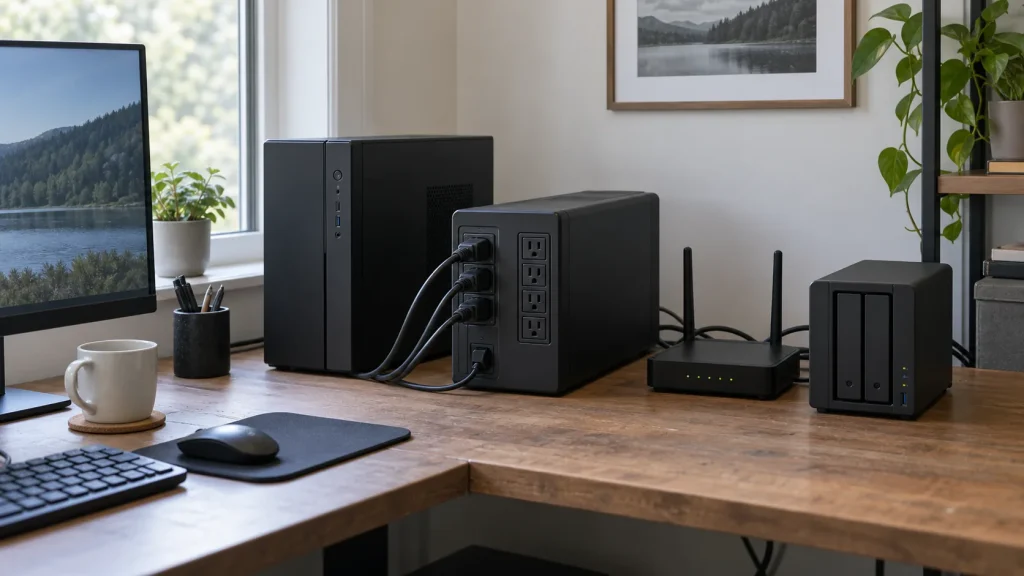
Watts, VA, runtime, outlets and controlled shutdown: choose a UPS for genuinely essential devices without oversizing it.
Tech Buying Guides
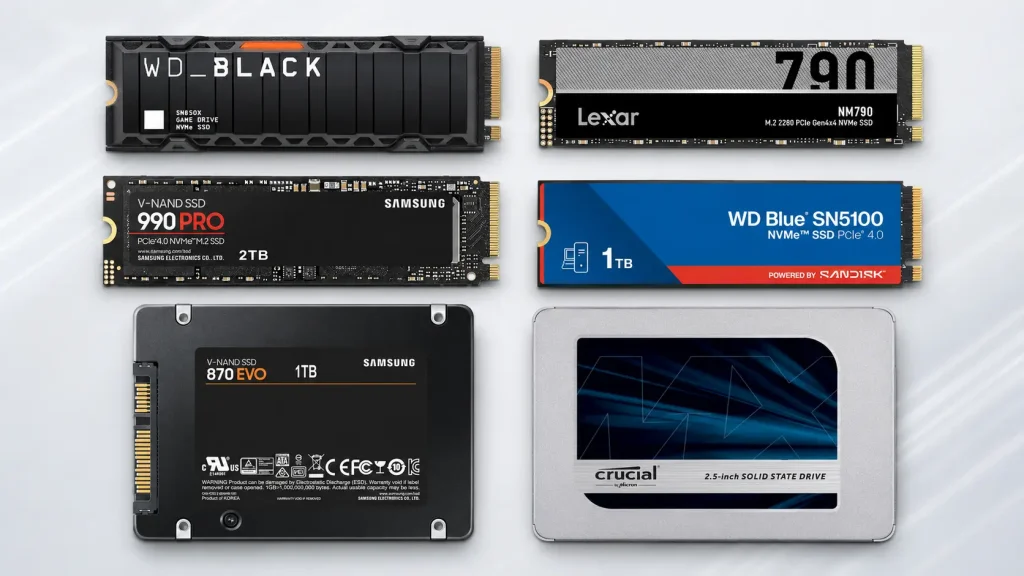
Six SATA and NVMe SSDs compared by compatibility, capacity and real PC use.