Tech Buying Guides
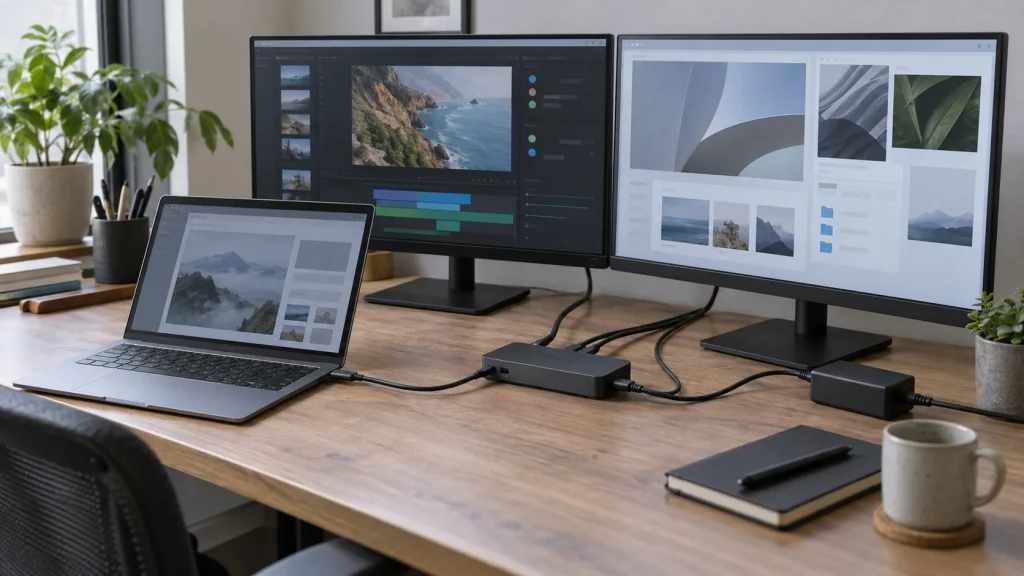
USB-C Dock and Dual Monitors: Check Compatibility Before You Buy
Video, power, cables and graphics limits: verify the whole chain before buying a USB-C dock for two monitors.

Tech Buying Guides / Practical guide
THE TERA24 JOURNALIs Your Computer Running Slow? Upgrade to an SSD!
The Tera24 approach
250 GB / 256 GB SATA III SSD Comparison
Does your computer take several minutes to boot or feel slow during everyday use? Replacing a traditional hard drive with a 2.5-inch SATA SSD is one of the best upgrades you can make to dramatically improve speed and overall responsiveness.
In this comparison, we've selected three 250 GB / 256 GB SSDs that are ideal for office work, multimedia, and student use. We'll compare their performance, endurance, reliability, and key features to help you choose the model that best fits your budget and your needs.
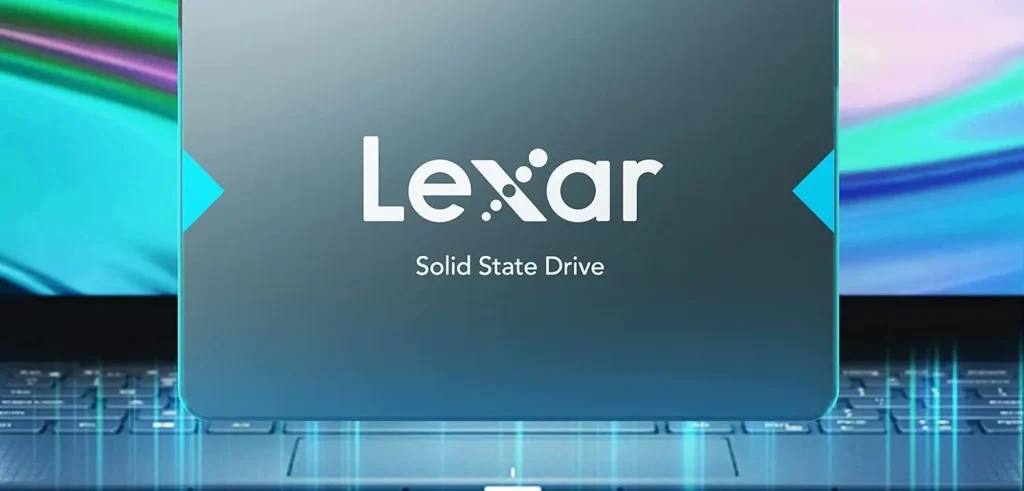
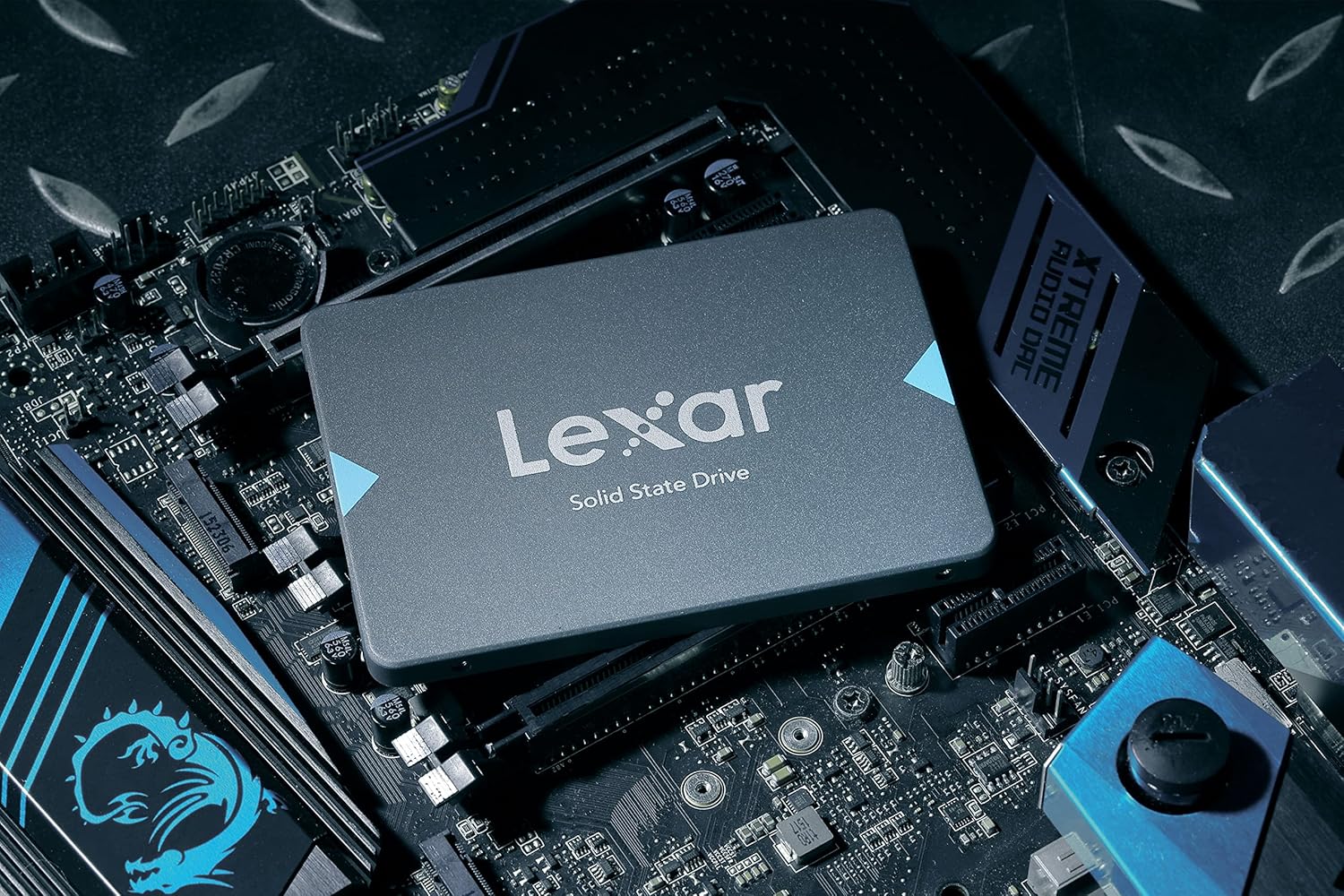
The Lexar NS100 256 GB is easily the best-value SSD in this comparison for anyone on a budget. Despite its affordable price, it can dramatically improve the responsiveness of an older laptop or desktop PC without any significant compromises for everyday use.
The smartest choice for replacing a traditional hard drive with an SSD without stretching your budget.
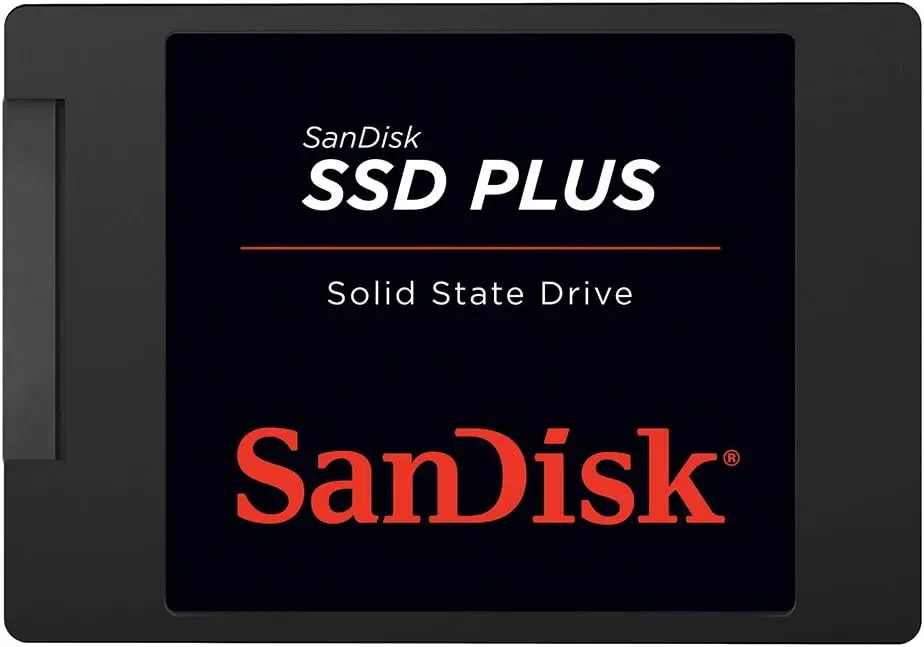
The SanDisk SSD Plus 250 GB is a well-established name in the SATA SSD market. It’s known for its reliability, stability, and the strong reputation of the SanDisk brand. However, at its current price, it is noticeably more expensive than competing drives with similar capacity. Storage needs, everyday workloads, and the free space you want to keep all matter when choosing between a 1TB and 2TB SSD.
An excellent SSD overall, but difficult to recommend over competing models because of its current price.
Tera24 provides on-site computer services across Dordogne, including hard drive to SSD upgrades, disk cloning, clean Windows installations, and performance optimization for desktop and laptop computers.
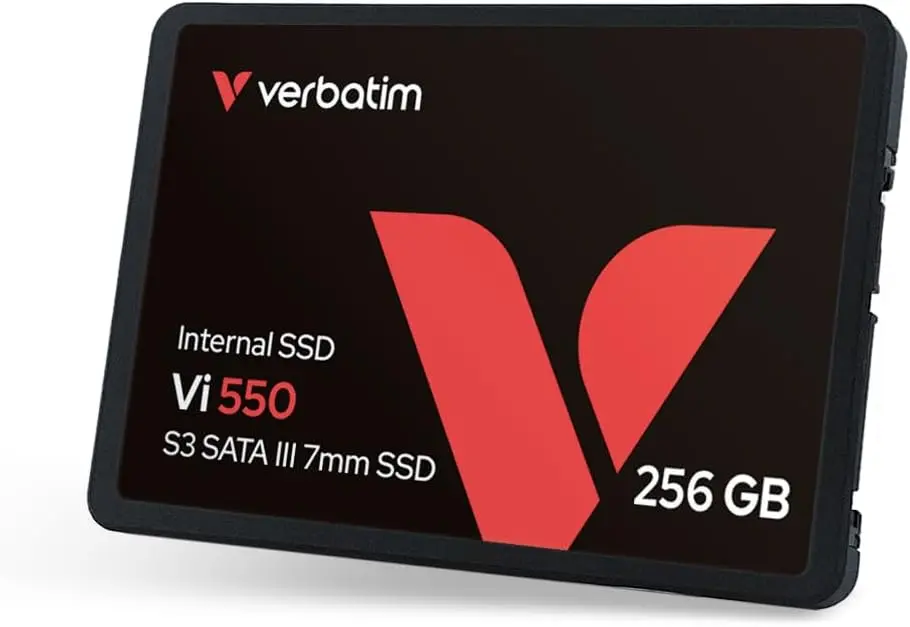
The Verbatim Vi500 S3 256 GB strikes an excellent balance between performance, price, and capacity. It delivers strong read and write speeds while remaining more affordable than the comparable SanDisk model.
Probably the most well-rounded SSD in this comparison for everyday use.
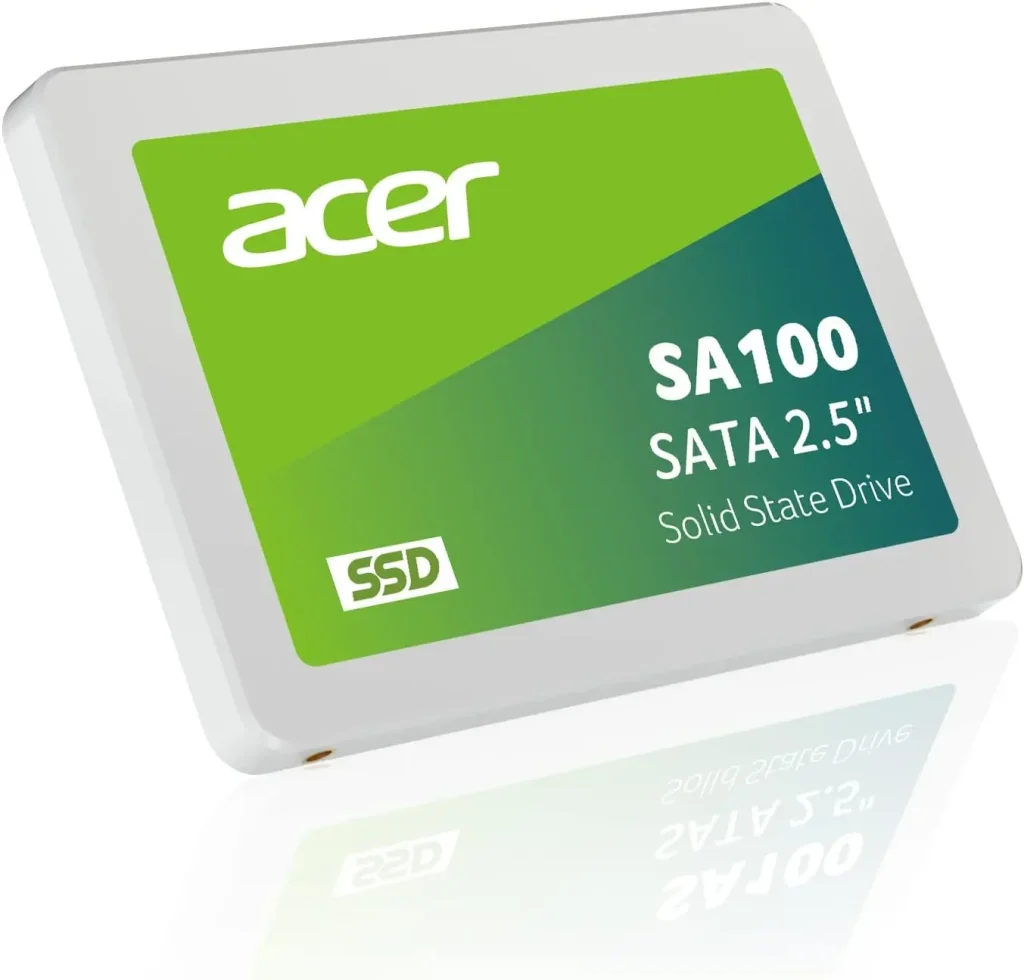
The Acer SA100 240 GB offers solid performance for everyday computing, with speeds comparable to other SATA SSDs. However, at its current price, it is slightly less competitive than the Lexar or Verbatim alternatives.
A solid SSD for bringing an older computer back to life, although other models currently offer better value for money.
For upgrading a laptop or desktop PC, performance differences between these SATA SSDs are relatively small. The real deciding factors are price, brand reputation, and overall value for money. However, an SSD is not the answer to every performance problem, so it is worth checking the other common causes of a slow computer before buying a new drive.
Whichever model you choose, replacing an old mechanical hard drive with an SSD remains one of the most effective upgrades you can make to improve the performance of a Windows computer. Before fitting the new drive, you will also need to choose between cloning your existing system and performing a clean Windows installation.
Some links in this article are Amazon affiliate links. If you purchase through these links, I may earn a commission at no additional cost to you. This helps support and fund the Tera24 website.
Written by
IT technician and founder of Tera24, I provide computer repair, troubleshooting, and optimization services throughout Dordogne, helping individuals and businesses keep their technology running smoothly.
About Tera24 ↗From guide to workshop
Further reading
Tech Buying Guides
Video, power, cables and graphics limits: verify the whole chain before buying a USB-C dock for two monitors.
Tech Buying Guides
Watts, VA, runtime, outlets and controlled shutdown: choose a UPS for genuinely essential devices without oversizing it.
Tech Buying Guides
Workload, condition, battery, warranties and repairability: practical checks before buying a refurbished computer.