Networking & Wi-Fi
Guest Wi-Fi for a Gîte: Isolate Visitors Without Overcomplicating the Network
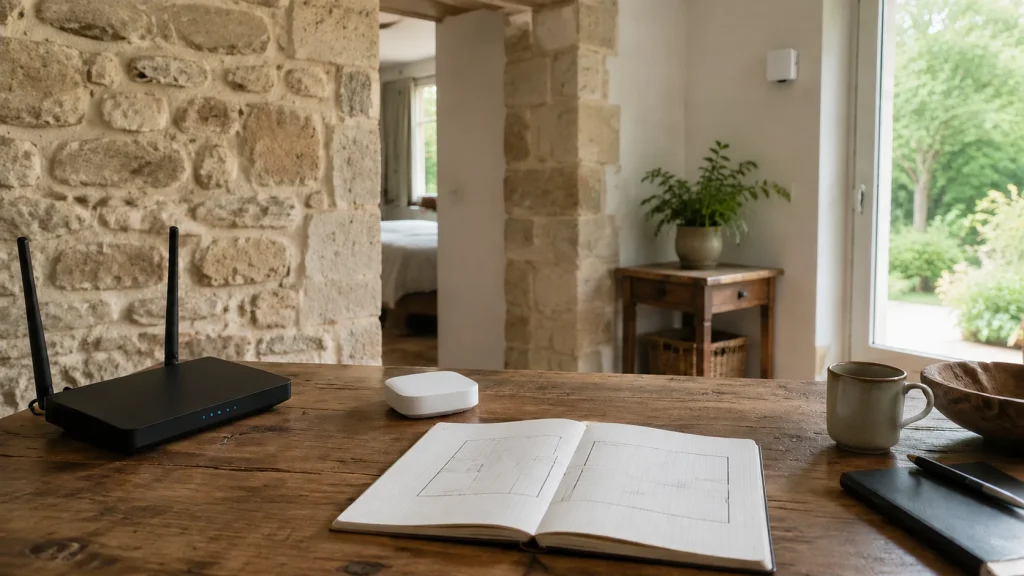
Map the property, separate guests from private equipment, check client isolation, then measure coverage and throughput before choosing hardware.

Resources / The Tera24 journal
Understand what is wrong.
Repair what can be repaired.
Make an informed choice.
Featured From the workshop
Networking & Wi-Fi
Map the property, separate guests from private equipment, check client isolation, then measure coverage and throughput before choosing hardware.
PCs & Computers
Distinguish File Explorer, Disk Management and Device Manager, decline format and initialization prompts, and stop testing when signs of failure appear.
PCs & Computers
Turn the laptop off and disconnect it without retesting, avoid heat, compressed air and rice, then arrange inspection before power is applied again.
PCs & Computers
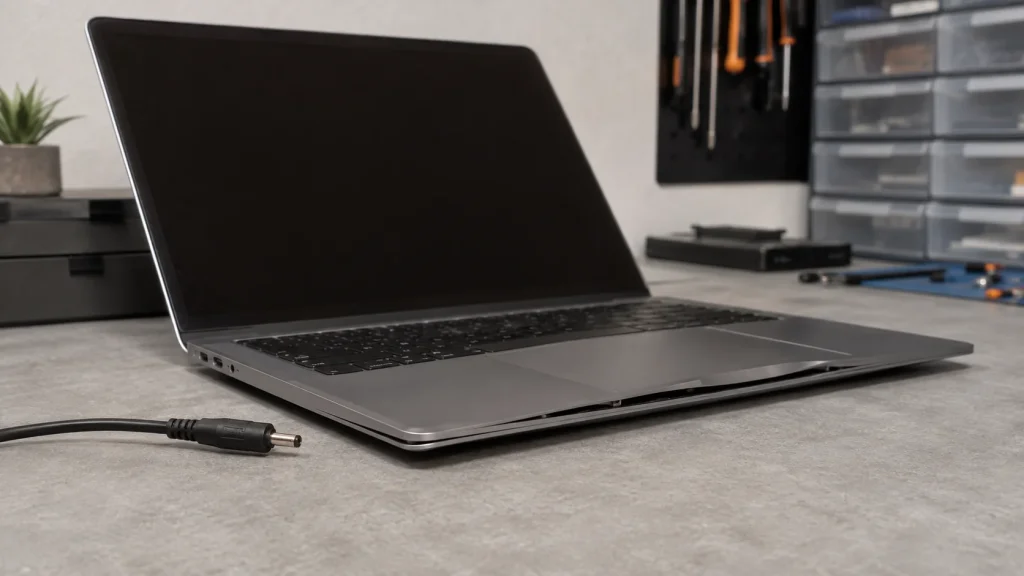
Raised chassis or touchpad? Stop using and charging the laptop, never force the battery, and choose the appropriate recycling option.
Cybersecurity
Isolate the PC, protect clean backups and preserve evidence before reinstalling Windows or attempting recovery.
Software & Apps
OneDrive syncs files and provides limited recovery features. Check offline copies and add an independent, tested backup.
Cybersecurity
Compromised Microsoft account: secure the device first, use official help, then review the password, email settings and linked services.
Cybersecurity
After a fake tech support scam, regain control and secure the PC, accounts, email and payments before choosing the right recovery level.
Printers
Printer offline in Windows: locate the fault across the device, network, queue and driver before reinstalling everything.
Cybersecurity
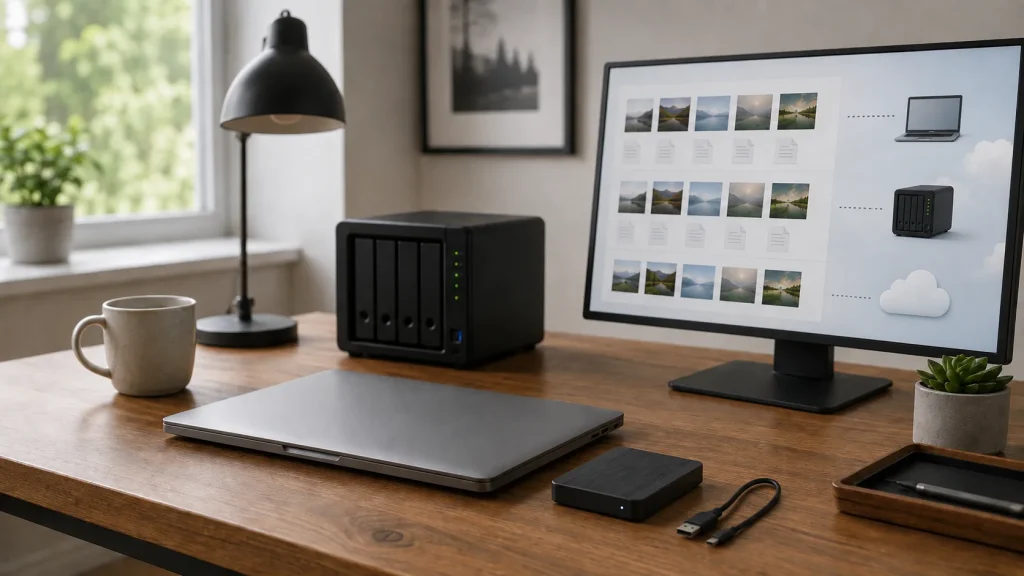
A simple, separated and restorable 3-2-1 backup plan for protecting personal photographs and documents.