Networking & Wi-Fi
Wi-Fi extender, powerline, access point or mesh: what works through thick walls?
A practical comparison of four Wi-Fi solutions for thick-walled homes, including suitable uses, limitations and installation requirements.

Resources / The Tera24 journal
Understand what is wrong.
Repair what can be repaired.
Make an informed choice.
Featured From the workshop
Networking & Wi-Fi
A practical comparison of four Wi-Fi solutions for thick-walled homes, including suitable uses, limitations and installation requirements.
Networking & Wi-Fi
Slow Wi-Fi, dropouts or no Internet: locate the fault before replacing the router or buying an extender.
Windows Diagnostics and Troubleshooting
Noisy fan, dust, thermal paste or hardware fault: follow a safe, progressive diagnosis before dismantling or replacing parts.
Windows Diagnostics and Troubleshooting
No lights, a black screen or a restart loop: separate charger, battery, PSU and motherboard faults before replacing parts.
Windows Diagnostics and Troubleshooting
Before reinstalling Windows after a blue screen, record the stop code, check recent changes, test the RAM, SSD and temperatures, and review the Minidump files. A reinstall will not fix a hardware fault.
Tech Buying Guides
Six SATA and NVMe SSDs compared by compatibility, capacity and real PC use.
Windows Diagnostics and Troubleshooting
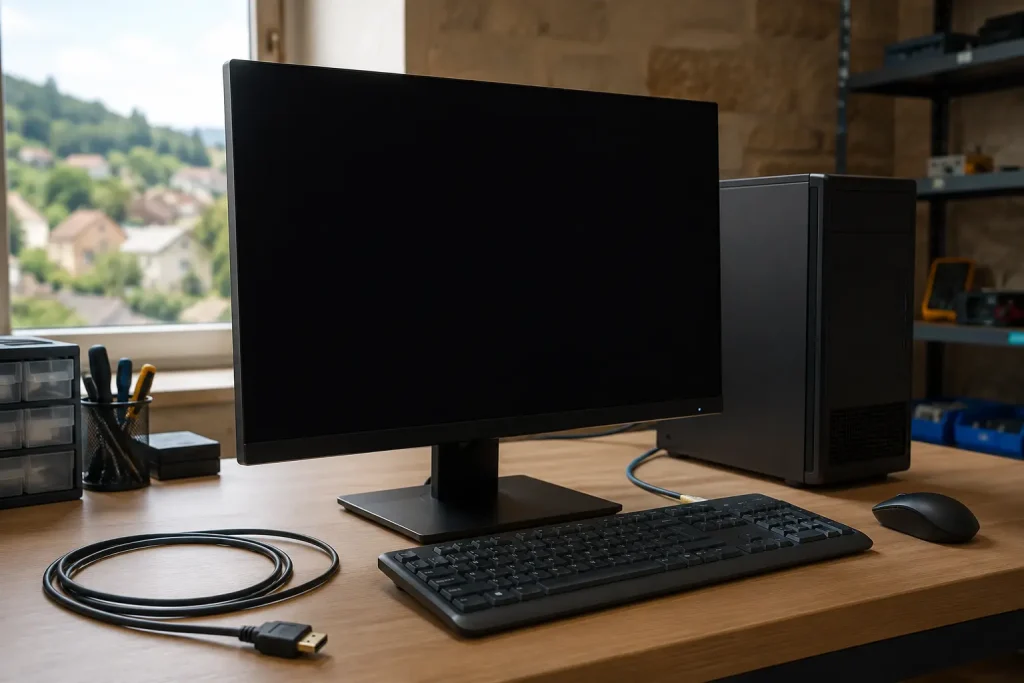
A practical sequence for separating a display problem, Windows fault or hardware failure before replacing a computer.
PCs & Computers
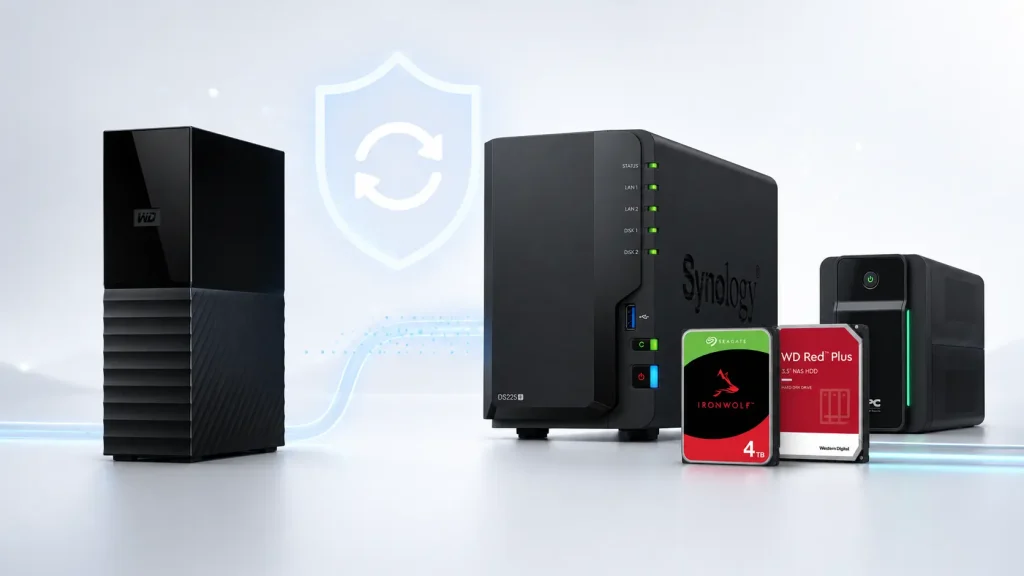
For 300 to 500 GB, a NAS is not automatically necessary A collection of 300 to 500 GB can contain years of photographs, administrative documents, professional files or records that are essential to a small organisation. Capacity alone, however, is not enough to determine the most suitable backup solution. An external hard drive may be […]
PCs & Computers
A PC that keeps restarting by itself may be suffering from overheating, unstable power, faulty RAM, an incompatible driver, a Windows error or a failing component. The exact moment when the restart occurs is often the most useful clue.
PCs & Computers
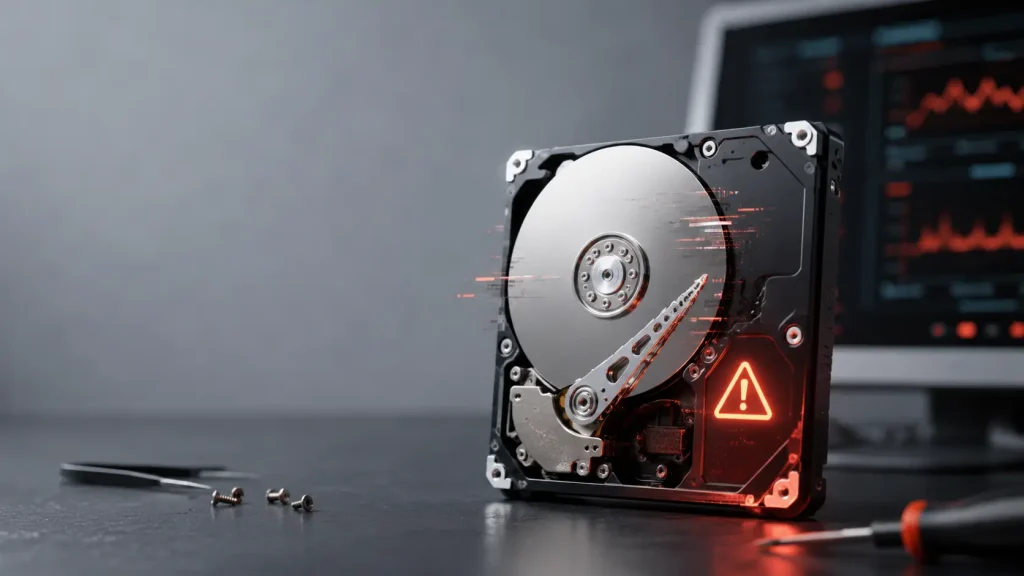
The most common signs of a failing hard drive A mechanical hard drive, also known as an HDD, contains spinning platters and read heads that move extremely close to their surface. These mechanical components can wear out, suffer damage after a shock or begin struggling to read certain areas of the drive. Failure is not […]